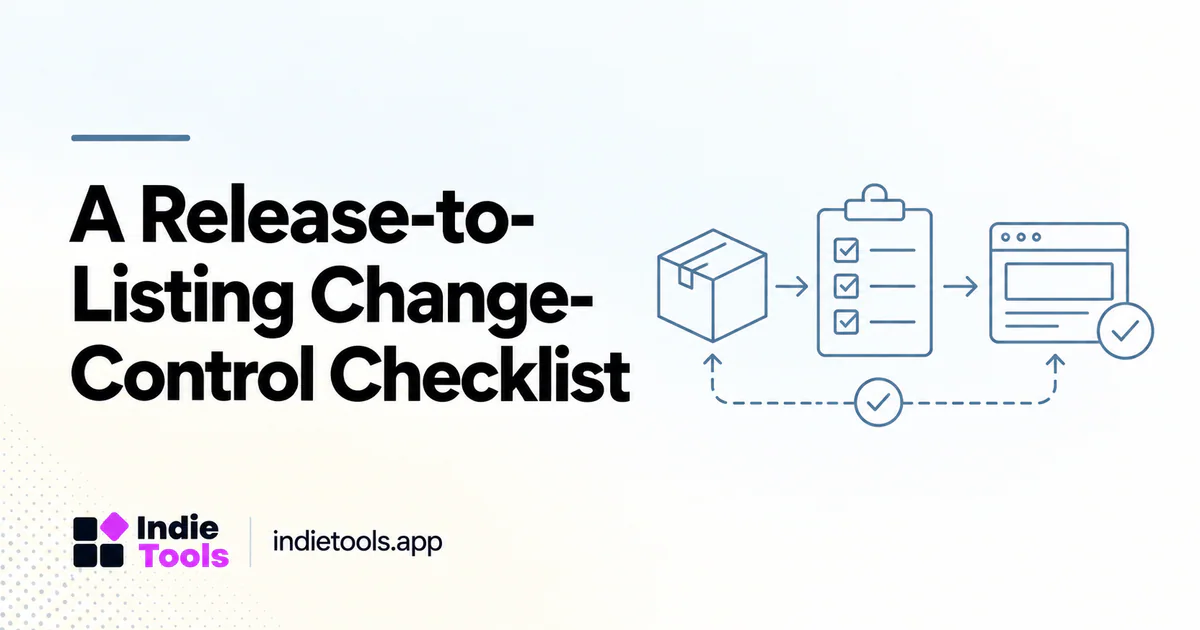
Use a release-to-listing checklist to update every public surface affected by one shipped change. Connect each statement to release evidence, assign an owner and verify publication state before activating related links.
For the available release fields and note format, read how IndieTools release notes and product history work. This checklist focuses on coordinating the resulting changes across public content; it does not describe an automatic IndieTools publishing service.
A directory update should explain how a product change affects a prospective user. It is not a second copy of an internal commit log. Translate the release into a clear task, availability condition and next step while preserving the facts of what actually shipped.
For founders, this creates a useful bridge between product development and ongoing discovery. Instead of announcing that the team is “still building,” the update gives readers a specific reason to revisit the product.
Separate release evidence from announcement copy
Begin with the verified release record: the change, its release date, the affected platform or plan and any limitations. Keep unshipped work and private experiments out of the public availability statement.
Then write the announcement around the user problem. An illustrative technical note such as “added CSV export to feedback query” could become “export a filtered feedback list for your weekly planning review.” The second sentence explains the workflow, but it must not imply that attachments or all account data are included unless that is true.
Decide whether the listing itself needs an update
A release post is temporary communication; the product listing is a persistent description. A new core capability may belong in both. A small bug fix may need only a release note unless the existing listing describes the affected behavior incorrectly.
Review screenshots, feature summaries and platform labels after material changes. Do not leave the listing promising an old workflow while the update explains a completely different experience. Consistency matters more than maximizing the number of public posts.
Keep one change-control record across public surfaces
Continue the illustrative filtered-feedback export example. The verified change is a CSV export for a defined set of records; attachment export and availability on every plan are not assumed. Use the same bounded statement wherever the feature is described.
| Surface | Fact to verify | Publication gate |
|---|---|---|
| Release record | Shipped behavior, release date, affected platform or plan and limitations. | The release owner confirms what is available before announcing it. |
| Permanent product listing | The feature summary describes the current capability without broadening its scope. | The listing editor checks the statement against the release evidence. |
| Documentation | The instructions match the available workflow and its access requirements. | A reviewer follows the steps with permitted sample data. |
| Screenshots or demonstration | The visible interface is current and contains no private information. | The media reviewer checks the image and its explanatory caption. |
| Founder announcement | The audience, availability statement and next step agree with the permanent record. | The announcement owner checks the destination after publication. |
| Related guides | Each proposed destination is the intended canonical page. | Keep draft relationships in the plan until the target is public and resolves. |
Assign a real responsible person for each applicable row and record the source, current state and checked URL. One person may own several rows. Roles in this worksheet describe an editorial process; they are not claims about permissions or automation supplied by a particular platform.
Write for the right audience
A current user may need migration instructions, while a prospective buyer needs to understand why the change matters. Separate those messages when necessary. A directory visitor should not have to decode an internal feature name to understand the product.
IndieTools' social feed supports founder updates, releases and changelog-oriented discovery. [1] Use the appropriate public context for a meaningful update, then direct readers toward the product details that explain the current offering.
Include proof without exposing private data
Use a current screenshot or a short demonstration built with safe sample data. Label illustrative data clearly and remove customer names, private conversations, access tokens and other sensitive material.
A screenshot should support the exact claim. Showing an export button proves that an interface contains the button; it does not establish that the export is complete, reliable or available on every plan. Verify those conditions through the release process and explain them where relevant.
Make the next step specific
Choose one primary destination: a product page, the relevant documentation or the changed workflow. A list of unrelated calls to action makes it harder to understand what the reader should do.
For an existing customer, the next step might be opening the feature guide. For a new visitor, it may be reviewing the product listing before signing up. Use descriptive links rather than implying that every reader should immediately purchase the most expensive plan.
Review the response and update the source
Track useful questions and recurring misunderstandings. If readers repeatedly assume the feature does something it does not, revise the announcement and persistent description rather than answering the same correction indefinitely.
Keep a small release-to-content checklist: shipped behavior verified, availability checked, listing reviewed, screenshots safe, destination working and follow-up owner assigned. This is an editorial workflow recommendation, not a claim that IndieTools automatically performs these steps for every maker.
Propagate corrections without rewriting release history
If the export description later proves too broad, identify every affected row in the change-control record. Correct the permanent listing and instructions, replace misleading media, and update the announcement when its claim changes. Verify the corrected destinations before considering the work complete.
Keep the original release identity and date. Add a dated correction that explains the reader-visible change when it affects availability or required action. A correction is new information about an existing release, not evidence that the product originally shipped on a different day.
Frequently asked questions
Should every bug fix become a directory post?
No. Publish changes that help readers understand the product or solve a relevant problem. Minor internal maintenance can remain in the detailed changelog.
Can one release support several content formats?
Yes, when each serves a different audience or purpose. Keep the underlying facts consistent and avoid publishing many near-identical pages solely to increase URL count.
What should a release update measure?
Measure relevant actions and feedback, such as documentation visits or questions about the changed workflow. Do not equate announcement views with product adoption.
Explore related IndieTools resources: product categories.
Continue your research
- Social Tools for Repurposing Release Notes
- Update Programmatic Content When Products Change
- Product Listing Screenshots That Explain the Task
Sources and verification
Sources consulted for this article on October 1, 2026. Product capabilities are documented claims unless an actual test is explicitly described.