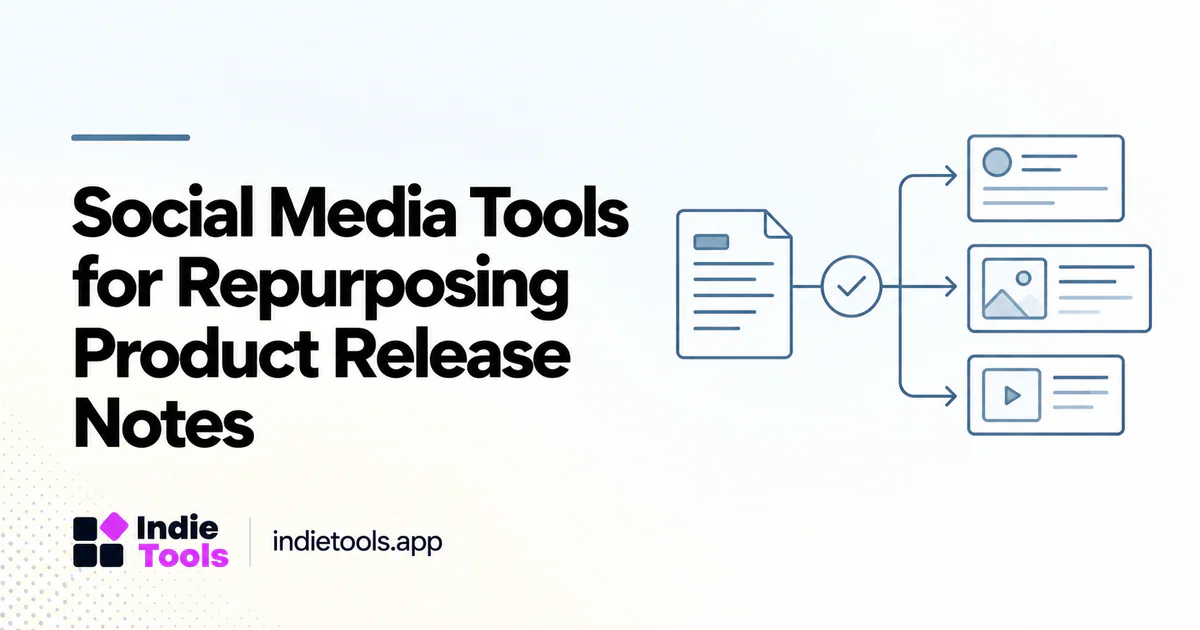
The right social media workflow turns a verified product change into a useful explanation for each audience. It should not turn one release note into a dozen repetitive posts or add benefits that the product team never shipped.
Start with a canonical release record, then adapt the presentation. This makes scheduling tools useful without allowing them to become a second, conflicting source of product truth.
Create a release brief before opening the scheduler
Write down what changed, who can use it, why it matters and any limitations. Include a screenshot or short demonstration only when it shows the released behavior. Mark beta access, plan restrictions and gradual rollouts explicitly.
For example, “CSV imports now preview validation errors before submission” is a concrete change. “Our AI-powered workflow eliminates all onboarding friction” is a much broader claim that the release does not establish. The brief should make it easy to preserve that distinction during editing.
Choose the tool around the handoff
A solo founder may need drafts, a calendar and a reliable reminder to check publication. A team may also need approvals, separate brand accounts and a record of who edited the final text.
PostPlanify's IndieTools listing describes scheduling and collaborative publishing features, while Buffer presents social publishing and related tools on its own site. [1] [2] These are starting points for a requirements-based shortlist, not a hands-on comparison or a claim that every feature is available on every plan.
Adapt the message without changing the facts
A short announcement can focus on the problem solved. A longer post can show a before-and-after workflow. A customer-facing thread can explain how to enable the feature and where to find the documentation.
Keep factual anchors consistent: feature name, availability and destination URL. Avoid rewriting limitations out of the message merely to make it shorter. When a platform's format cannot comfortably carry the necessary detail, link to the complete release note and keep the social claim appropriately narrow.
Review the preview and destination
Inspect how the post will look on the actual platform, including image cropping, link previews and any truncated text. A screenshot with unreadable labels is not a useful demonstration, even when it fills the recommended image dimensions.
Test the destination while logged out. Readers should not encounter an internal draft, an unexplained login screen or an outdated help article. When the feature requires an account, the public page should still explain what the reader can expect after signing in.
Separate scheduling from conversation
Publishing is only the first step. Assign someone to review relevant replies and answer questions about the release. A scheduled post should not imply a level of immediate support that the team cannot provide.
Do not automate unsolicited replies to unrelated conversations simply because a tool makes it possible. Useful distribution is based on relevance and platform rules. A specific product improvement can create a genuine conversation without being inserted into every discussion containing a broad keyword.
Measure the content's actual job
Choose a measurement that fits the announcement. A setup tutorial may aim to help existing users adopt a feature. A public release announcement may aim to attract qualified visitors to a product page. These should not be judged solely by impressions or likes.
An illustrative review can compare two messages about the same verified release, using distinct campaign identifiers where appropriate. Keep the audience and posting conditions in mind. A difference in results does not isolate the wording if the posts reached different people at different times.
Keep a reusable release library
Store the approved brief, final posts, visuals and destination links together. This reduces the chance that an old screenshot or outdated availability statement is reused months later. When a feature changes, mark the affected materials for review.
IndieTools can be another discovery surface for accurate product information, but it should receive a useful product update—not simply a copy of every social post. The durable product record and the temporary announcement serve different purposes.
Questions when choosing a scheduler
Is AI-generated copy safe to publish without review? Review it against the release brief, especially claims about availability, outcomes and integrations.
Should every platform receive identical text? Preserve the facts, but adapt the explanation to the format and audience.
What is the most important automation? A dependable handoff from approved facts to reviewed publication. Content volume is not the objective.
Explore related IndieTools resources: product categories.
Continue your research
- Buffer Alternatives for Founder Announcements
- Turn Release Notes into Useful Directory Updates
- A 30-Day Post-Launch SaaS Discovery Plan
Sources and verification
Sources consulted for this article on October 1, 2026. Product capabilities are documented claims unless an actual test is explicitly described.