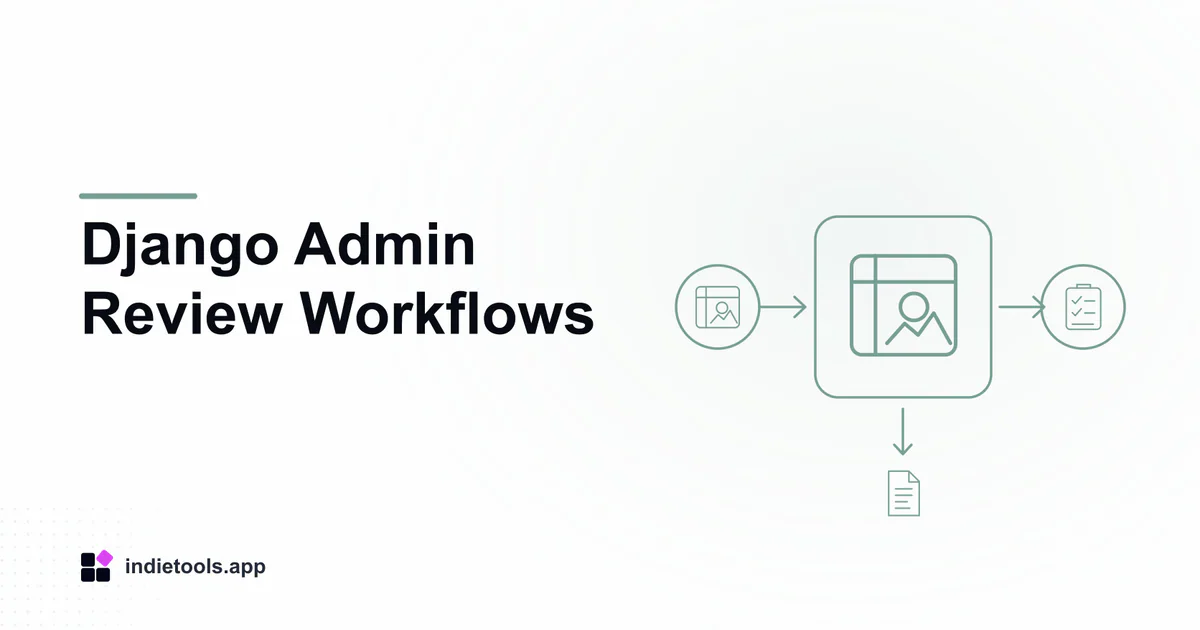
A good Django review interface presents a decision and its consequences, not merely an editable database status. Operators need to know what is eligible, what evidence is missing and what will happen when they approve, reject or request a correction.
Django's admin documentation describes the admin as a model-centric internal management tool. It recommends considering custom views when the work becomes process-centric. That distinction is useful when a dropdown no longer expresses the real business rules.
Start from the operator's task
Describe the review in ordinary language. A directory operator may verify a product's identity and decide whether its submission can become public. A video workflow may review whether an output is ready for delivery.
The Django catalogue includes PublishYourSaaS, a directory, and Cliptude, a video-generation product. Their declared framework association does not make their review processes interchangeable or reveal their admin implementation.
Use the actual workflow to decide which facts belong together on the review screen.
Show evidence beside the decision
Place the current record, relevant validation results and the proposed public outcome where the reviewer can compare them. A status value without context encourages operators to infer missing facts.
Make uncertainty explicit. “Website could not be checked” is different from “website is invalid.” Let the operator choose an appropriate correction or retry path instead of forcing a misleading binary label.
Avoid displaying sensitive fields that do not help the review. Internal access is still a product permission boundary.
Define permitted transitions centrally
The same rules should govern a public action, an admin button and a background process. If one path publishes a record without checks that the others require, the interface has created a bypass.
Represent meaningful actions such as approve, return for correction or archive. Attach the necessary permission, reason and preconditions to each action.
Some legacy records may need deliberately different handling. Preserve that policy explicitly rather than forcing historical data through requirements that did not exist when it was accepted.
Protect against stale reviews
Two operators may open the same record. One changes it while the other still sees the old state. Before applying a decision, verify that the relevant facts or revision still match the reviewed version.
If they changed, explain the conflict and show what needs another look. Silently accepting an outdated decision can undo a valid correction or publish information the reviewer never saw.
For bulk operations, show the selected scope and report per-record outcomes. Do not hide partial failures behind a single success banner.
Keep the outcome traceable
Record who made the decision, the reason when required and the resulting state. Separate this audit trail from temporary debug logs.
After approval, show the actual public link only when publication is valid. If a follow-up message fails, preserve the distinction between the saved decision and notification delivery.
The Django commit-boundary guide covers that separation in detail. A well-designed admin workflow combines a clear human decision with a consistently enforced application transition.
Review permissions with a second restricted operator account, not only the administrator who built the screen.
 Cliptude
 Stardew Valley Tracker
 IcyZip