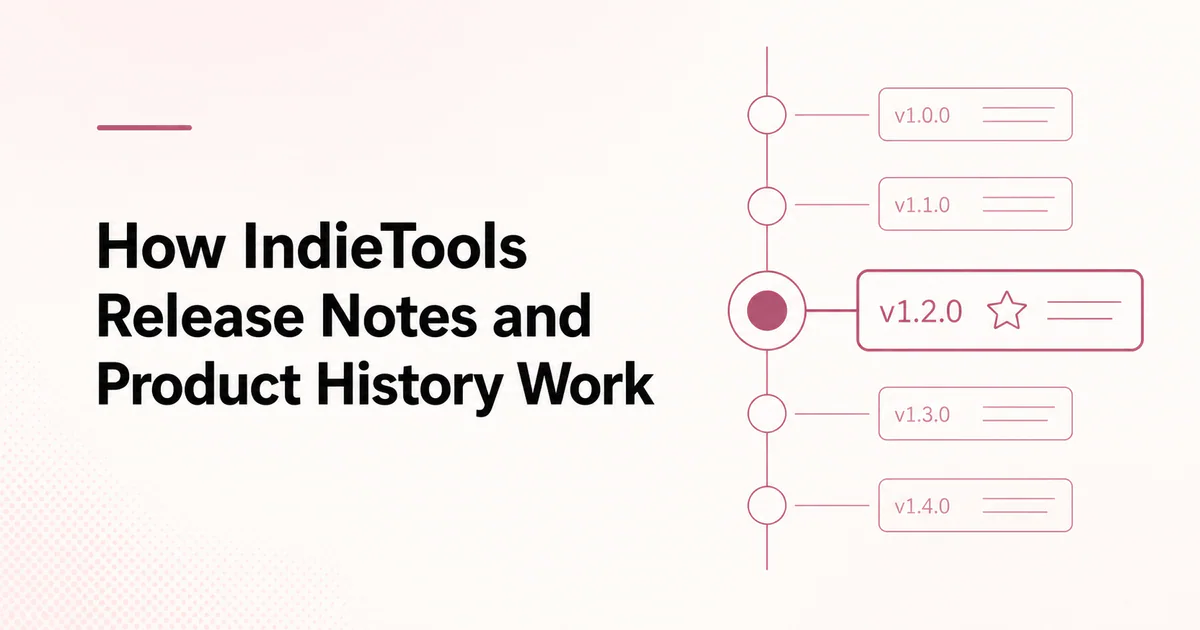
Quick answer: IndieTools lets founders attach versioned release notes to a product's permanent page. A release can include a version number, release date, title, Markdown-formatted notes, and an optional announcement or documentation link. Founders can also share the release to the social feed, connecting the permanent product record with current community activity.
A product directory usually describes what a product is now. Release history adds the missing timeline: what changed, when it changed, and how the product continues to develop.
What appears in an IndieTools release
A complete release can include:
- version number or release label;
- release date;
- concise release title;
- Markdown-supported notes;
- features, improvements, fixes, and breaking changes;
- optional link to documentation or a full announcement;
- discussion when shared through the social feed.
The release remains connected to the product page, where visitors can also see the current description, creator, features, technologies, and related products.
Why public product history matters
Release notes can help several audiences:
| Audience | Useful signal |
|---|---|
| Existing users | What changed and whether action is required |
| Prospective users | Evidence that the product is maintained |
| Founders | A durable record of product decisions |
| Support teams | A reference for behavior changes |
| Search visitors | Current, product-specific information |
| Followers | A reason to revisit the product |
Release history is evidence of shipping, not proof of quality. A long changelog does not compensate for unreliable software or unclear positioning.
Release note vs product description
The product description should explain the current product. Release notes should explain changes over time.
Do not leave obsolete facts in the main description because an old release explains them. When pricing, availability, platform support, or core positioning changes, update the permanent product listing as well.
Use how to optimize an IndieTools product listing for the evergreen layer.
Release note vs social post
| Release note | Social post |
|---|---|
| Attached to one product | Attached to founder activity and optionally a product |
| Structured by version and date | Structured as a timely update or discussion |
| Best for durable change history | Best for progress, lessons, questions, and milestones |
| Expected to remain factual | Can include wider founder context |
| May be shared to the feed | Already appears in the feed |
A major release often needs both: structured notes for the permanent record and a short social introduction that explains why it matters.
Read how to share product updates on IndieTools.
What deserves a product release?
Publish a release when users or future evaluators may need to reference the change:
- a new major feature;
- a redesign or navigation change;
- a new platform, integration, or API version;
- a significant performance or reliability improvement;
- revised pricing or packaging;
- a migration;
- a security improvement that is safe to disclose;
- a breaking change or deprecation;
- a meaningful repositioning.
Routine internal tasks, copy edits, and minor fixes can be grouped into a periodic maintenance release or omitted.
How to write a useful release title
The title should communicate the user-facing outcome.
| Weak title | Stronger title |
|---|---|
| Update 2.4 | Faster imports and resumable uploads in v2.4 |
| Big changes | Team permissions and audit history |
| New feature | Scheduled reports for client workspaces |
Keep the version number in its own field when possible. Use the title to explain what is important.
A practical release-note structure
Summary
Open with two or three sentences explaining who benefits and what changed.
New
List capabilities that did not exist before.
Improved
Explain meaningful changes to speed, usability, reliability, or workflow.
Fixed
Describe resolved behavior in user language. Avoid exposing exploit details or sensitive internal systems.
Breaking changes
State affected users, required action, deadlines, compatibility, and migration guidance.
What comes next
Add only confirmed next steps. Do not present uncertain ideas as committed roadmap promises.
Reusable Markdown template
## Summary

[Who this release helps and the main outcome.]

## New

- [New capability]
- [New integration or workflow]

## Improved

- [Improvement and practical effect]

## Fixed

- [Resolved issue in user language]

## Action required

[Migration, deadline, or “No action required.”]

## Learn more

[Documentation or announcement link]
Use evidence without exaggeration
Good release notes distinguish measured facts from expectations.
Prefer:
- “Median processing time fell from 18 seconds to 11 seconds across our 500-file test set.”
Avoid:
- “Everything is now unbelievably fast.”
State the test conditions for performance claims. For security changes, explain the user action and protection without publishing details that would help abuse.
Handling breaking changes
A breaking change should be impossible to miss. Include:
- affected versions or plans;
- old and new behavior;
- migration steps;
- deadline;
- rollback or support options;
- documentation link.
If the change affects only a small group, contact those users directly in addition to publishing public notes.
Connect releases to the founder profile
A founder profile can show products, posts, followers, and releases. This helps visitors see continued work across more than one product.
Use IndieTools founder profiles to keep identity and attribution complete.
Measure whether release notes help
Track outcomes related to the release:
- release-page views;
- product-page visits from the social feed;
- documentation clicks;
- upgrade or feature adoption;
- support questions after the change;
- followers gained from relevant activity;
- migration completion for breaking changes.
Do not treat raw release count as a product-quality metric.
Common release-note mistakes
Writing only for the development team
Commit messages are not release notes. Translate internal work into user impact.
Hiding required action
Put deadlines and breaking changes near the beginning.
Publishing a feature list without context
Explain which workflow improves and for whom.
Leaving the main listing stale
Update permanent product facts when the release changes them.
Claiming results without evidence
Use measured statements, define the sample, and avoid universal promises.
Frequently asked questions
Does IndieTools still have launch rankings?
No. IndieTools currently uses permanent product listings, product releases, founder posts, profiles, followers, and labelled Featured placement rather than a separate launch competition.
Can a release be shared to the social feed?
Yes. Sharing connects the permanent release record to current founder activity and discussion.
Must every release have a version number?
A version or clear release label is helpful, but products with continuous delivery can use dated or named releases if that better matches how users recognize changes.
Can I edit incorrect release notes?
Correct factual mistakes promptly. When a correction changes user action or compatibility, make the correction visible instead of silently changing a critical detail.
Are release notes indexed by search engines?
Public pages may be discovered and indexed, but indexing and ranking are not guaranteed. Write primarily for users who need the change record.

 Appnary