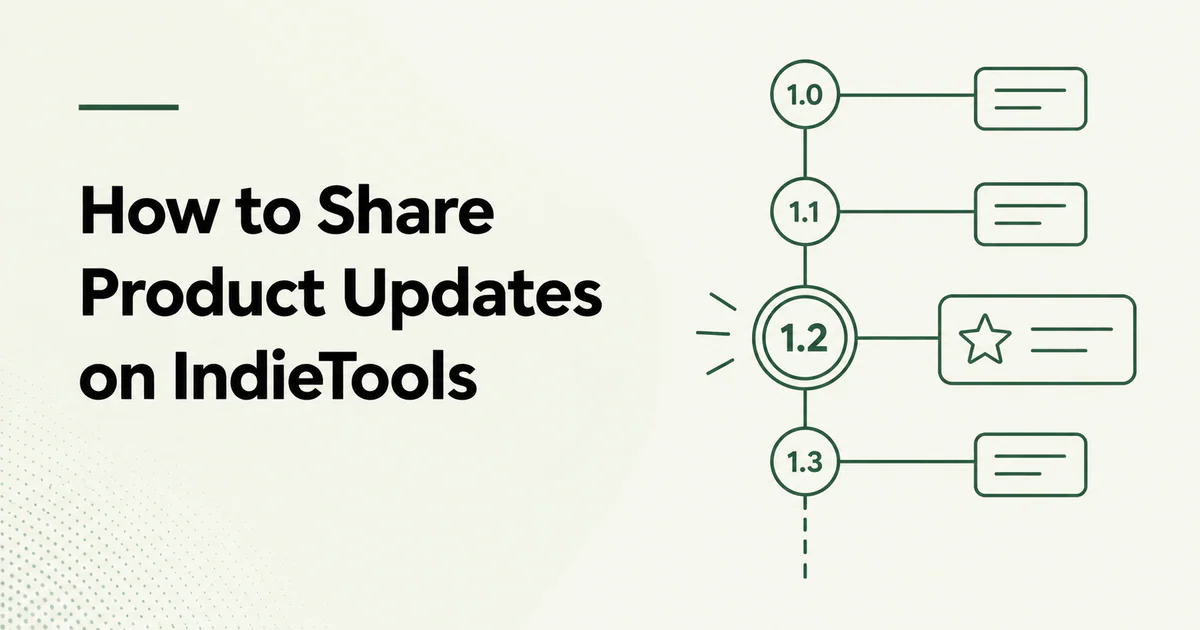
Quick answer: Sign in to IndieTools, open the social feed, and publish a focused update about something you built, changed, learned, or released. Connect the post to the relevant product when possible. Use a regular post for progress and discussion; use a product release for versioned changes that should remain in the product's permanent history.
IndieTools is both a product directory and a place for founders to share what they are building. A useful update can help someone discover the product, understand the decision behind it, and follow the founder's future work.
The goal is not to turn the feed into an advertising stream. The strongest updates contain enough context to teach, invite feedback, or document meaningful progress.
Where an update can appear
An IndieTools update can connect several public surfaces:
| Surface | Role |
|---|---|
| Social feed | Shows recent founder posts and product activity |
| Founder profile | Collects the founder's products, posts, followers, and releases |
| Product page | Connects updates and release history to the product |
| Release page | Preserves versioned product changes |
| Newsletter | May surface selected community activity to subscribers |
This structure gives a post more context than an isolated social update. A reader can move from the update to the product, inspect the maker's profile, and decide whether to follow future work.
Post or product release?
Choose the format based on what needs to remain discoverable.
| Use a social post for | Use a product release for |
|---|---|
| Work in progress | A named or numbered version |
| A lesson or tradeoff | A substantial feature set |
| A question for other founders | A redesign or platform change |
| A milestone | A public changelog entry |
| Early feedback | Changes users may need to reference later |
A release can also be shared to the social feed. That gives the update immediate community visibility while keeping the permanent record attached to the product.
Read how IndieTools release notes work before publishing a versioned update.
Step 1: choose one useful point
A post should have one primary reason to exist. Examples include:
- what changed and why;
- a customer problem you understood differently;
- a technical or design decision;
- a result from an experiment;
- a mistake and the correction;
- a milestone with evidence;
- a focused request for feedback.
Avoid combining an entire month's activity into an unstructured paragraph. If several changes belong together, publish a release with clear headings.
Step 2: provide the missing context
A reader should not need to know the product already. Explain:
- what the product does;
- which user or workflow the update affects;
- what changed;
- why the change matters;
- what response you want, if any.
Compare these openings:
We shipped a big update. Check it out.
Our screenshot API users were waiting too long for pages with third-party scripts. We changed the capture timeout model and added a per-request override. Median completion time in our test set fell from 11 seconds to 7 seconds. We are looking for edge cases on JavaScript-heavy dashboards.
The second version gives the reader a problem, change, evidence, and useful next action.
Step 3: connect the correct product
Attach the post to the relevant product when the interface supports it. This helps visitors move from the update to the permanent listing.
Before posting, confirm that the product page still has:
- a current tagline and description;
- working destination links;
- accurate pricing and availability;
- correct founder attribution;
- relevant categories and technologies;
- recent screenshots or features.
Use how to optimize an IndieTools product listing for a complete review.
Step 4: make the update easy to scan
Use a short title that names the outcome or decision. For a larger update, use this structure:
What changed
State the release or decision without a long introduction.
Why we changed it
Explain the user problem, evidence, or tradeoff.
What users can do now
Describe the practical effect and any action required.
What comes next
Add a focused feedback request or next step only when useful.
Step 5: use evidence responsibly
Evidence makes updates more credible, but it must be accurate. Useful evidence includes:
- before-and-after screenshots;
- measured performance changes;
- anonymized workflow examples;
- a documented support pattern;
- an experiment result with sample size;
- a public demo or documentation link.
Do not expose customer records, private messages, credentials, security details, or revenue data you do not have permission to share. Avoid claims such as “users love it” without supporting evidence.
Step 6: invite a specific response
“Thoughts?” produces weak feedback. Ask a question someone can answer:
- Does this onboarding order match how you expect to configure the product?
- Which of these two export formats fits your workflow?
- Are there accessibility issues in the new navigation?
- Which edge case should the documentation cover next?
If no feedback is needed, end with the result. Every post does not need a call to action.
Step 7: respond and keep the record current
Answer relevant questions and correct factual mistakes. If discussion reveals a product issue, update the official product page or release notes instead of leaving the correction only in a comment.
The IndieTools founder profile becomes more useful when posts show a consistent pattern of real work rather than repeated promotion.
A reusable update template
Title: [Outcome or change]

We changed [specific part] for [specific user/workflow].

The problem:
[One or two sentences of context.]

What changed:
- [Change one]
- [Change two]
- [Change three]

Why it matters:
[Practical user effect or measured result.]

Feedback:
[One focused question, if needed.]
What not to publish
Avoid:
- identical posts repeated across several products;
- engagement bait or artificial follower exchanges;
- unsupported customer or performance claims;
- confidential incident details;
- keyword-stuffed text written for search rather than readers;
- a new post for every minor internal task;
- links with no explanation of why they matter.
How often should founders post?
There is no required frequency. Publish when there is a useful decision, lesson, release, or question. One specific update each week can be more valuable than daily posts with no new information.
Measure quality through product-page visits, relevant replies, new followers, documentation use, and activated users—not raw post count.
Frequently asked questions
Is the IndieTools feed located at /feed?
No. The current public URL is indietools.app/social.
Can I share an update without creating a release?
Yes. Use a regular social post for progress, lessons, questions, and milestones. Use a release when the change belongs in the product's version history.
Can a release appear in the social feed?
Yes. IndieTools can connect a published product release to community activity, giving it both a permanent product record and a social discovery path.
Do posts guarantee reach or customers?
No. They create discovery opportunities. Relevance, product quality, timing, audience fit, and onboarding determine what happens after someone sees the post.
Should I repost the same announcement from another network?
You can preserve the same facts, but add enough context for IndieTools visitors to understand the product and decision without opening another platform.

 Appnary