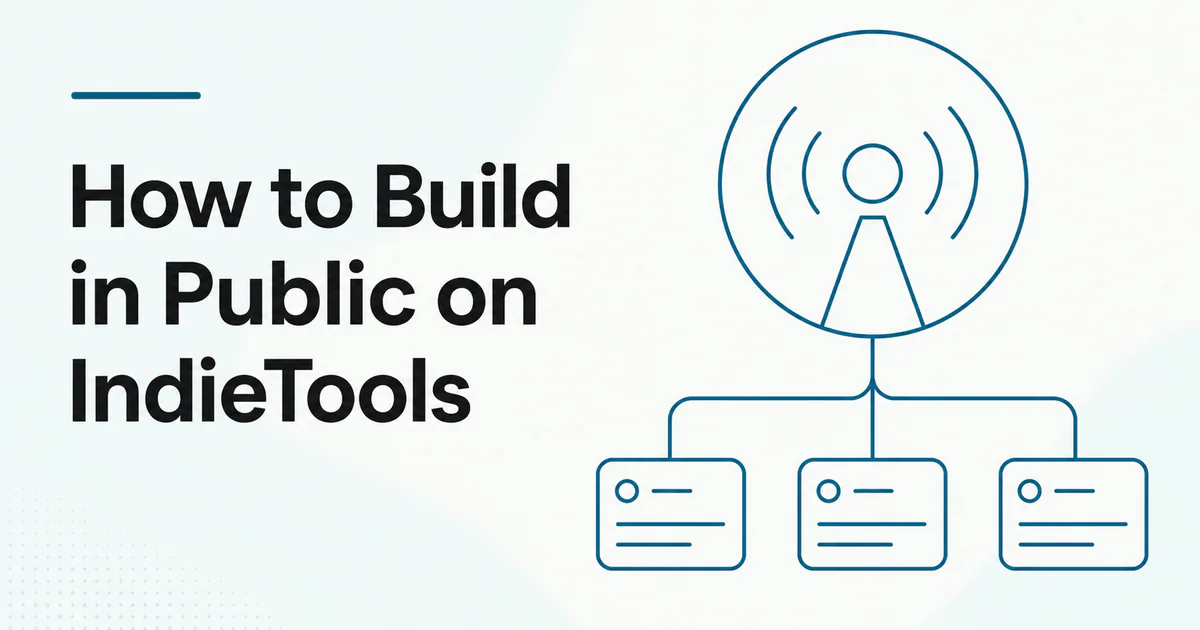
Quick answer: Build in public on IndieTools by connecting a complete product listing to your founder profile, publishing concise posts about real decisions and progress, using structured release notes for major changes, and giving followers useful context between releases. Share evidence, tradeoffs and lessons—not a daily stream of empty promotion. Protect customer data, private metrics and security-sensitive details.
IndieTools keeps founder updates close to the products and releases they describe. That context helps a visitor move from a post to the actual product, understand the maker and follow future work.
What “build in public” means
Building in public means sharing selected parts of the product journey so other people can learn, contribute feedback or follow progress. It does not mean publishing everything.
Useful public material includes:
- product decisions;
- release preparation;
- design or technical tradeoffs;
- user-research lessons;
- milestone retrospectives;
- experiments and results;
- roadmap changes;
- failures and corrections.
Private material can include customer records, credentials, security details, confidential revenue terms, employee information and unreleased legal matters.
How IndieTools supports the workflow
| IndieTools surface | Role in build in public |
|---|---|
| Product listing | Stable explanation of what you are building |
| Founder profile | Public identity and activity portfolio |
| Posts | Ongoing progress and lessons |
| Followers | People who want future updates |
| Product release | Permanent record of a major change |
| Blog | Deeper guides, comparisons and retrospectives |
These surfaces should reinforce one another without duplicating the same text.
Step 1: complete the product foundation
Before publishing progress, make sure visitors can understand the product. The listing should state:
- target user;
- main problem;
- core outcome;
- current availability;
- official destination;
- creator identity.
Use how to optimize an IndieTools product listing. If the product is not yet listed, start at the submission page.
Step 2: complete your founder profile
Use a consistent name, handle, avatar, bio and social links. Connect only products you own or maintain.
The founder profile gives every post context. Someone who discovers a release lesson can see what you built; someone who discovers a product can see how you think and what else you have shipped.
Read IndieTools founder profiles.
Step 3: choose content pillars
Pick three to five recurring themes that match your experience:
- product discovery and validation;
- engineering and architecture;
- design decisions;
- onboarding and customer feedback;
- release and distribution;
- pricing experiments;
- operating as a solo founder.
Pillars prevent random updates and help followers know what to expect.
Step 4: publish evidence-led posts
A useful short post can follow this structure:
- Context: What were you trying to achieve?
- Decision: What did you change?
- Evidence: What did you observe?
- Lesson: What should another founder learn?
- Next step: What will you test now?
Example:
Our onboarding asked six questions before users saw the dashboard. We reduced it to two required fields and moved setup guidance into the first project. More users reached the first result, but support questions increased. Next we are testing an in-product checklist.
This gives readers something concrete without exposing private data.
Step 5: separate updates from releases
Use a post for:
- weekly progress;
- a lesson;
- a small feature;
- a question;
- a retrospective.
Use a release for:
- first public version;
- major version;
- public beta;
- substantial new platform;
- major repositioning.
Read IndieTools directory vs social feed before turning routine updates into repeated releases.
Step 6: write for the IndieTools audience
The audience includes builders, early adopters and people discovering software. Useful topics connect product decisions to practical outcomes.
Instead of:
Big things coming. Stay tuned.
Write:
We are replacing our generic onboarding with three templates for agencies, SaaS teams and freelancers. The goal is to shorten time to first report. Which starting workflow would you expect in an analytics product?
Specificity invites useful response.
Step 7: use followers respectfully
Followers signal interest in future work. Respect that attention:
- publish when there is substance;
- keep product identity clear;
- avoid repetitive calls to vote;
- do not manufacture follower counts;
- acknowledge feedback;
- correct inaccurate posts;
- avoid mass-tagging people.
Read how followers and social discovery help founders.
Step 8: connect posts to the right destination
Link to:
- the product listing for stable context;
- a product release for the current version;
- official documentation for technical detail;
- a deeper IndieTools blog article when the post summarizes a larger lesson.
Use descriptive anchor text. Do not put several irrelevant links into every update.
Browse the IndieTools product directory to understand the canonical listing structure.
What to share and what to keep private
| Usually safe to share | Review before sharing |
|---|---|
| Product decision and rationale | Exact revenue or cost data |
| Aggregated experiment result | Small samples that identify a user |
| Public roadmap theme | Security architecture details |
| Release lesson | Customer messages or screenshots |
| Technical tradeoff | Credentials, tokens or internal URLs |
| Failure and correction | Legal, employment or acquisition terms |
Obtain permission before publishing customer names, quotes or identifiable usage.
A sustainable publishing cadence
Consistency does not require daily posts. A practical cadence might include:
- one meaningful weekly update;
- one detailed monthly retrospective;
- a release post for major releases;
- occasional questions when feedback can influence a decision.
Choose a pace that does not replace product work. Quality and continuity matter more than volume.
Build-in-public metrics
Measure:
- profile visits;
- relevant follower growth;
- product clicks from posts;
- feedback quality;
- repeated audience questions;
- release-page visits and responses from existing followers;
- activation or conversion assisted by updates;
- time spent creating content.
Do not turn follower count into the sole goal. A small group of relevant early adopters can provide more value than broad passive reach.
Common mistakes
- posting only wins;
- sharing screenshots without context;
- revealing customer information;
- treating every update as a release;
- copying the same post across every channel;
- asking for support before explaining the product;
- optimizing for controversy unrelated to the product;
- abandoning the profile after publishing an update.
For a broader strategy, read how to build in public as a SaaS founder.
Frequently asked questions
Do I need to publish every day?
No. Publish when you can share a meaningful decision, result, question or milestone.
Can I build in public before the product is live?
Yes, but make the stage clear. Do not present an idea or private prototype as an available product.
Should I share revenue numbers?
Only if they support a useful lesson and you are comfortable making them permanent. Never expose customer-level data.
Can a post replace a release?
A post is appropriate for routine progress. Use a structured release for a major change worth preserving in the product's public history.
 Appnary