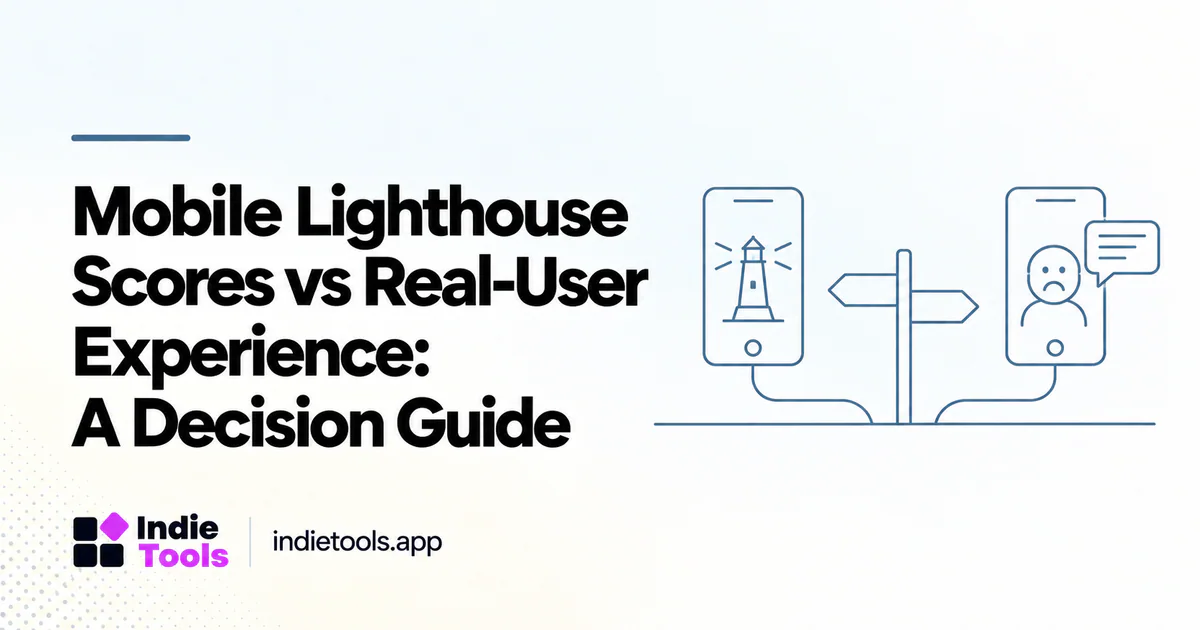
A strong mobile Lighthouse score and a frustrating user report can both be real. They describe different evidence. The lab test captures a controlled scenario, while a user's session reflects the device, network, route, state, and interactions that person actually experienced. The useful question is not which source is wrong, but which part of the journey each source can explain.
Google's performance guidance explicitly distinguishes lab observations from field experience. Treat the difference as a reason to investigate rather than an excuse to ignore either source. [1]
Start with the complaint, not the score
Write down what the user could not do. Did the pricing table appear late? Did a button fail to respond? Did a workspace take too long to open after authentication? A generic complaint about a “slow website” needs a concrete journey before it can become a useful test case.
Record the route, approximate time, device class, and application state when available. Avoid collecting personal information that is unnecessary to diagnose the issue. A reproducible sequence is more valuable than a screenshot of a green score.
Then ask whether the lab test exercised that sequence. A navigation-only homepage test may not include the workspace interaction the user described. The apparent contradiction can disappear once the scopes are aligned.
Separate loading, interaction and stability
Core Web Vitals address loading, interaction responsiveness, and visual stability through LCP, INP, and CLS. [2]
Use those dimensions to organize the investigation. A page that paints promptly can still respond poorly to a filter click. A responsive page can still shift its call to action when an embed arrives. A single summary number is not a complete account of these experiences.
Create a short diagnostic note for each issue: visible symptom, suspected stage, evidence source, and next test. This prevents the team from optimizing whichever metric happens to be easiest to improve instead of the one connected to the user problem.
Check whether the audience matches the test
Your visitors may use a wider range of devices and connections than the lab setup represents. They may arrive from different locations, use browser features that alter resource loading, or return with cached assets. The test does not need to reproduce every possible session to be useful, but its limits should be understood.
Segment your own observations where the sample supports it. A mobile problem concentrated on one route can disappear inside a site-wide average. Conversely, a few unusual sessions should not be described as the experience of the whole audience without checking the distribution.
When the sample is small, report the individual problem and its reproducibility. Do not invent precision by calculating elaborate percentages from a handful of sessions.
Reproduce the relevant interaction
Once the task is clear, test it deliberately. Open the page, begin the action at the same point in the journey, and inspect the response. For an application, use a representative test dataset rather than an empty account that avoids the work real users perform.
Compare a clean first visit with a returning session when both matter. A route may look fast after its resources are cached but remain frustrating to a new evaluator. Both observations can inform the product decision if they are labelled correctly.
Keep correctness in the acceptance criteria. A UI change that makes the button respond faster but saves incomplete data is not a successful performance improvement.
Use lab and field evidence for different jobs
Lab testing is well suited to repeatable diagnosis and release comparisons. Field evidence helps describe the experience of the observed audience. Use the lab to investigate a suspected cause, then check whether the relevant user experience improves after deployment.
For a new product with limited public field coverage, do not wait indefinitely to test. Use controlled scenarios and carefully collected first-party observations. Describe the evidence honestly instead of claiming a field-data pass that the available sample cannot support.
IndieTools Speed can help a founder find comparable public websites. Treat it as a discovery and lab-context surface, not as a replacement for the authenticated application measurements only the product team can collect.
A practical decision sequence
First, identify the affected journey. Second, inspect whether the existing lab test covers it. Third, reproduce the relevant state and interaction. Fourth, make a narrow change and repeat the test. Finally, review the corresponding audience evidence when enough observations are available.
This sequence avoids two common mistakes: dismissing users because a dashboard is green, and abandoning controlled tests because real-world sessions vary. Both sources become more useful when their roles are explicit.
Questions founders ask
Does a score of 100 mean every user has a good experience?
No. It is a result from a specific lab scenario. It does not describe every route, device, interaction, or application state.
Should field data always override lab data?
Not in every decision. Field evidence can reveal a real problem, while a controlled test can help isolate its cause. Use the evidence that matches the question, and preserve the distinction in reports and product comparisons.
Explore related IndieTools resources: weekly website speed measurements and product categories.
Continue your research
- PageSpeed Insights Has No Field Data: What Next?
- SaaS Website Speed Benchmarks: Compare Fairly
- SaaS Landing Page vs App Performance
Sources and verification
Sources consulted for this article on October 1, 2026. Product capabilities are documented claims unless an actual test is explicitly described.