A useful analytics support ticket describes a mismatch that another person can reproduce. “The dashboard is wrong” leaves the support team to guess the website, reporting window, metric and action that produced the result.
Start with one concrete example, preserve the relevant configuration and remove secrets before sharing evidence. The goal is a small investigation that can end in a clear fix or a documented explanation.
State expected and observed behavior
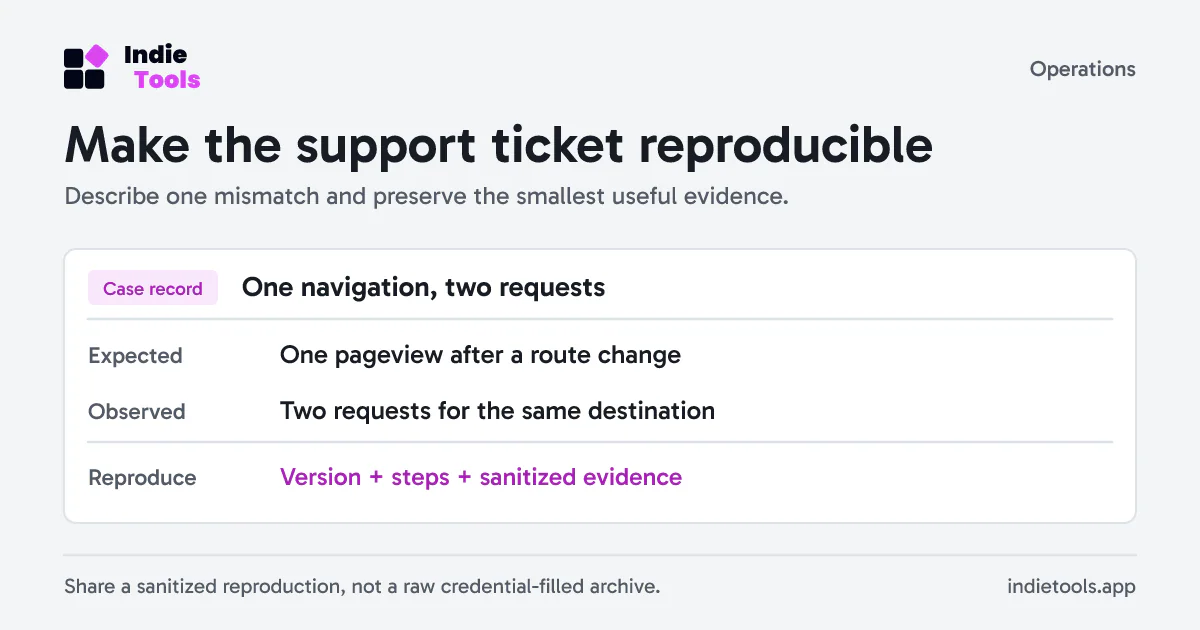
Write two separate sentences. For example: “I expected one pageview after navigating from the pricing page to signup. I observed two pageview requests with the same destination after that single navigation.”
That is more useful than “visits doubled,” which might describe a metric comparison, a routing defect or a real acquisition change. Include whether the observation comes from browser requests, a live view, an aggregated chart or a payment history row.
If the problem concerns a number, specify its unit. Visitors, sessions, pageviews, goal completions and paid customers are not interchangeable counts. If it concerns money, include the currency and whether you are comparing payments, refunds, a net aggregate or a provider payout.
Use a compact ticket template
Summary: One navigation produces two pageview requests
Environment: Staging; browser and operating-system versions
Integration: SDK version; automatic or manual navigation
Website: Internal site reference, shared through the support channel
Time window: Exact start/end and reporting timezone
Steps: Start route -> single action -> destination route
Expected: One accepted pageview for the navigation
Observed: Two requests; sanitized event identifiers attached
Frequency: Every attempt / intermittent / one observation
Recent change: Release identifier and relevant configuration change
Evidence: Redacted request fields and minimal reproduction
Impact: Reporting affected; checkout and sign-in still working
Fill the template with observed facts. If you have not tested another browser, say so. A statement such as “all users are affected” needs broader evidence than one session.
Attach the smallest useful evidence
Include a screenshot that shows the metric, selected period and filters. Add sanitized request fields when they explain the issue. Remove authentication headers, cookies, API keys, webhook secrets and customer details.
A full browser network archive can contain requests unrelated to analytics. Prefer a reduced example using a test account and synthetic values. If support needs a private payment identifier, provide it through the agreed secure channel rather than publishing it in a public issue.
Keep the original evidence privately until the issue is resolved. Repeatedly editing the only screenshot or replacing the payload with a new run can erase the detail that explains an intermittent failure.
Check the documented behavior first
Revfaro's JavaScript SDK guide provides several useful distinctions for a ticket: automatic versus manual pageviews, the effect of destroy() and reset(), query allowlists and delivery retries. Manual pageviews are explicit calls, so two calls can legitimately produce two events.
It also explains that a 202 response does not mean an event is already visible in the dashboard. Record the observation time and subsequent checks instead of treating immediate aggregation as guaranteed. Do not repeatedly send an event merely to make the chart appear sooner.
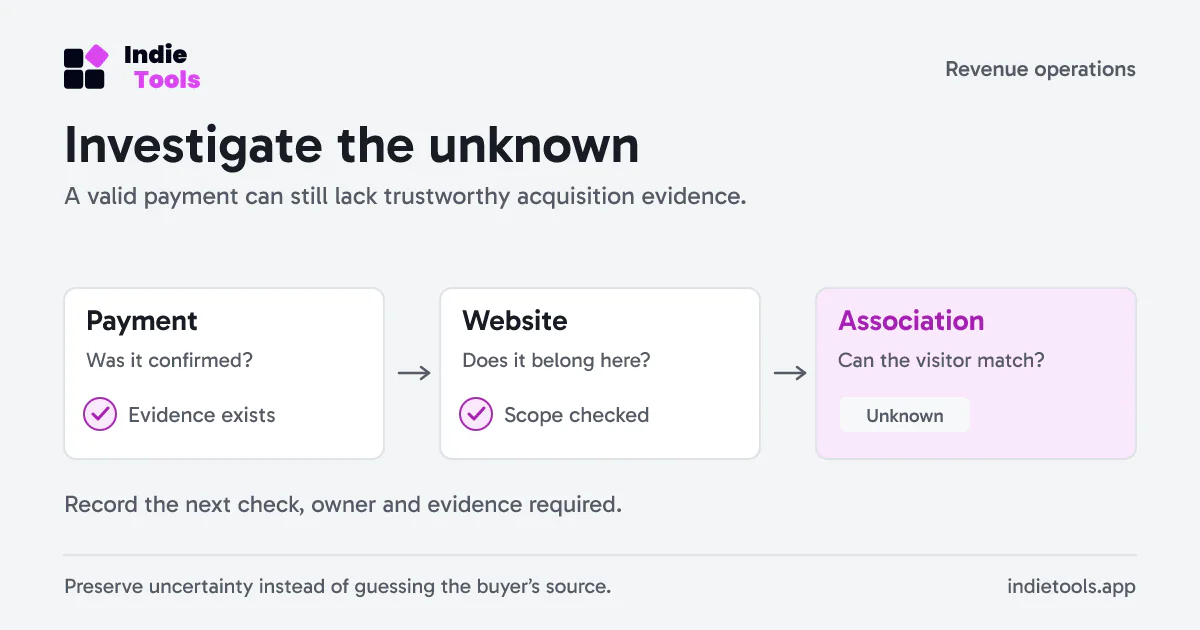
For a revenue discrepancy, capture the provider, website scope and currency separately from the visitor association. A payment that is present but unattributed requires a different investigation from a payment that never arrived.
Close with a verified retest
After a proposed fix, repeat the original steps and record the version tested. Confirm that the expected behavior now occurs and that nearby actions still work. If the outcome is an expected product limitation, update the internal runbook so the next person does not reopen the same uncertainty.
For launch-related incidents, the website performance guide for launch traffic helps distinguish collection symptoms from wider site problems. Keep the issue and its retest in the SaaS launch checklist so a resolved ticket becomes part of release evidence.
 Revfaro