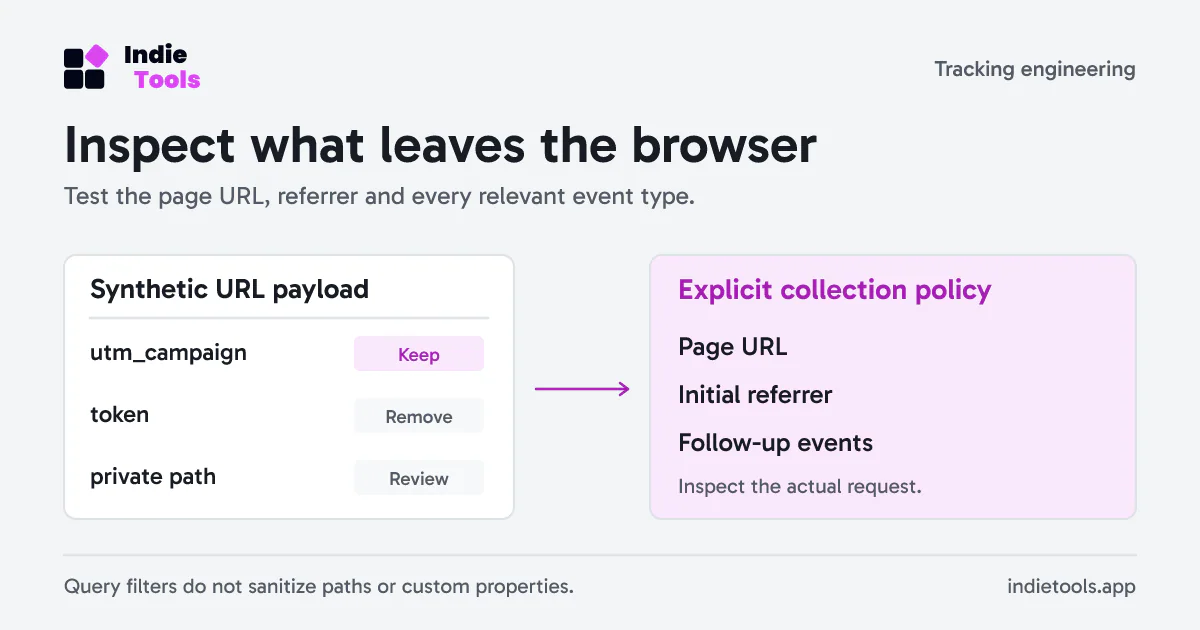
Before inviting customers into a new application, inspect the URLs leaving the browser through analytics. Reading the tracking snippet is not enough: a sign-in redirect, private search term or account identifier can enter a URL elsewhere in the application.
Use synthetic values and a browser network inspection to test what the collector actually receives. The goal is a repeatable payload review, not a declaration that one configuration satisfies every privacy obligation.
Build a small URL test set
Create routes using invented values that are easy to recognize. Never test with a real reset token, customer email or production API key.
| Test input | What to inspect |
|---|---|
/pricing?utm_source=partner&[email protected] |
Approved campaign value retained; email removed |
/account?token=synthetic-secret#private-section |
Token and fragment absent |
/search?q=synthetic-private-query |
Query removed unless explicitly approved |
/customer/synthetic-account-id |
Path still contains the identifier unless the app changes it |
The last case matters. Filtering query parameters does not sanitize path segments. If the route itself exposes private data, redesign the route or use a supported exclusion. Do not expect a query allowlist to solve it.
Test more than the initial pageview
Open the developer tools before loading the test page. Filter network requests to the configured collection endpoint and inspect payloads for pageviews, custom goals, identity calls and engagement messages where present.
Repeat after client-side navigation. A single-page application can correctly filter the first URL and later send a route through another code path. Inspect the initial referrer as well: a clean destination URL does not prove the referring URL was safe.
Use the same test identifiers across the inspection and search for them in all captured analytics payloads. Record the event type and field where a value appeared. Keep the resulting report sanitized; browser request exports can include cookies and unrelated credentials.
Prefer an explicit collection policy
The Revfaro JavaScript SDK supports a strict query allowlist from version 0.1.1. For an app that needs only campaign source and campaign name, a narrow configuration is easier to review:
const tracker = init({
  siteId: 'YOUR_SITE_ID',
  endpoint: 'https://revfaro.com/api/event',
  allowedQueryParams: ['utm_source', 'utm_campaign'],
});
This is a configuration excerpt; initialize the browser tracker once through the documented setup. An empty allowlist removes all query parameters. Sensitive names remain filtered even if listed. The policy applies to event page URLs and the initial referrer, but it does not sanitize custom goal properties or identity traits.
There is a functional trade-off: removing payment return identifiers prevents return-page matching that relies on those values. Pass the SDK's attribution identifiers through the supported provider metadata instead of making the entire query string public again.
Include account changes and consent
Test a sign-in, logout and second sign-in on the same browser. Use opaque test account IDs and verify that application code clears pending actions belonging to the previous user. In Revfaro's cookie mode, reset() rotates visitor and session identity; destroy() releases the tracking instance but does not rotate identity.
Also verify the application's consent decision. autoTrack: false only disables automatic pageviews; it is not a universal off switch for other tracking. Initialize after the required decision and follow the documented lifecycle when tracking must stop.
Save a reviewable result
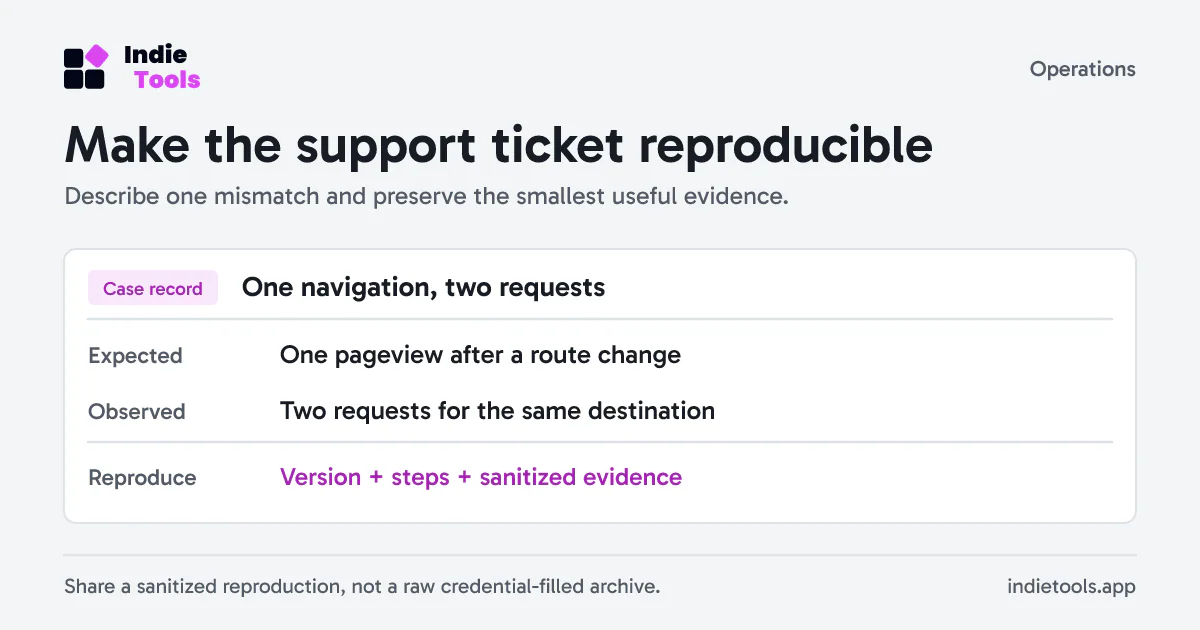
Keep a compact record with SDK version, allowed query names, tested routes, observed fields and unresolved exceptions. Re-run it when authentication routes, checkout returns or the tracker version change. A checked box from last quarter is weak evidence after a new onboarding flow ships.
Use the privacy-first analytics migration guide to place this test in a broader replacement plan. Pair payload correctness with a launch-page performance budget, so the new integration is assessed for both data collection and its effect on the customer experience.
 Revfaro