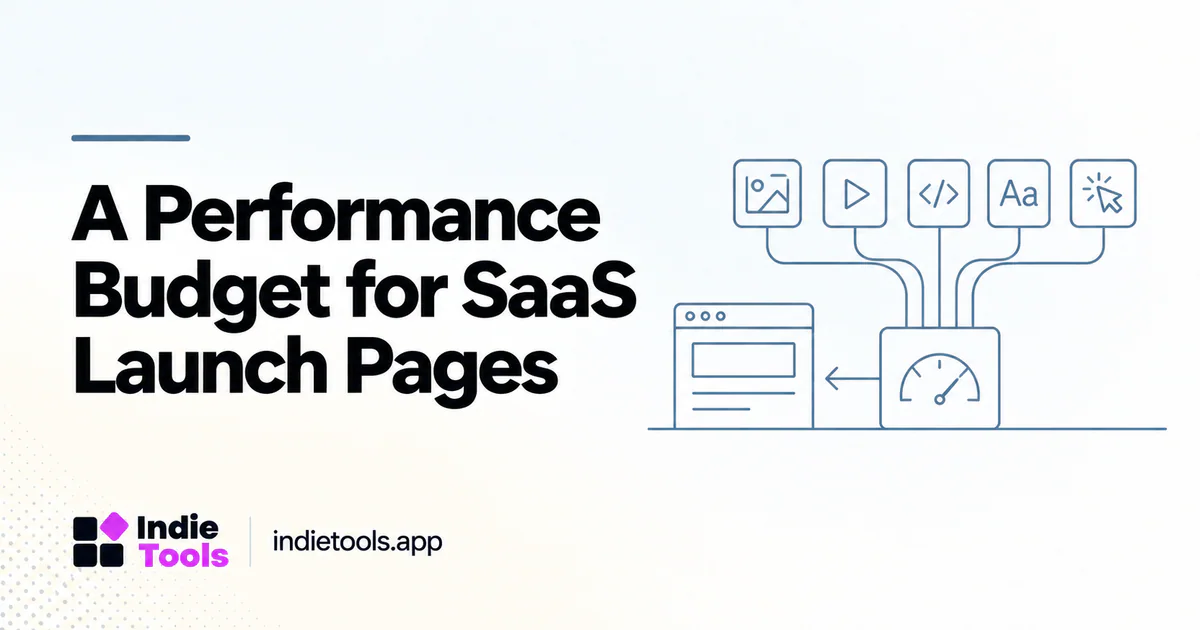
A performance budget is a boundary that helps a team decide what a page can afford to load and execute. For a SaaS launch page, it turns vague requests to “keep it fast” into explicit tradeoffs about images, video, scripts, fonts, and interactive features.
Google's performance-budget guidance describes budgets as limits for performance-related measures. The specific limits should fit the page and its audience rather than being copied without context. [1]
Start with the page's essential job
Write the minimum useful experience in one sentence. For example: a new visitor can understand the product, see a credible example, and start the relevant next step. Everything required for that experience belongs in the first review.
Then separate essential content from enhancements. The value proposition, pricing link, and primary action may be essential. A background video, live chat widget, animated customer wall, or interactive comparison can be evaluated as an enhancement. This is not a rule that such features are always unnecessary; it is a way to make their cost visible.
A budget works best when marketing and engineering agree on the page's job. Otherwise one side may remove useful proof while the other adds resources without understanding the loading cost.
Use more than a single score target
A score can be part of the review, but resource and behavior limits often make a budget easier to enforce. Track the resources that are likely to grow during normal content updates: image transfer, JavaScript, fonts, embeds, and third-party requests.
Also include user-facing acceptance criteria. The main content should appear coherently, the call to action should remain usable, and layout changes should not move the target while the visitor tries to act. A page that satisfies a byte limit but fails these tests has not met the goal.
Choose a small number of measures that the team can actually maintain. A budget with dozens of unexplained thresholds can become a document everyone ignores.
Create an explicit exception process
An exception should identify the feature, the expected user value, the measured cost, and the person responsible for reviewing it later. This keeps the budget from becoming either an absolute ban on useful features or an empty promise.
For example, a founder may decide that a product demo is worth its cost. The team can compare a first-load embed with a poster-and-play interaction. Lazy-loading video is one documented technique for deferring video work until it is needed. [2]
The decision should preserve a clear experience. A deferred demo needs an understandable activation control and an accessible fallback. Hiding essential product information behind an ambiguous thumbnail is not a successful optimization.
Make the budget part of release review
Attach the budget to the page template, not just to launch day. A pricing update, testimonial addition, analytics change, or new campaign can alter the resource profile later. Each meaningful change should be checked against the same baseline.
A practical review record includes the route, change description, before-and-after observation, and whether an exception was approved. Keep the record close to the release process so it does not require a separate administrative project.
When the budget is exceeded, investigate the source before changing the threshold. Sometimes the right action is to simplify the implementation. Sometimes the original boundary was unrealistic. Both decisions should be explicit.
Use illustrative numbers carefully
Suppose a team creates an internal limit for initial JavaScript and an independent limit for hero media. Those numbers are a team policy, not an industry standard. They should be based on the audience, test conditions, and observed experience.
Avoid publishing a universal prescription such as “every SaaS homepage must be below this exact size” unless the claim is supported for that scope. A text-heavy tool and an interactive media product may need different designs. The budget's job is to force a useful discussion, not erase the product's purpose.
For an IndieTools article, explain the decision process and link readers toward comparable public websites. Do not infer a competitor's full resource budget from a single score.
Keep ownership clear
Assign an owner to each major third-party addition. The owner should know why it is present, which routes need it, how it is measured, and how to remove it safely. This is especially useful for marketing pages that accumulate experiments over time.
Review unused or overlapping tools during normal maintenance. A widget that was useful for a launch may no longer justify loading on every route. Remove it because the evidence and product needs support removal, not merely because it appears on a generic blacklist.
Questions before adopting a budget
Should the target always be a perfect Lighthouse score?
No. A perfect score is not the same as a complete user experience. Use a repeatable performance target alongside functional and content requirements.
Can a small team maintain this without a dedicated specialist?
Yes, by starting with a few important routes, a short set of measures, and a clear exception process. The budget should simplify release decisions rather than create a second product to operate.
A good launch-page budget protects the first useful experience as the website evolves. It makes each addition a conscious decision and gives the team a way to preserve performance without stripping away the evidence visitors need.
Explore related IndieTools resources: weekly website speed measurements and product categories.
Continue your research
- AI SaaS Landing Pages: Optimize Demos and Video
- Third-Party Widgets Slowing Your SaaS Website?
- Performance Regression Tests for SaaS Releases
Sources and verification
Sources consulted for this article on October 1, 2026. Product capabilities are documented claims unless an actual test is explicitly described.