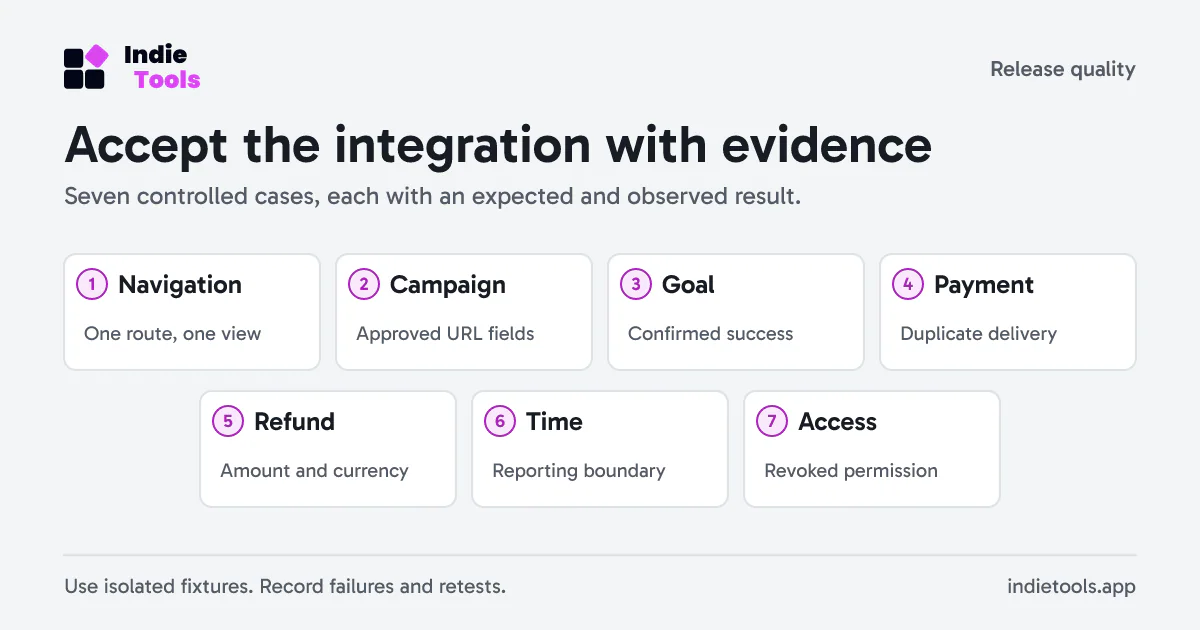
A new analytics tool is ready when a small set of known actions produces explainable results. An attractive dashboard or a successful script download proves less than a documented acceptance test.
Use a registered staging website and synthetic accounts. Keep provider sandbox events separate from live payment data. The following seven cases form a practical baseline; record expected and observed behavior before deciding the integration is complete.
1. One view, then one route change
Load a page, navigate through the application's router and check the resulting views. Test a back-button navigation too. Write down whether the tracker records navigation automatically or whether the application sends it manually.
Do not enable both without understanding deduplication. In Revfaro, each manual pageview() call records a view, including repeated calls. A React render is not necessarily a navigation and should not automatically become a measurement event.
2. A tagged arrival with a private parameter
Use a synthetic campaign URL containing an approved UTM value and a deliberately disallowed parameter. Verify the campaign survives and the private value does not leave in the payload.
Then inspect a subsequent goal. This catches implementations where the initial pageview is sanitized but later events use the raw current URL. Save the relevant field names, not a full unredacted browser archive.
3. A goal after a confirmed action
Choose one meaningful action, such as completing a test signup. Confirm the goal fires after success, not just when the submit button is clicked. Repeat with validation failure and a rejected server response.
The expected result is one success goal for the successful action and none for the failed attempts. If duplicate submissions are possible, investigate application behavior as well as tracker setup. Analytics cannot reliably distinguish two intentional actions from two accidental calls without suitable event semantics.
4. A payment delivered twice
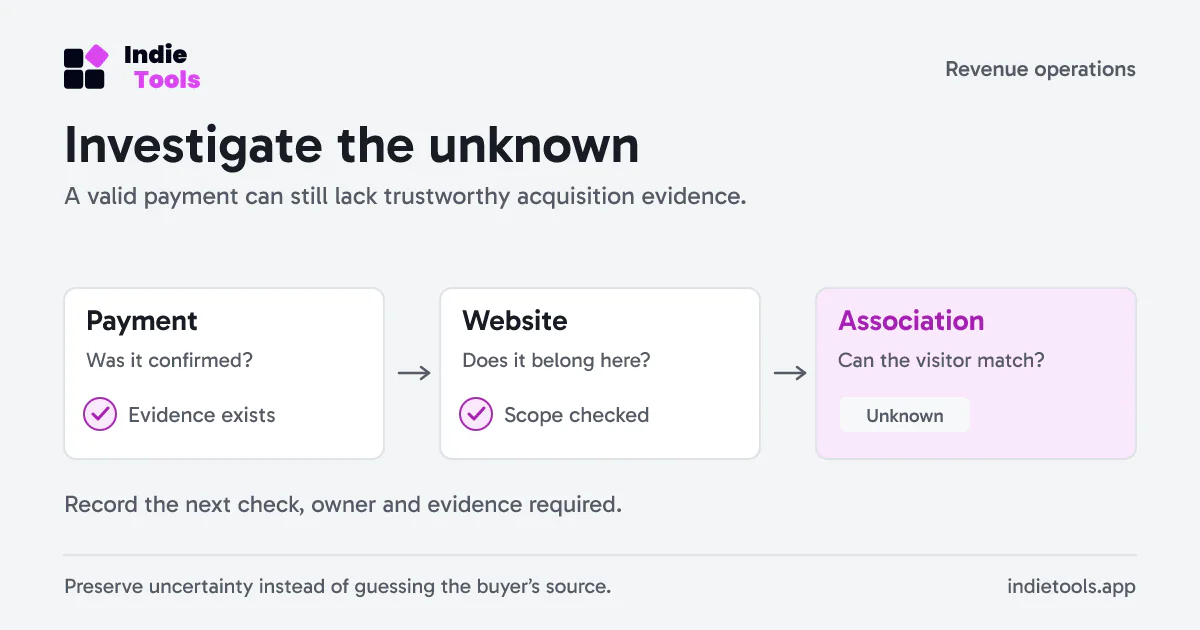
In a provider sandbox or isolated integration fixture, deliver the same supported payment event twice. Verify that the payment appears once and that its visitor association, if supplied, belongs to the correct website.
Follow the provider-specific integration guide rather than assuming every webhook event shape is interchangeable. Revfaro's revenue documentation explains matching and the cases that intentionally remain unattributed. A browser checkout-success page alone is not authoritative payment confirmation.
5. A refund with a clear currency
Use a fictional payment and partial refund in one currency. Confirm the resulting net amount and its link to the original payment. If your business uses multiple currencies, add a second case and document whether the tool converts, separates or excludes it.
Revfaro excludes foreign-currency rows from a site's aggregate rather than silently adding unlike amounts. Verify the payment history and exclusion notice instead of treating the lower total as missing delivery.
6. A time boundary
Place two controlled events on opposite sides of midnight in the website's reporting timezone using a supported test fixture. Check their daily buckets and the selected date range. Include a daylight-saving transition if it affects your operating timezone.
Keep browser time, event time and reporting timezone in the test record. Do not alter production timestamps to force a result. If your test environment cannot create historical fixtures, mark the boundary case untested rather than claiming a complete pass.
7. A revoked website permission
Invite a test member to one website, confirm access, then revoke it while a tab remains open. Retry a read and a write. Access should follow the current permission, not the page that happened to load earlier.
Repeat against a different website's direct URL. This tests the actual boundary and catches problems that a hidden menu item cannot demonstrate.
Turn failures into release decisions
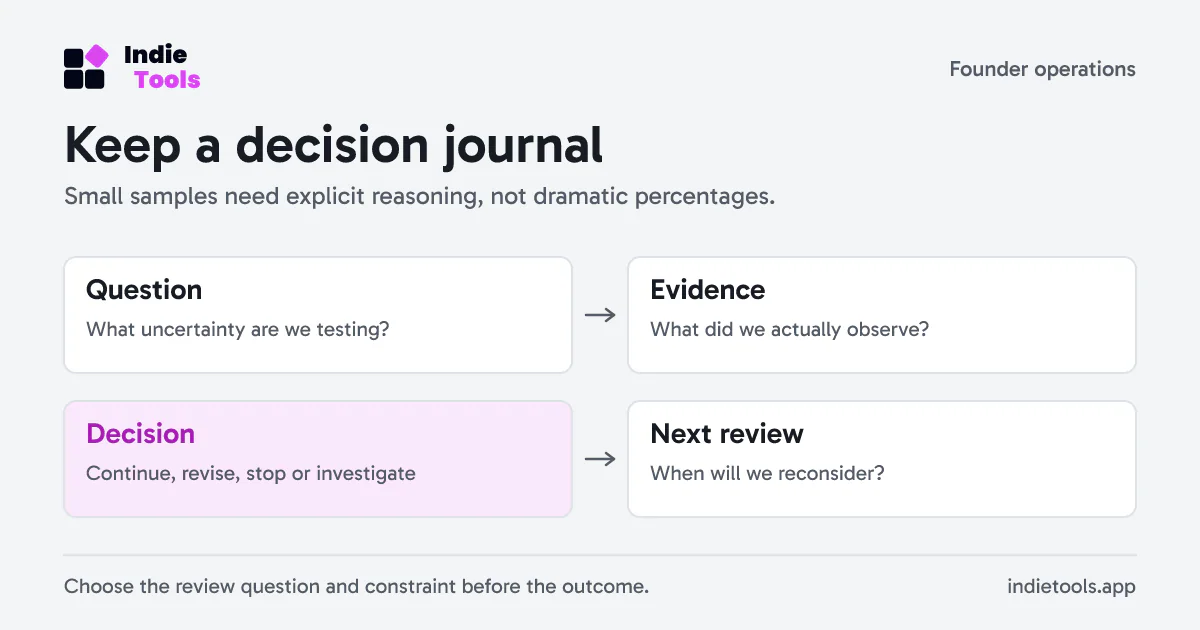
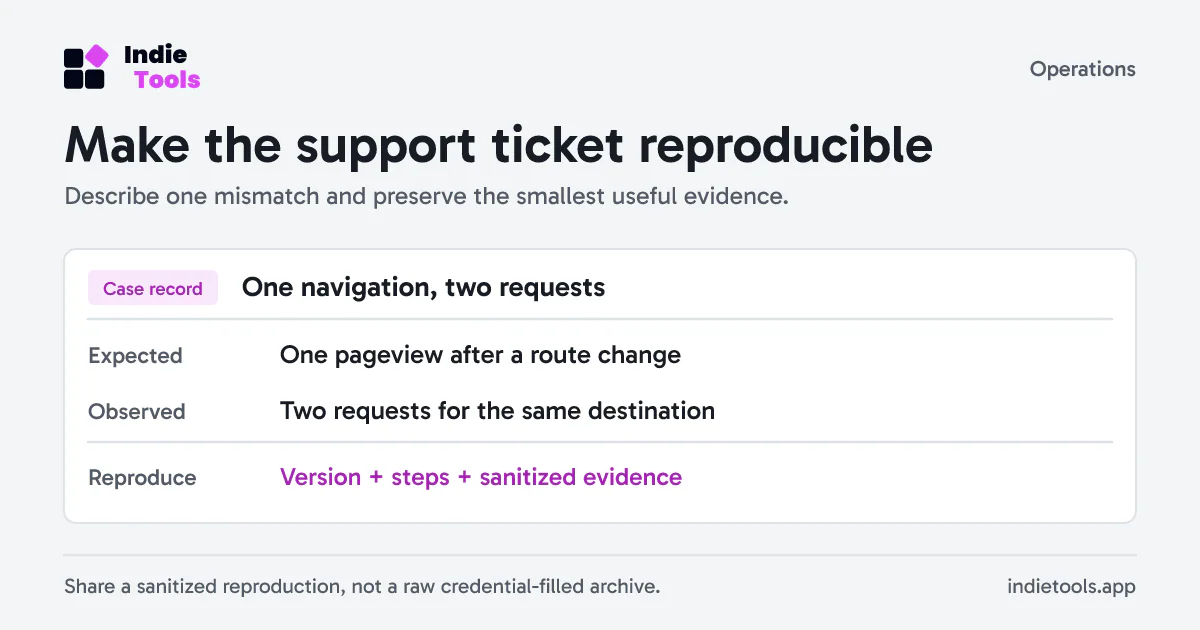
For each case, keep the environment, integration version, evidence, owner and retest result. Add optional cases for features you actually enable, such as server-side bot reporting. An unconfigured bot integration should not be judged by an invented stream of crawler activity.
The SaaS launch checklist can hold these acceptance results alongside the release plan. The privacy-first analytics migration guide helps define what must remain comparable when replacing an existing tool.
 Revfaro