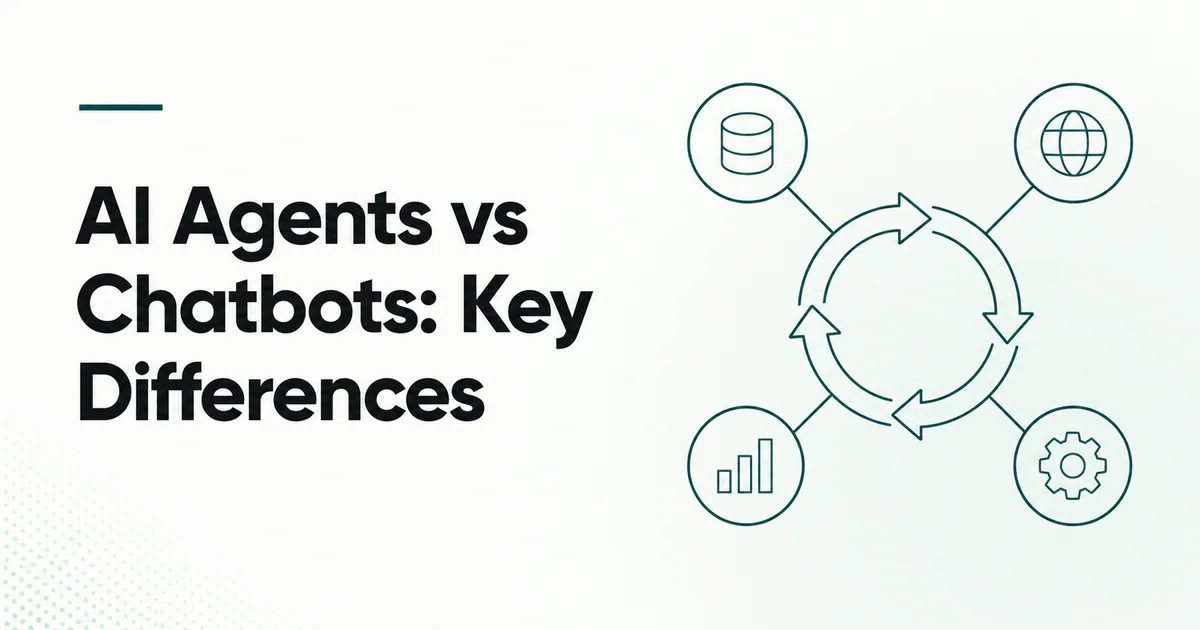
Quick answer: A chatbot is primarily a conversational interface that responds to messages. An AI agent is a goal-directed system that can decide among tools, perform multi-step work and act in external systems. A chatbot can host an agent, and a modern chatbot may use retrieval or tools, so the practical distinction is task completion and autonomy—not whether the product has a chat box.
Teams often call any AI conversation an “agent.” That can hide important operational differences. A support bot that retrieves an article has a narrower risk profile than a system that changes a subscription, sends a refund or edits a production record.
Comparison at a glance
| Dimension | Chatbot | AI agent |
|---|---|---|
| Primary purpose | Hold a conversation and provide responses | Achieve a goal through decisions and actions |
| Typical output | Text, media or structured answer | Answer plus external side effects or artifacts |
| Workflow | Usually one-turn or fixed retrieval flow | Iterative model–tool–observation loop |
| Tool choice | None, fixed or limited | Dynamic within an allowed tool surface |
| Memory | Conversation history or user profile | Conversation plus task state, checkpoints and working memory |
| Autonomy | Low to moderate | Moderate to high, depending on policy |
| Failure impact | Wrong answer or poor experience | Wrong answer plus incorrect action |
| Evaluation | Response quality and containment | Outcome, trajectory, tool use, policy and recovery |
What is a chatbot?
A chatbot accepts messages and produces replies through rules, retrieval, machine learning or a generative model. Common jobs include answering FAQs, qualifying a lead, collecting details and guiding a user through a known flow.
Chatbots can be sophisticated. Retrieval can ground answers in a knowledge base; function calls can look up an order; conversation state can personalize a reply. These capabilities alone do not require a broad autonomous loop.
IndieTools-listed 99helpers and Chatgrow illustrate AI-assisted customer conversation use cases. Evaluate their current product behavior directly rather than assuming “chatbot” or “agent” defines every capability.
What is an AI agent?
An AI agent receives a goal, interprets context, selects actions, uses tools, observes the results and continues until a stopping condition. Read what is an AI agent for the complete definition.
An agent might investigate a support case by checking account data, billing events and system status, then propose a resolution. The conversation is only the interface; the task loop is the agent.
The boundary is a spectrum
Consider four support designs:
- Rule-based bot: maps keywords to prepared answers.
- Generative chatbot: drafts an answer from instructions and conversation.
- Retrieval chatbot: searches approved documents before answering.
- Support agent: retrieves knowledge, queries account tools, performs allowed actions and escalates.
Each level can be the right product. The last level is not inherently better; it has more integration value and a larger security surface.
When a chatbot is the better choice
Use a chatbot when:
- the main user need is information or guided intake;
- a fixed flow covers the task;
- a human performs any consequential action;
- predictable latency and cost matter;
- source content can be curated;
- the organization is not ready to grant tool access.
For early SaaS support, a clear help center plus an honest bot and human escalation often beats an over-automated agent. Compare the best customer support tools for SaaS.
When an AI agent is justified
Use an agent when:
- the task crosses several systems;
- the next step depends on intermediate results;
- work is repetitive but cannot be encoded as one fixed path;
- the desired outcome can be verified;
- actions can be constrained by user identity and policy;
- failure can be detected and recovered.
Examples include diagnosing a failed deployment, reconciling records or handling a bounded service request with approval.
User experience differences
Set accurate expectations
Tell users whether the system only answers, can access account data or can perform actions. Do not make a chatbot appear to have completed an operation that remains pending.
Show action previews
Before an agent sends, deletes, purchases or changes access, show the target, fields and effect. Approval should be specific, not a generic “allow agent” consent.
Preserve escalation
The user should reach a human with the conversation, retrieved evidence and attempted steps attached. Repeating the story defeats much of the system's value.
Separate answer confidence from action authority
A model's confidence is not authorization. Even a likely-correct answer does not justify an irreversible action without policy.
Architecture differences
A retrieval chatbot may use:
- conversation UI;
- model;
- knowledge index;
- citation rendering;
- escalation system.
An action agent typically adds:
- tool definitions and execution gateway;
- user-delegated identity;
- approval engine;
- state and checkpoints;
- idempotency keys;
- budgets and stop conditions;
- end-to-end tracing;
- outcome and security evaluations.
MCP can provide a standardized connection to external tools and data. Read MCP vs function calling and AI agents with MCP before choosing an integration layer.
Cost and latency
Chatbots often make one model call and perhaps one retrieval call. Agents can make several model and tool calls, increasing latency, token use and opportunities for failure. Control:
- maximum turns and tool calls;
- tool result size;
- model choice per task;
- caching of stable tool definitions;
- time and monetary budgets;
- parallel work only when results are independent;
- early stopping when success or failure is clear.
Do not evaluate cost per message alone. Compare cost per successfully resolved task, including human correction.
Security checklist
- Keep untrusted user and document content separate from instructions.
- Give tools least-privilege scopes.
- Validate arguments and outputs outside the model.
- Require human approval for consequential actions.
- Make write calls idempotent.
- Log what data goes to third parties.
- Test prompt injection through retrieved pages and tickets.
- Let users see and revoke connected access.
The AI agent security guide covers these controls in depth.
A decision framework
Start with the desired outcome:
| Need | Recommended starting point |
|---|---|
| Answer common questions | Retrieval chatbot |
| Collect structured details | Guided chatbot or form |
| Look up one account fact | Chatbot with narrow function |
| Perform one sensitive action | Prepared action plus approval |
| Investigate and resolve variable cases | Bounded agent |
| Operate across broad systems | Agent only after strong governance |
Frequently asked questions
Is ChatGPT a chatbot or AI agent?
The interface is conversational. Specific experiences can also use tools and complete agentic workflows, depending on enabled capabilities and product configuration.
Can a chatbot call APIs?
Yes. A chatbot can call a narrow API without becoming a broad autonomous agent. Architecture depends on whether the model controls a multi-step loop.
Are AI agents more accurate than chatbots?
Not automatically. Tools can add current evidence and actions, but multi-step workflows introduce more failure points. Evaluate the full task.
Should customer support use an agent?
Begin with retrieval and human escalation. Add actions individually when their permissions, approval, rollback and success criteria are clear.

 IcyZip
 Acres
Acres Plainrow
 code.live
 Xeramail Temp Mail