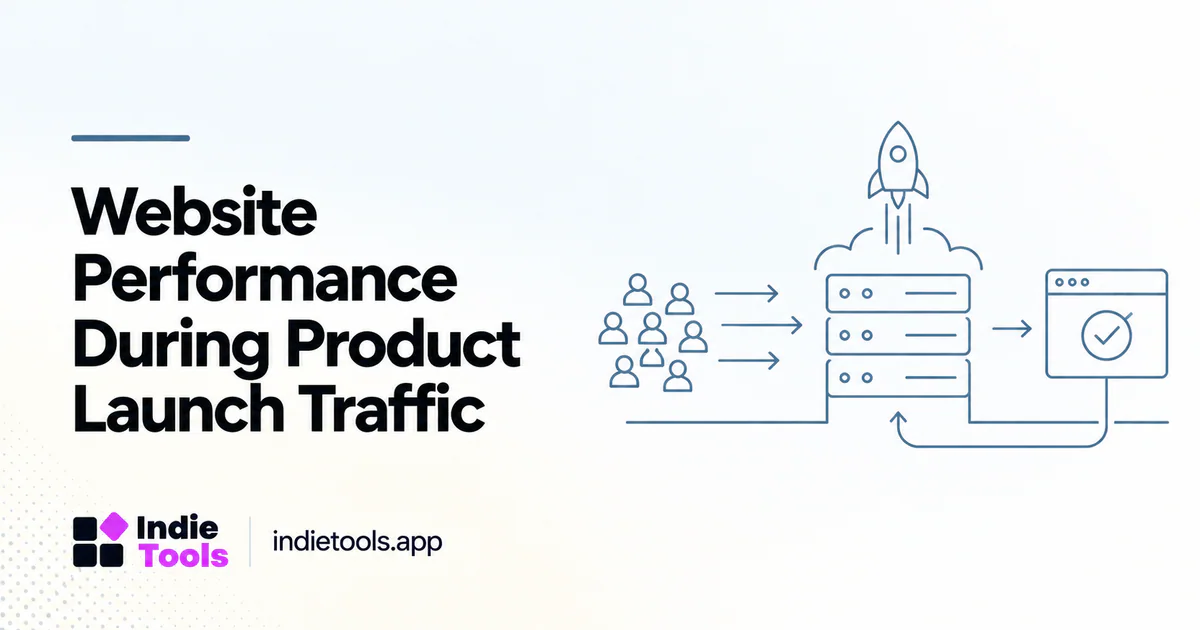
Prepare for launch traffic by testing the paths that would prevent a visitor from becoming a user. A homepage that loads quickly for one synthetic visitor does not establish that signup, search or payment will remain reliable under a burst of demand.
This guide proposes an operational launch review, not a capacity estimate for a particular hosting plan. Test only systems you own or are explicitly authorized to test, and coordinate any load testing that may affect external services.
Identify the launch journey
Draw the route from announcement to useful first action. Include redirects, landing pages, forms, account creation and any external handoff. Mark which parts are cached, which contact your application and which rely on a third party.
A launch may send visitors to a special page rather than the homepage. Test that exact route, including campaign parameters and mobile behavior. A hidden redirect or an oversized promotional asset can make the launch path different from your usual baseline.
Separate speed and capacity questions
A lab performance test helps inspect a page's loading behavior. Capacity testing asks how the service behaves when several operations occur together. Treat them as complementary exercises rather than expecting one Lighthouse score to answer both.
Google describes PageSpeed Insights as combining lab analysis with available field data. [1] Neither a single lab run nor historical field observations guarantee that a new campaign will remain within your system's capacity. Your architecture and launch workflow need their own checks.
Define safe test scenarios
Use staged increases and explicit stop conditions. Begin with read-only routes, then test controlled versions of business operations with synthetic accounts. Avoid repeatedly charging real payment methods, sending unsolicited emails or hammering providers outside your authorization.
Observe request errors, queue depth, database behavior and completion latency. Track the first point where the experience degrades rather than reporting only the maximum request rate reached. A technically successful response that arrives too late to be useful still deserves investigation.
Prepare graceful failure
Decide how the product behaves when a nonessential dependency is unavailable. A testimonial embed failing should not prevent reading the offer. An analytics outage should not block signup. Essential services need clear error messages and recovery paths rather than silent spinners.
Prepare a rollback for the launch page and any recent application changes. Make sure someone can identify the current release and disable a problematic optional feature. Keep the operating procedure short enough to use during an incident.
Monitor the real launch
Choose a small set of signals before launch: successful page responses, signup completion, activation, error rates and the latency of the most important server operation. Add campaign source information where appropriate, but avoid interpreting every visitor as a prospective buyer.
An illustrative incident might show normal homepage performance but growing email queues. The correct response is not necessarily to optimize images; it is to protect the confirmation workflow and communicate the delay accurately. Stage-level monitoring prevents a broad “the site is slow” diagnosis from hiding the actual problem.
Use directory traffic as a learning opportunity
A product listing on IndieTools can be one source of discovery, not a promise of any particular visitor volume. Its public pricing page distinguishes listing and visibility options. [2] Plan an experiment around your own landing path and observed outcomes rather than assuming a package provides a predictable load test.
After the launch, compare expected and observed behavior. Save the routes, incident notes and changes needed for the next release. The result should improve operating readiness, not just produce a celebratory traffic screenshot.
Should a launch include a last-minute redesign? Prefer a stable, tested path when possible. Treat necessary changes as releases with rollback plans.
What is the most important success metric? The completion of the product's useful first action, supported by reliability metrics.
Can a leaderboard result replace launch testing? No. It describes a different measurement context and cannot establish your backend's burst capacity.
Explore related IndieTools resources: weekly website speed measurements and reported technology collections.
Continue your research
- A 30-Day Post-Launch SaaS Discovery Plan
- Performance Regression Tests for SaaS Releases
- Reduce Signup Latency Without Removing Security
Sources and verification
Sources consulted for this article on October 1, 2026. Product capabilities are documented claims unless an actual test is explicitly described.