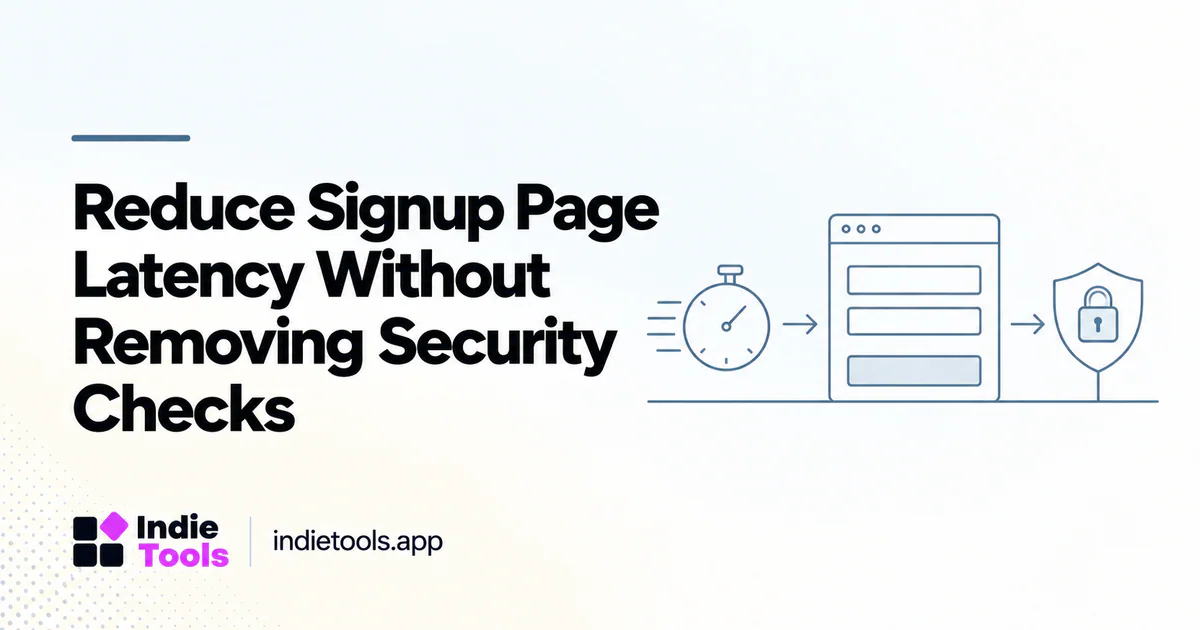
A faster signup page should reduce unnecessary waiting without weakening validation or confusing the user. Measure the complete path from opening the form to receiving a usable account. The page's first render is only one part of that journey.
Separate four stages: loading the form, validating input, submitting the request and confirming the result. Give each stage a visible state and a diagnostic event. This prevents an impressive page score from concealing a slow account-creation service or an email confirmation that never arrives.
Draw the critical path
List the dependencies required before a visitor can type. Then list the dependencies required before the server may safely create the account. These sets are often different. A marketing illustration does not need the same priority as the form controls; a security validation cannot simply be discarded because it adds a dependency.
Cloudflare documents both implicit and explicit rendering approaches for its Turnstile widget. [1] When using any anti-abuse provider, review its current integration requirements rather than inventing a loading shortcut that bypasses server-side protection.
Keep validation and authentication decisions on the appropriate trusted server paths. A client-side success animation is not evidence that an account was created securely or completely.
Measure meaningful intervals
Record form-ready time, submit-to-response time and response-to-next-step time. Split successful and failed attempts. Also distinguish a validation error from a backend failure: a password correction is not the same problem as a stalled account service.
Use synthetic test accounts and a controlled environment for repeated diagnostics. Avoid recording passwords, secrets or unnecessary personal information in performance logs. Trace identifiers can connect frontend and backend events without turning the analytics system into a copy of submitted credentials.
Remove unrelated work first
Inspect whether the signup route inherits heavy scripts from the marketing layout. A live demo, animated background or several analytics vendors may be unrelated to creating an account. Simplifying that route can reduce competition without touching its protections.
Consider whether every field is necessary before first use. Removing a nonessential company-size field is a product-design decision; making an essential field optional merely to shorten the form may create downstream problems. Define the information needed for the next useful action rather than collecting everything the business might eventually want.
Design for waiting and failure
Disable duplicate submissions while a request is pending, show what is happening and provide a recoverable error state. Do not tell the user to retry immediately when the server may have already created the account. An idempotent backend design and clear retry semantics should be discussed with engineering.
In an illustrative workflow, the interface confirms that account creation succeeded before explaining the email-verification step. That separates a completed operation from a pending one. The exact security requirements depend on the application, so the interface must accurately reflect what the server permits at each stage.
Check interaction quality
Test keyboard use, autofill, mobile input and error recovery. Google's INP guidance focuses on responsiveness to user interactions; it is a useful reminder that a page must respond after its initial load too. [2]
A beautiful, quickly painted form that freezes during validation is not a fast signup experience. Measure the interactions that matter and ask a person unfamiliar with the application to complete the flow without coaching.
Use comparisons carefully
When researching products on IndieTools, inspect how similar tools explain their first step, but do not infer their security architecture from visible form fields. The directory is a discovery aid, not a security certification. [3]
Should verification be removed to improve conversion? Do not trade away required protections. Investigate implementation, timing and communication first.
What should a release report include? Completion and error rates, stage-level latency, test conditions and confirmation that security requirements still hold.
What is the first practical action? Trace one successful and one failed signup end to end. That often reveals whether the real bottleneck is the page, the server or the handoff to the next step.
Explore related IndieTools resources: weekly website speed measurements and reported technology collections.
Continue your research
- SaaS Landing Page vs App Performance
- Design Tools for Accessible SaaS Onboarding
- Performance Regression Tests for SaaS Releases
Sources and verification
Sources consulted for this article on October 1, 2026. Product capabilities are documented claims unless an actual test is explicitly described.