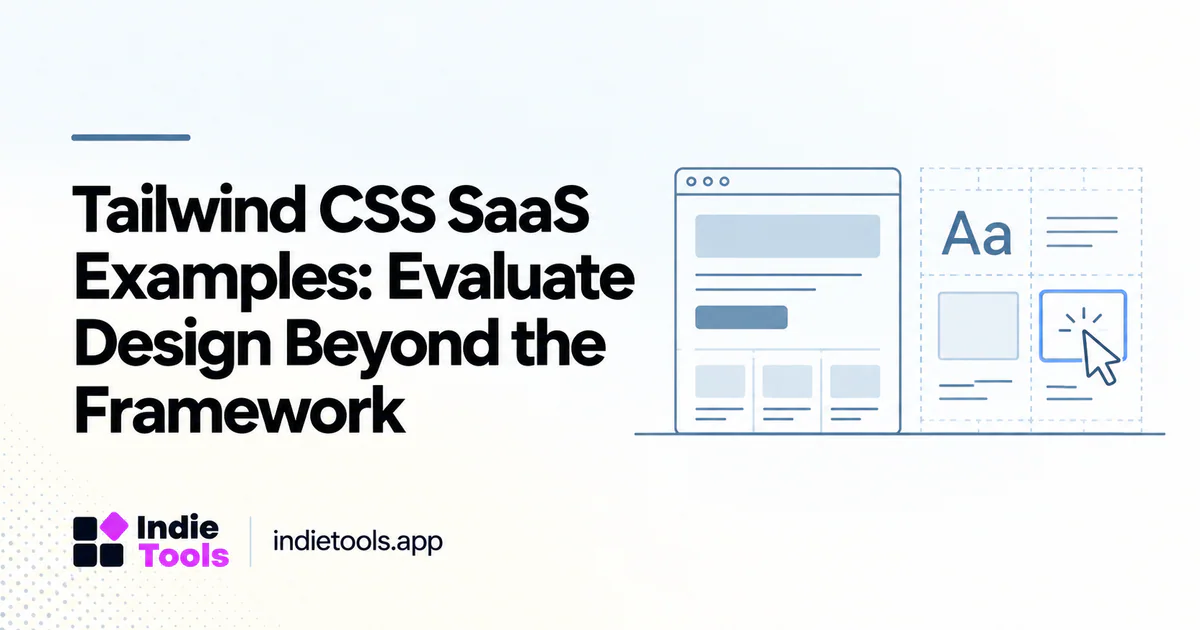
Use Tailwind CSS SaaS examples to study design decisions, not to assume that a styling approach produces a particular level of usability. The important questions concern hierarchy, states, consistency and accessibility. A shared technology label does not make two interfaces equivalent.
Tailwind's documentation describes composing styles through utility classes. [1] That implementation approach leaves the product team responsible for the design system and the behavior of the interface built with it.
Choose a relevant design problem
Begin with a task such as comparing subscription plans, scanning product cards or completing onboarding. Find examples that solve the same task under similar content constraints. A sparse marketing page is not a sufficient reference for a dense administration screen.
Write down the information the user must understand and the action they should take next. This makes it easier to judge whether a visual pattern is useful or merely fashionable.
Study content hierarchy
Look at headings, labels, spacing and the order of information. Can a new visitor distinguish a primary action from a secondary one? Can they find limitations and supporting details without opening every element?
A polished card system can still fail when every card contains the same vague sentence. Design quality includes the clarity of the content, not just the consistency of the border radius. Evaluate the words and the layout together.
Inspect the complete state system
Review loading, empty, error, disabled and success states. Test whether important actions have visible feedback and whether validation messages explain how to recover. These states reveal the maturity of a workflow more clearly than a single ideal screenshot.
For a directory, inspect missing logos, unusually long product names and descriptions in different languages. A design that works only with carefully selected sample content may fail as the catalog grows.
Check responsiveness and access
Use a narrow viewport and keyboard navigation. Look for controls that disappear, labels that become ambiguous and content that is clipped. Verify that important meaning is not conveyed only by color or position.
Do not assume that adopting a component kit transfers responsibility for accessibility to its author. Product-specific composition and customization can change how the interface behaves. Record concrete observations instead of making a broad compliance claim from a brief visual review.
Compare implementation costs
Consider how the team will maintain shared patterns. A small product may begin with repeated classes, but recurring components need consistent decisions about spacing, typography and states. Document the pattern so a new feature does not introduce a slightly different version of every control.
An illustrative design review might compare three pricing cards with inconsistent feature labels. Standardizing the information model may improve comprehension more than changing the visual style. The framework cannot make that editorial decision for the team.
Discover examples on IndieTools
IndieTools maintains a Tailwind CSS technology collection based on product declarations. [2] Use it to locate websites worth examining, then document the specific pattern you observed. A declared stack does not prove which version, plugins or component libraries a product uses.
Keep your research sheet focused: product, task, useful pattern, observed limitation and prototype idea. Avoid copying proprietary assets or presenting a borrowed design as your own original work.
Validate the pattern in context
Build one representative screen with realistic data and ask someone unfamiliar with the product to complete the task. Observe where they hesitate. A consistent utility-based implementation is valuable only when the resulting screen helps the intended user.
Does Tailwind guarantee a fast website? No. The full page workload and implementation determine performance.
Should every SaaS use the same dashboard layout? No. Navigation should reflect the product's tasks and information structure.
What is the best research output? A tested design pattern with clear states and content rules. IndieTools can help you find inspiration; your own prototype and user observations determine whether that inspiration fits.
Explore related IndieTools resources: reported technology collections.
Continue your research
- React SaaS Examples: Match Your UI Requirements
- Design Tools for Accessible SaaS Onboarding
- Product Listing Screenshots That Explain the Task
Sources and verification
Sources consulted for this article on October 1, 2026. Product capabilities are documented claims unless an actual test is explicitly described.