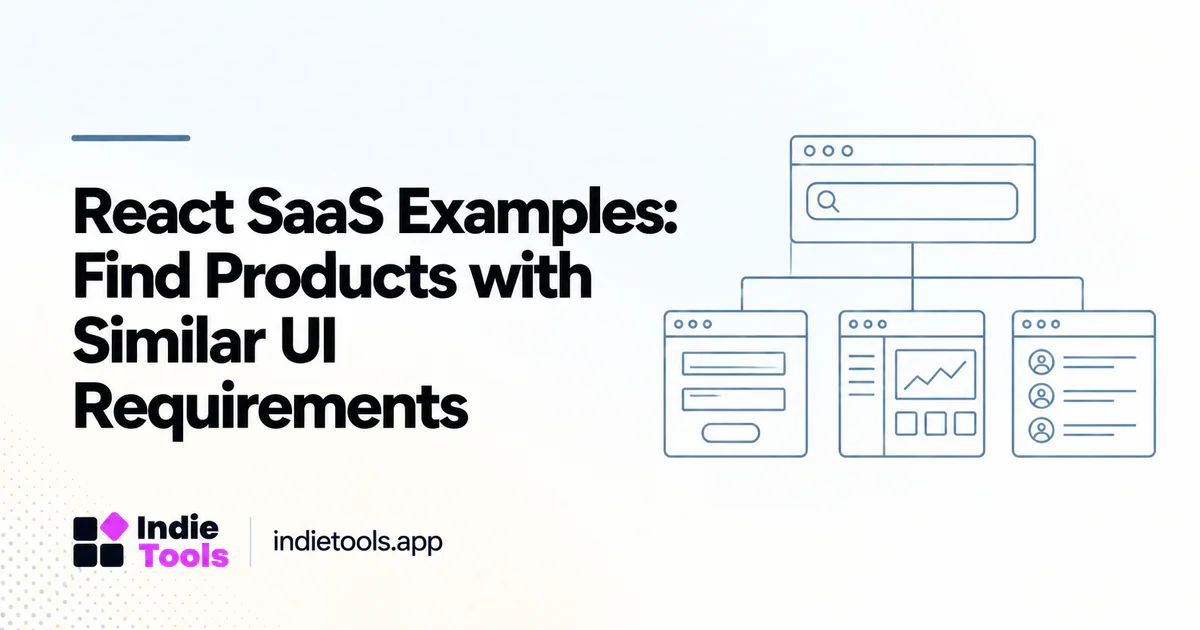
The most useful React SaaS examples resemble the interactions you need to build. Search for products with comparable forms, editors, dashboards or collaborative workflows rather than collecting attractive screenshots from unrelated applications.
React's documentation discusses building applications within an appropriate application framework or setup. [1] A product's React label does not, by itself, describe routing, data loading, hosting or the rest of its architecture.
Define the interaction family
Describe the UI in terms of user actions. A time-tracking interface, document editor and image-generation studio have different state and feedback requirements. Decide which actions must feel immediate, which can wait for a server response and which need a long-running progress state.
This description helps you choose examples that reveal useful design decisions. A static pricing page is a poor reference for evaluating a complex editor, even when both products use the same frontend library.
Discover examples with an evidence boundary
IndieTools' React collection includes declared examples such as Toolscase Timetracker, Cliptude and Desk Champ. [2] Treat those names as research starting points, not as a tested shortlist or proof of a particular component architecture.
Observe one relevant workflow per product. Record what you can see and what would require account access or provider confirmation. Do not infer internal state management, test coverage or security controls from the visible interface.
Inspect transitions, not only screens
Study loading, empty, error and success states. A screenshot of a populated dashboard may hide the hardest part of the experience: helping a new user understand what to do before any data exists.
Test whether a selected item survives navigation, whether a failed operation is recoverable and whether the interface clearly distinguishes saved from unsaved work. These questions reveal more about product usability than the choice of card shadows or sidebar width.
Evaluate accessibility with the workflow
Try keyboard navigation, focus movement and readable labels. Check whether important information depends entirely on color or hover. Automated checks can assist an audit, but the research task should include actually completing the workflow through different interaction methods.
Do not assume a component library guarantees accessible behavior after customization. The application still needs appropriate labels, meaningful state changes and a coherent interaction sequence. Record observed problems without making claims about the provider's entire accessibility program.
Compare responsiveness fairly
Use similar task complexity when comparing interfaces. Filtering ten records is not equivalent to filtering a large dataset; editing a short note is not the same workload as processing a media project. Preserve the size and state of the sample.
An illustrative prototype review could compare two approaches to a long-running export: a blocking spinner and a persistent task record with status. The better choice depends on whether users need to continue working and return later. Test that requirement rather than selecting the animation that looks faster.
Translate findings into component requirements
For each useful pattern, write the state transitions and acceptance criteria. A reusable upload component, for example, might need pending, uploading, processing, failed and completed states. Define what the user can do in each state and how retries behave.
Then build a small component or route in your own codebase. Verify that it works with your data and operational constraints. Inspiration becomes engineering evidence only after the relevant behavior has been implemented and tested in context.
Keep the shortlist honest
Do not label examples “best React SaaS products” without a stated evaluation method. A discovery collection is more useful when it explains which UI requirement each product helps you investigate and what remains unknown.
Should a founder copy an entire interface? Learn from patterns, but design around your own users and respect the original product's intellectual property.
Does React identify the backend? No. Treat backend technologies as separate verified fields.
What should the research produce? A small collection of observed workflows, a state model and a prototype acceptance checklist. That is a stronger foundation than choosing a stack from a gallery of screenshots.
Explore related IndieTools resources: reported technology collections.
Continue your research
- SaaS Built with Next.js: Research Real Examples
- TypeScript SaaS Stacks: Map Frontend and Backend
- Tailwind CSS SaaS Examples: Beyond the Framework
Sources and verification
Sources consulted for this article on October 1, 2026. Product capabilities are documented claims unless an actual test is explicitly described.