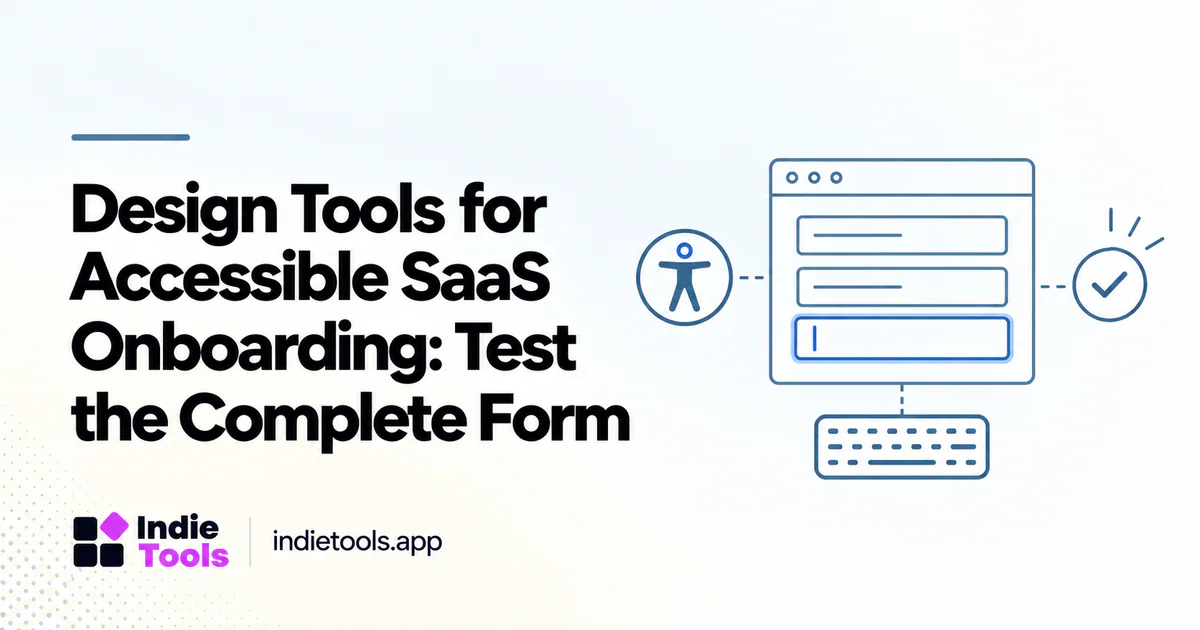
Choose onboarding design tools that help your team specify, test and maintain accessible interactions—not simply produce attractive screens. A signup flow must explain what is required, support different ways of interacting and help someone recover when an input is rejected.
The W3C Web Accessibility Initiative's forms guidance covers labels, instructions, validation and user notifications. [1] Use that as a foundation for the work your design and engineering tools need to support. A plugin score or a polished prototype is not a complete accessibility assessment.
Define the first useful outcome
Map the path from arrival to the first meaningful product action. Include email verification, password recovery and any invitation step rather than treating account creation as the whole experience. Each transition can introduce confusion or an inaccessible dependency.
For an illustrative project-management SaaS, the outcome might be creating a workspace and adding one task. Ask which information is truly required before that point. Removing an unnecessary field can simplify the flow, but it does not eliminate the need for correct labels and understandable errors on the remaining fields.
Evaluate design-system support
Look for a way to document component states: default, focus, disabled, loading, error and success. A form designed only in its ideal state leaves engineers to invent the behavior that users encounter when something goes wrong.
Record interaction notes next to the component. Explain what receives focus after an error, where instructions remain visible and how a status change is communicated. The tool should make those decisions discoverable during implementation, rather than leaving them in a separate conversation.
Do not stop at color checks
Contrast checking is useful, but onboarding also involves reading order, keyboard operation, names, instructions and feedback. A design tool that checks one visual property does not verify the completed application.
Build a prototype review around tasks. Can someone understand the required information without relying on placeholder text? Can they identify which field needs attention after submission? Does a loading state explain whether the request is still running? These questions expose interaction gaps that a visual screenshot cannot answer.
Test the implemented flow
Review the actual browser experience using keyboard navigation and appropriate accessibility testing methods. Compare it with the intended design and include error cases. A prototype can look correct while the deployed markup or script behavior introduces a different result.
Invite qualified review when the team lacks the relevant expertise. Automated checks can help detect certain issues, but they should support—not replace—human evaluation of whether the task can be completed. Record the browser, assistive technology and scope of any testing rather than claiming universal compatibility.
Check handoff and regression workflows
A useful design stack preserves decisions after the initial launch. When a component changes, the team should know which onboarding screens depend on it. Keep implementation notes and acceptance criteria close enough to the work that they are reviewed during releases.
For example, a change to the shared email field may affect signup, invitations and account recovery. Test those paths together. Treat accessibility defects as product defects with owners and reproduction steps, rather than collecting them in a document nobody uses to plan work.
Compare tools with a realistic sample
Use one short form containing a required input, an optional input, a validation error and a confirmation state. Ask each candidate tool to support the same design and review process. Evaluate collaboration, annotation, export and the connection to your engineering workflow.
IndieTools' design category can help you discover candidates with different approaches. [2] Verify a provider's claims and test the parts relevant to your team. This guide does not certify any listed tool or imply that purchasing it makes a SaaS accessible.
Common onboarding questions
Can a design plugin certify accessibility? A tool can assist with a defined set of checks; that is not the same as verifying the entire product experience.
Should every signup use the fewest possible fields? Collect only what the workflow needs, but evaluate clarity and recoverability as well as length.
What should the first review cover? A complete path to value, including an error and a recovery step. That gives the team a concrete task to improve rather than a vague target of “better accessibility.”
Explore related IndieTools resources: reported technology collections.
Continue your research
- Reduce Signup Latency Without Removing Security
- Product Listing Screenshots That Explain the Task
- Google Forms Alternatives for SaaS Leads
Sources and verification
Sources consulted for this article on October 1, 2026. Product capabilities are documented claims unless an actual test is explicitly described.