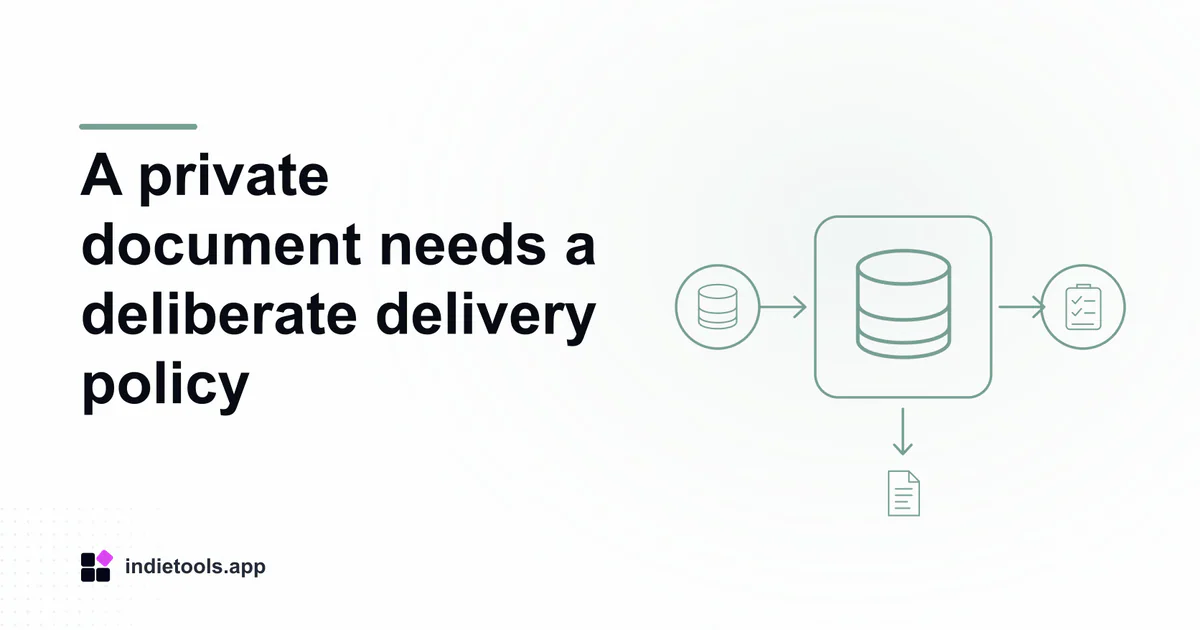
A document being marked private in an application does not explain how its download link behaves. Review bucket visibility, authorization at link creation and the lifetime of the delivered URL. Those are separate decisions with different consequences for sharing and revocation.
Holosign and TodayMet appear in the Supabase catalogue observed on October 3, 2026. Their listings describe document-oriented workflows, including signing and selective sharing. They do not establish which Supabase services handle their files or how their actual download links are implemented.
Distinguish public assets from private documents
A public logo and a recipient-specific document should not inherit the same storage policy merely because both are files. Record the intended audience and retention rule for each class of asset before choosing its delivery path.
Supabase's asset-serving documentation distinguishes public bucket URLs from private assets delivered through authenticated requests or time-limited signed URLs. A filename that is difficult to guess is not a replacement for that access boundary.
For a test fixture, use a clearly synthetic PDF. Avoid real contracts, identity documents or personal profile attachments while exploring how a candidate delivery design behaves.
Authorize the request that creates the link
A signed URL is useful only after the application establishes that the requesting actor may obtain it. Check the link-generation operation with the intended owner, an approved recipient and an unrelated account in your own test environment.
Supabase's Storage access guidance also separates operation policies from privileged service access. Server credentials that bypass policies require their own trusted authorization boundary and must not be exposed to browsers.
Do not infer secure behaviour from a denied page alone. The metadata page and the file-generation endpoint can follow different code paths, so the review should cover the authorized workflow end to end.
Make expiry understandable
Record when a link is created, when it should expire and what the reader sees afterward. Test opening it before and after the documented lifetime in a controlled session. A failed download should provide a safe way to request fresh access when the person remains eligible.
Consider the recipient's task. A link that expires during a normal review session may be frustrating, while an unnecessarily long lifetime extends the sharing window. Choose a duration based on the actual workflow rather than copying an example value.
Do not promise that signing out instantly invalidates every previously issued URL. Treat session authorization and an already created link as distinct states, and verify any claimed revocation mechanism explicitly.
Review the handoff and cleanup
Check whether the file opens with a useful name, expected content type and correct version. A valid link to an outdated document is still a product error. Keep the document revision connected to the invitation or sharing record.
Document what deletion means for stored assets, existing links and copies a recipient has already downloaded. The interface should explain the scope of the operation without claiming control over files outside the service.
Use the selective profile access review for the related database and recipient rules. Together, the two records explain who can request a document and how that authorized request becomes a usable file.

 IcyZip
 Acres
Acres Plainrow
 code.live
 Xeramail Temp Mail