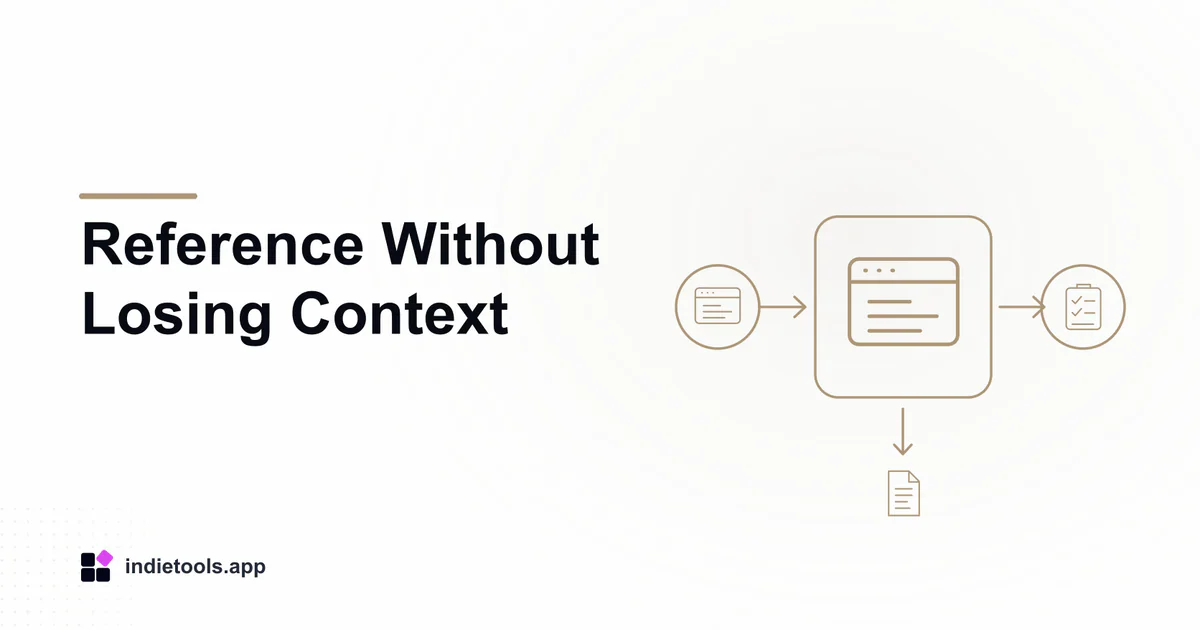
A single-screen reference workflow should preserve the source document while showing only the information needed for the current task. The floating view is a convenience layer, not a replacement for the complete source. Keep a way to return to that source when a cropped passage or small display leaves a question unanswered.
This proposed routine uses Pocket Screen, discoverable in the Japan catalogue. It is based on the product's documented reference-view concept, not on a measured productivity trial.
Choose a task with a clear finished result
Use an ordinary activity such as drafting a short document from approved notes or following a non-sensitive procedure. Define the result before arranging windows: a completed draft, a checked set of fields or a reviewed comparison.
Avoid choosing an activity where a missed warning could have serious consequences merely to test a new interface. Start with material you can safely inspect and correct.
Keep the original source open and identifiable
Open the reference in its usual application. Confirm its title, version or date where those details matter. Then create the supported separate view without treating it as a new authoritative copy.
If the source is a live dashboard, note that the numbers can change while you work. If you need a fixed observation, record the appropriate timestamp and preserve the evidence through an authorized method. A live view is not automatically a historical record.
Size the reference around the needed information
Place the small view where it does not cover the main task's controls. Keep text readable and use a supported focus area if that provides a clearer view than shrinking the whole source.
Check the surrounding context before relying on a cropped section. A heading, footnote or qualification outside the small view may change the meaning of what you see. Return to the full source whenever the excerpt is ambiguous.
Complete the task with deliberate checkpoints
Work through one short section, then compare it with the original source. Watch for transcription errors or assumptions introduced because a detail was too small to read.
If the reference changes, pause and decide whether the new state should affect the work already completed. Do not silently mix values from several moments and later describe them as one consistent snapshot.
Review the workspace before screen sharing
The official Pocket Screen page describes capture exclusion only for supported configurations. If you plan to share your screen, inspect the actual viewer-side output rather than assuming the reference remains invisible.
Use non-sensitive reference material for the initial check. Close or remove private views when they are unnecessary. This workflow does not independently verify every operating-system or conferencing combination.
Check the finished artifact in the original context
Before closing the task, reopen the full reference and verify the final result against it. Retain source links or version information where appropriate so another reader can understand the basis of the work.
The reference-window evaluation guide covers product-selection criteria. A successful arrangement is one you can explain simply: it kept the needed information visible, preserved the source and left enough room to perform and review the actual task.

 IcyZip
 Acres
Acres Plainrow
 code.live
 Xeramail Temp Mail