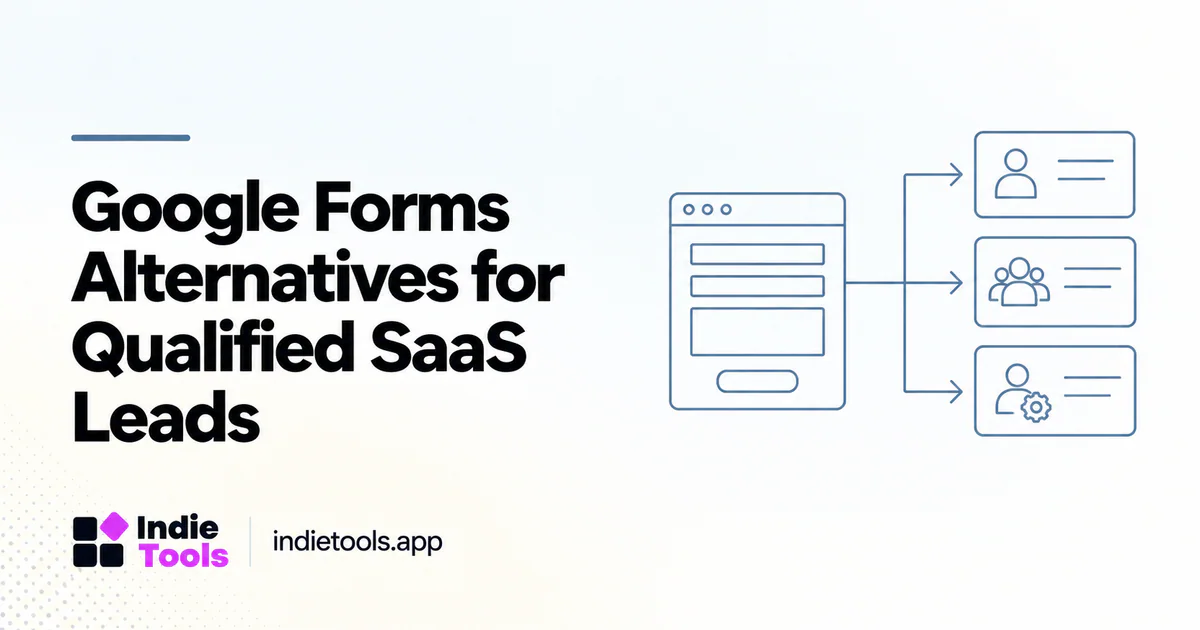
A useful Google Forms alternative for SaaS leads should improve qualification or follow-up—not merely make the form look different. Start with the information needed to route a request and the experience of the person providing it.
For a small SaaS, the best form may be short and direct. A more complex form is justified when conditional questions remove irrelevant work or help the team respond appropriately. Complexity without a clear purpose can make both completion and maintenance harder.
Define a qualified request
Write the practical criteria for the next action. A demo request may need the use case, team size and a contact method. A support inquiry may need a product area and an account identifier. Do not collect information simply because a form template includes the field.
Separate qualification from exclusion. A visitor who does not match the current sales process may still deserve a useful response or self-service resource. The form should communicate what happens next rather than silently discarding a submission.
Compare logic and routing capabilities
Tally documents conditional logic for showing, hiding or skipping parts of a form, along with webhooks for sending submission data to another system. [1] [2] That makes it a relevant candidate when the problem involves branching and follow-up integration.
Other products may emphasize conversational presentation, CRM integration or embedded forms. Discover candidates through IndieTools and verify the capabilities on the plan you intend to use. [3] This is a workflow-based evaluation, not an assertion that one tool is universally better than Google Forms.
Build a realistic branching test
Create a fictional lead form with three paths: a small team seeking self-service access, a larger team requesting a demo and an existing customer seeking support. Use only questions that change the next step.
Test every branch, including going back and changing an answer. Confirm that hidden fields do not leave stale values that misroute the request. A form can look correct on the final screen while sending contradictory information to the receiving system.
Validate the handoff after submission
Submit controlled examples and inspect the destination record. Check field mapping, duplicate handling and what happens when the receiving system is unavailable. A successful thank-you screen should not be the only evidence that the team received the lead.
When using webhooks, follow the provider's current security and delivery guidance. Keep secrets out of public forms and logs. The buying test should include enough operational review to establish that a temporary failure does not quietly lose an important request.
Design clear feedback and recovery
Use explicit field labels, helpful instructions and understandable error messages. W3C's forms guidance provides a useful foundation for these interaction requirements. [4] Test the implemented form with keyboard navigation and on a mobile device rather than judging only the editor preview.
The confirmation should explain the next step accurately. Do not promise an immediate response when the team reviews submissions once a day. Provide a relevant alternative route for urgent issues when the business can support it.
Measure useful outcomes
Track completion and the quality of the resulting handoff. A higher submission count is not automatically better if the team spends more time clarifying basic information. Conversely, a longer form should not be considered successful merely because it filters out many visitors.
An illustrative pilot can compare the old and new workflows using the same definitions of qualified request and follow-up. Note any audience or campaign changes that prevent a clean comparison. Keep the decision focused on customer experience and operational usefulness.
Questions before switching form builders
Is conditional logic always necessary? No. A simple form is preferable when every respondent needs the same short set of questions.
Should the form calculate a lead score? Only when the scoring rules are understandable and support a real routing decision. A number should not disguise arbitrary assumptions.
What is the best selection test? A relevant visitor completes the form, receives a clear next step and reaches the correct workflow without manual repair.
Explore related IndieTools resources: reported technology collections.
Continue your research
- Design Tools for Accessible SaaS Onboarding
- Reduce Signup Latency Without Removing Security
- Directory Submission ROI: Measure What You Know
Sources and verification
Sources consulted for this article on October 1, 2026. Product capabilities are documented claims unless an actual test is explicitly described.