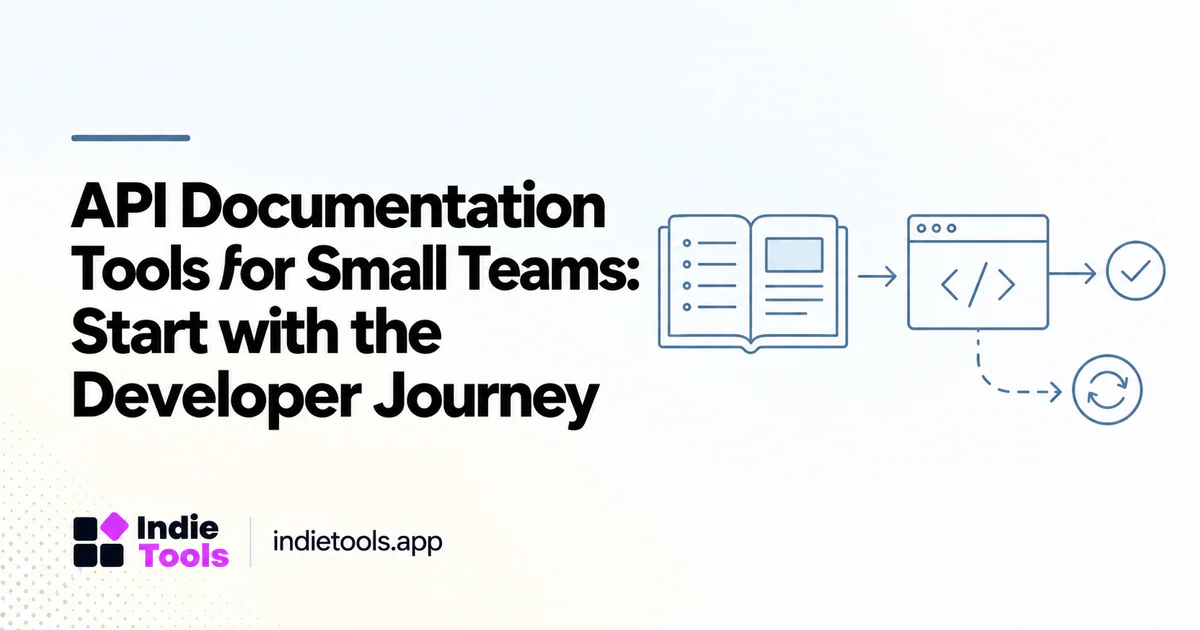
The right API documentation tool helps a developer move from understanding your product to making a successful request and handling a failure. Attractive reference pages matter, but they are only one part of that journey. Small teams should evaluate documentation tools against real integration tasks rather than the length of a feature list.
The OpenAPI Specification provides a standard description format for HTTP APIs. [1] A tool that accepts that format can be a useful starting point, but the specification alone does not explain your product's concepts, support policy or recommended workflow.
Separate reference from guidance
Reference documentation answers questions about endpoints, parameters and responses. Guides explain authentication, pagination, webhooks and how to accomplish a business task. Troubleshooting content explains why an apparently valid integration failed.
Before choosing a platform, write one example of each. A small billing API might need an endpoint reference, a guide to creating a customer and a troubleshooting page for rejected webhook signatures. The chosen system should make all three easy to maintain and find.
Compare concrete approaches
Palt presents an OpenAPI-based documentation workflow with an interactive playground and code examples. ApiNotes describes hosted OpenAPI documentation alongside API change tracking. These are examples of different emphases to investigate, not verified winners from a hands-on comparison. [2] [3]
Another team may prefer documentation stored with its application code. The relevant tradeoff is ownership: who reviews changes, how previews work and whether non-developers can correct explanations without waiting for a release. Discovery through IndieTools' developer tools category can broaden the shortlist beyond the products your team already knows. [4]
Run a first-request test
Give a teammate the public starting page and a test account. Ask them to complete a harmless request in a non-production environment without verbal help. Record where they hesitate: finding credentials, selecting an environment, understanding a required field or interpreting the response.
Do not measure success solely by elapsed time. A rushed integration that uses a production key in an unsafe example is not a good outcome. Review whether sample values are clearly fictional, credentials are handled appropriately and the reader knows which environment they are using.
Test the failure path too
Change one input to trigger a documented error. Try an expired credential, a missing required field or a deliberately invalid identifier. The documentation should help the developer distinguish a correctable request problem from an outage or permission issue.
Check how errors connect to reference pages. A useful explanation includes the condition, a safe corrective action and enough context to prevent repeated guessing. It should not encourage users to paste secrets into support tickets. This test often reveals gaps that a polished happy-path demo hides.
Make updates part of the release process
Choose a source of truth for the API description and assign review responsibility. When a field changes, the reference, examples and guides may all need attention. A generated reference does not automatically repair a tutorial that still uses the old behavior.
An illustrative release gate could require a schema diff, a preview review and one integration test against the published examples. This is a team workflow suggestion, not a guarantee provided by any vendor. Keep the process lightweight enough that it happens on routine releases rather than only before major launches.
Check portability and public discovery
Export a representative section and inspect the result. Can the content move to another platform without losing code formatting, navigation and redirects? Who controls the documentation domain? What happens to old URLs when a section is renamed?
Also inspect the experience without relying on a logged-in dashboard. Developers may arrive directly at an error page or endpoint reference from search. Each page should explain where it belongs and provide a clear path back to the relevant guide.
Questions before selecting a platform
Is OpenAPI enough for complete documentation? It is useful for describing the interface, but your product still needs concepts, workflows and troubleshooting explanations.
Should small teams prioritize an interactive playground? Only when it helps their users safely test representative requests. It should not replace clear examples or environment warnings.
What is the strongest selection signal? A new developer can complete and troubleshoot a realistic integration, while your team can keep the content accurate after the next release.
Explore related IndieTools resources: reported technology collections.
Continue your research
- Developer Tool Performance: Docs, Demos and Pages
- CMS Tools for Product Directories
- Find Software Alternatives by Workflow
Sources and verification
Sources consulted for this article on October 1, 2026. Product capabilities are documented claims unless an actual test is explicitly described.