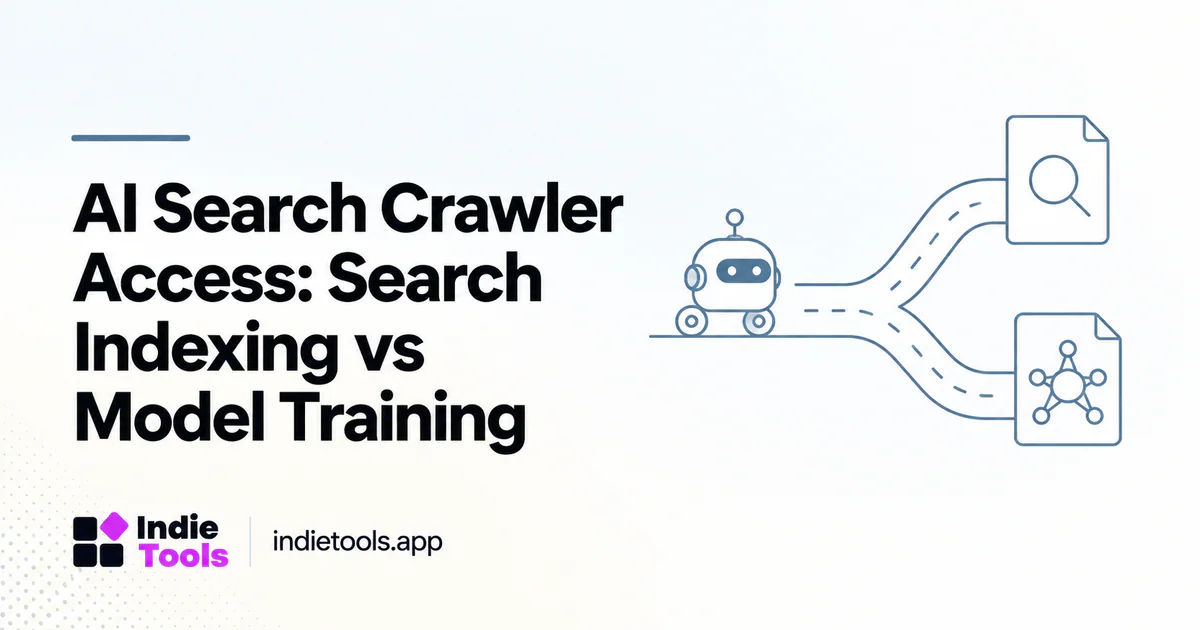
Manage AI crawler access by purpose rather than treating every automated request as the same activity. Search discovery, potential model training and a user-requested page fetch can use different agents and controls.
For a public product directory, that distinction matters because a blanket rule may block useful discovery while failing to express the policy the owner intended. Start with a written access policy, then verify the actual behavior of the website, CDN and application.
Map the documented agents to their roles
OpenAI distinguishes OAI-SearchBot for search, GPTBot for content that may be used in foundation-model training, and ChatGPT-User for certain user-initiated actions. The search and training settings are independent; ChatGPT-User is not the control for automatic search indexing. [1]
Perplexity similarly documents PerplexityBot for search discovery and Perplexity-User for user-requested access. Its documentation states that the latter generally ignores robots.txt because the fetch was initiated by a user. [2] These descriptions are provider-specific, not a universal rule for all bots.
Write the policy before changing the configuration
Decide which public sections should be available for search discovery, which training permissions the organization intends to express and which routes should never be public. Treat authentication and access controls separately from robots.txt.
A robots rule is not a substitute for protecting an administration interface or private customer record. The same applies to unpublished product submissions: exclude private information through application authorization, not by assuming every client will honor a crawler directive.
Check every layer that can block a request
A permissive robots.txt file does not prove that content can be fetched. A firewall challenge, rate limit, redirect loop, origin error or blocked JavaScript resource may still prevent a useful response.
Inspect a representative public product page, a category page and a guide. Record status codes and whether the returned content contains the material users see. Keep tests read-only and narrow; there is no need to weaken protection across the whole site to troubleshoot one public route.
Verify bot identity before granting exceptions
A User-Agent string can be copied by another client. Use the provider's current verification guidance and published network information where applicable rather than trusting the name alone. Both OpenAI and Perplexity provide official crawler information for this purpose. [1] [2]
Make any exception as limited as practical. A rule intended to allow access to public articles should not bypass authentication, expose secrets or disable unrelated security checks. Assign an owner to maintain the configuration when provider details change.
Understand crawling and indexing controls
Blocking crawling and requesting removal from an index are not identical actions. A crawler must be able to fetch a page to read an on-page noindex directive; Google documents this interaction in its robots meta guidance. [3]
Before combining directives, write down the desired outcome. “Do not fetch this route” and “read this route so its indexing directive can be processed” can conflict. Check the relevant provider's documentation rather than copying a rule set designed for a different system.
Observe access without inventing visibility results
A successful request in server logs shows that a request reached the site. It does not prove that the page was indexed, cited or recommended. Likewise, the absence of a request during a short test window does not establish a permanent indexing failure.
For IndieTools, keep crawler access, catalog availability and actual referral outcomes in separate reports. Log the change date and representative checks, then use the available search and analytics evidence to assess discovery. Avoid changing several layers at once when trying to identify a cause.
Frequently asked questions
Must training access be allowed for search discovery?
Do not assume so. OpenAI documents independent search and training controls. Check each provider's current policy rather than generalizing across services.
Does allowing a bot guarantee a citation?
No. Access is a technical prerequisite for certain retrieval paths, not a guarantee of selection or placement in an answer.
Should all bot protections be disabled?
No. Apply verified, narrowly scoped exceptions where justified and retain normal controls for private routes, abuse prevention and application security.
Explore related IndieTools resources: IndieTools MCP catalog documentation and IndieTools product guides.
Continue your research
- Llms.txt vs XML Sitemaps: Different Jobs
- MCP Product Catalogs vs Search-Indexed Pages
- Measure AI Citations Without Confusing Traffic
Sources and verification
Sources consulted for this article on October 1, 2026. Product capabilities are documented claims unless an actual test is explicitly described.