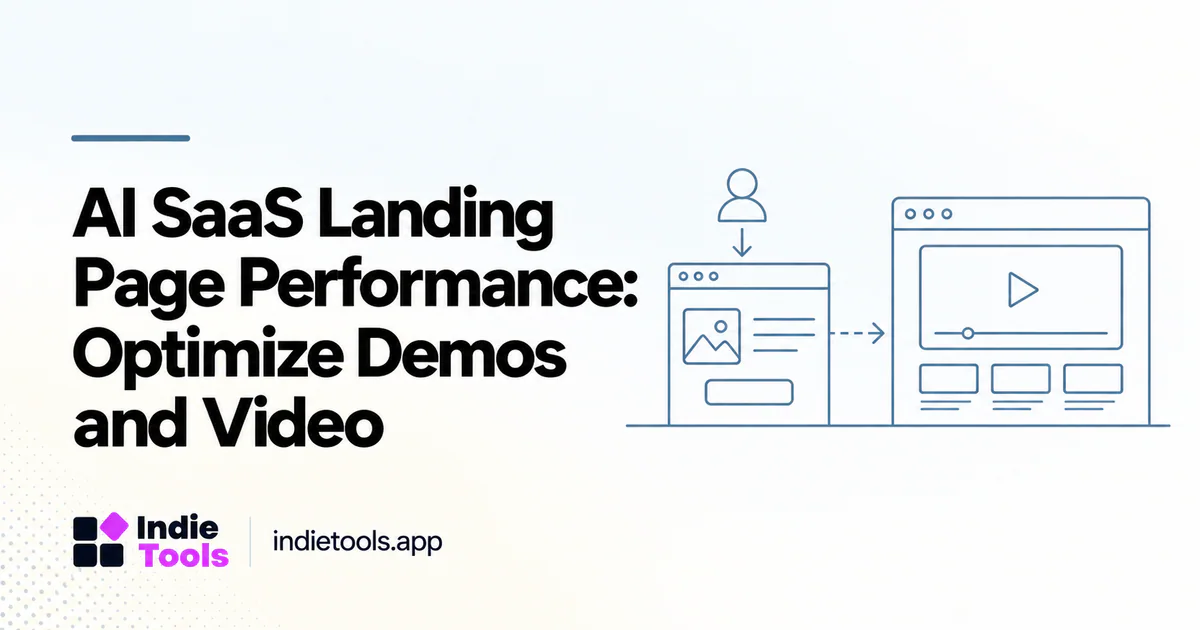
An AI SaaS landing page should explain the product before it asks a visitor to download the product's entire demonstration environment. Start with a useful, lightweight explanation, then load expensive demonstrations when the visitor chooses to explore them. This preserves the sales story without making every visitor pay the performance cost of every feature.
The challenge is deciding what belongs in the first experience. A moving interface may communicate the workflow well, but an autoplaying video, chat simulator, animated background and analytics stack can compete for the same limited resources. Treat each component as a product decision, not a decoration that automatically deserves immediate execution.
Map the first useful moment
Write down the question your hero section must answer. For an interview-analysis product, that might be: “Can this turn a transcript into traceable customer themes?” A before-and-after image plus one clear sentence might answer it before an interactive demo is needed.
Define three states: the initial explanation, the optional demonstration and the real application. Give each state its own success event. Reading a result example is not the same as running a model; running a demo is not the same as activating a customer account. Separate events make it possible to improve speed without accidentally removing the thing that persuades buyers.
Choose the right demonstration format
Use a static screenshot when the main benefit is visible in a completed output. Use a short video when sequence matters. Use an interactive demonstration when a buyer must manipulate inputs to understand the benefit. These are editorial choices rather than a universal hierarchy: the cheapest format is not automatically the most useful.
For offscreen video, Google's performance guidance describes delaying video loading and using a poster image. [1] Apply that idea selectively. Do not lazy-load the very image you have identified as the page's main visible content merely because it is an image; inspect its actual role first.
A useful compromise is a real output preview with a play button. Explain what happens after activation and retain captions or a text explanation. Visitors who cannot or do not play the demonstration should still understand the offer.
Audit resource competition
Test the page with the demo disabled, then with the demo enabled. Keep the device, connection profile, page state and test location constant. Compare the waterfall and main-thread activity, not only the final score. Google’s LCP guidance separates resource discovery, loading and rendering delays, providing a useful diagnostic structure. [2]
Record which scripts are required to draw the initial product explanation. Challenge anything that runs before it serves a visible purpose. A customer-support widget may be valuable later in the visit without needing to initialize alongside the hero image.
Run a controlled redesign experiment
Consider an illustrative experiment, not a reported IndieTools result: version A loads an interactive AI sandbox immediately; version B shows an output preview and loads the sandbox after a click. Measure initial responsiveness, demo-start rate, successful demo completion and qualified signups for both versions.
Do not declare B the winner solely because its first load is lighter. It may hide the product's differentiator. Conversely, a lower demo-start rate could still be acceptable if more visitors understand the offer and activate. Define the business decision before collecting the numbers, and report uncertainty when the sample is small.
Use IndieTools as a discovery layer
The IndieTools AI Speed page provides examples of measured AI product websites. [3] Use it to discover presentation approaches worth inspecting, then visit the products and test the relevant pages yourself. A website's lab result does not establish the quality, cost or response time of its AI model.
Save the exact URL and observation date beside any design inspiration. A listing can help you find peers, but your own visitors, demonstrations and application boundaries determine the correct implementation.
Questions founders ask
Should every demo load only after a click? No. An essential small demonstration may justify early loading. Compare its explanatory value with its measured cost.
Does a fast homepage prove fast AI generation? No. Measure inference and end-to-end task completion separately.
What should the final audit produce? A component inventory, a reproducible baseline and one tested change tied to both performance and product understanding. That is more useful than an unexplained score target.
Explore related IndieTools resources: weekly website speed measurements.
Continue your research
- Fast AI Tool Websites: Speed vs Model Latency
- A Performance Budget for SaaS Launch Pages
- Third-Party Widgets Slowing Your SaaS Website?
Sources and verification
Sources consulted for this article on October 1, 2026. Product capabilities are documented claims unless an actual test is explicitly described.