A Next.js marketing redesign can look simpler while sending more work to the browser. Audit the boundary between content that can remain on the server and interactions that genuinely need client execution. The goal is not to remove interactivity; it is to avoid making an entire marketing page depend on a small interactive element.
In the App Router, Next.js documents Server and Client Components as distinct tools, with browser APIs and interactive state requiring client-side boundaries. [1] That architectural distinction provides a more useful starting point than asking whether “Next.js is fast” in the abstract.
Begin with a route inventory
Choose routes that represent different workloads: homepage, pricing, product detail, blog article and signup entry. Record the production build identifier and any experimentation flags. A pricing calculator is not equivalent to an editorial article, so keep the expected interaction visible in your audit notes.
For each route, capture what a visitor can read before interaction and what becomes available afterwards. Check menus, pricing switches, search boxes and consent controls. A visually complete screenshot can hide controls that are not yet ready to respond.
Locate unnecessarily large client boundaries
Review where client components begin. A common audit question is whether a high-level wrapper became client-side because it contains a small piece of state. Explore moving the interactive island lower while leaving stable text, navigation structure and supporting content outside that boundary.
Do not mechanically remove every client directive. Authentication context, forms and stateful components have real requirements. Instead, explain why each large boundary exists, which dependencies it brings and whether the same user outcome could be delivered with a smaller boundary.
Pay attention to shared layout imports. A decorative library added to a shared component may affect routes whose content never needs that decoration. Test the production output rather than judging the architecture from filenames alone.
Distinguish loading from interaction
A redesign can improve initial rendering while introducing expensive interactions. Test opening navigation, changing a plan, filtering examples and expanding FAQs. Google's long-task guidance explains how lengthy main-thread work can block responsiveness. [2]
Use traces to connect a delayed interaction to the responsible work. Avoid assuming that every delay is hydration. A slow API, an expensive filter or layout recalculation may be the actual bottleneck. Name the observed cause precisely so the next developer does not optimize the wrong layer.
Design a before-and-after comparison
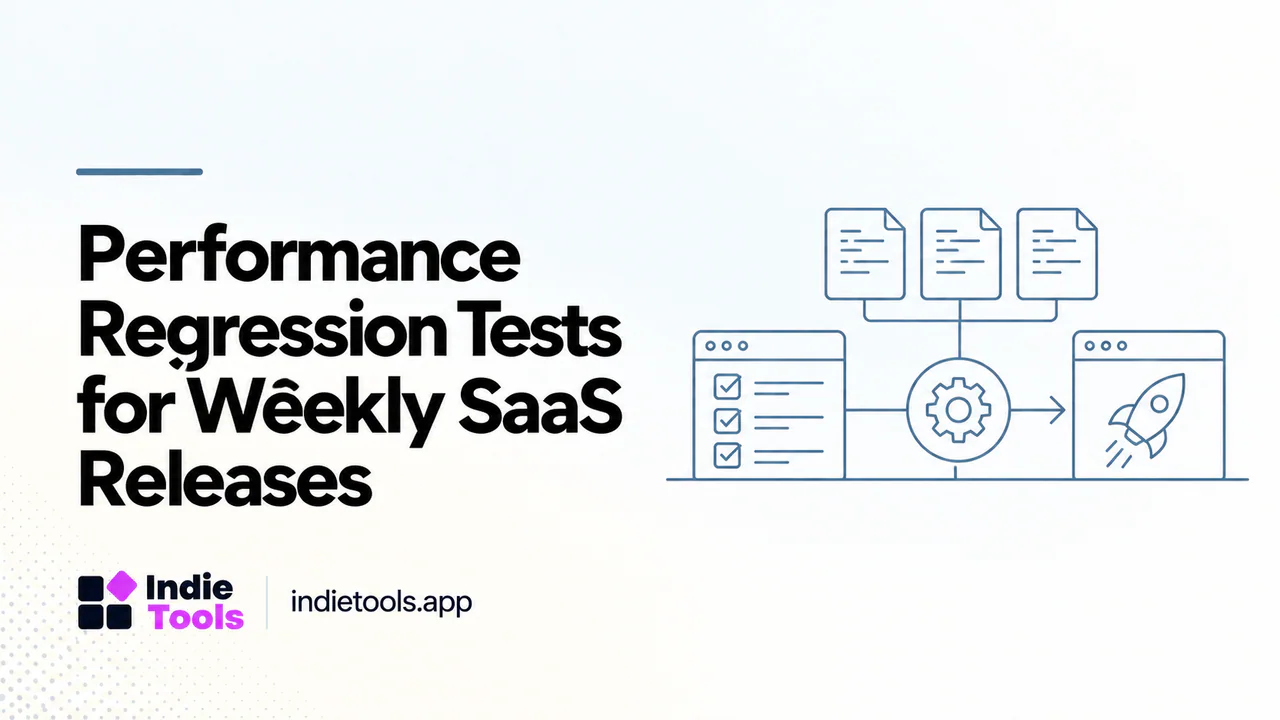
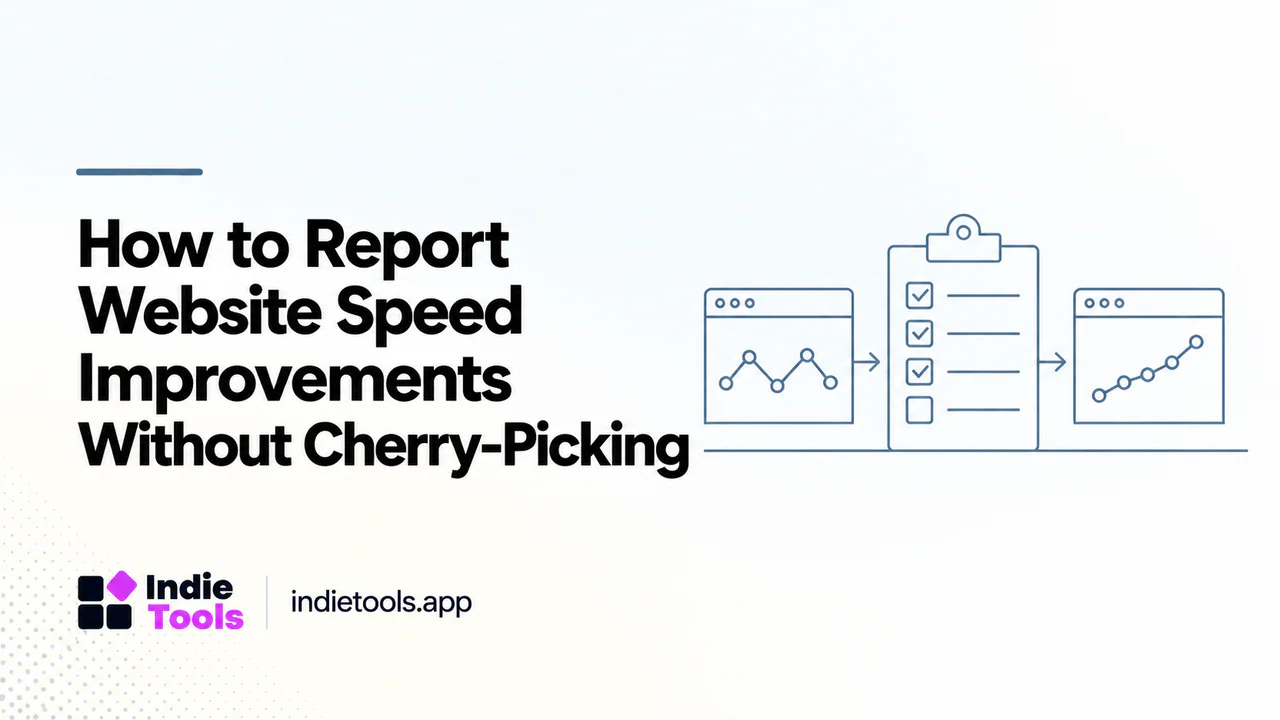
An illustrative release review might compare the same pricing route before and after moving a calculator into its own client component. Keep hosting, content and third-party scripts unchanged where practical. Run repeated tests and retain the distribution rather than selecting the fastest run.
Add a functional acceptance test: currency selection, keyboard navigation and plan links must still work. A performance improvement that breaks the purchase journey is a failed release. Keep the old implementation available until both technical and user-facing checks pass.
Research examples without copying blind spots
IndieTools has a Next.js technology collection. [3] It can help locate products with comparable marketing needs, but a declared stack is not a public architecture audit. You cannot infer their component boundaries, caching strategy or server configuration from the technology label alone.
Use peer websites to frame questions. How quickly is the offer understandable? Which interactions are truly useful? Then inspect your own build and traces to answer implementation questions. This separates design research from unsupported technical claims about other founders' products.
Make the audit repeatable
Store the route list, representative interactions, measurement conditions and acceptance criteria alongside the release checklist. Flag changes to shared layouts and large dependencies for review. This makes the next redesign less dependent on someone remembering why the previous one regressed.
Must a marketing site avoid React interactivity? No. It should justify the work it sends to the browser.
Can one score diagnose hydration? No. Use build information, traces and interaction tests together.
What is a practical first change? Investigate the largest client boundary that contains mostly stable content. Measure one refactor before applying the pattern everywhere.
Explore related IndieTools resources: weekly website speed measurements.
Continue your research
- SaaS Built with Next.js: Research Real Examples
- Performance Regression Tests for SaaS Releases
- A Performance Budget for SaaS Launch Pages
Sources and verification
Sources consulted for this article on October 1, 2026. Product capabilities are documented claims unless an actual test is explicitly described.