Instagram Breach: How to Check If Your Account Was Compromised
A suspected Instagram incident can involve an individual account takeover, a third-party service or a platform-level data exposure. These are different events. This guide explains how to evaluate a claim, review your account and take practical recovery steps without relying on an unverified incident headline.
Was There an Instagram Breach?
An Instagram breach occurs when unauthorized parties gain access to user data through a security flaw, system misconfiguration, or third-party compromise.
What Counts as an Instagram Breach
- Exposure of usernames, emails, or phone numbers
- Leaked login credentials or authentication tokens
- Access to private messages or account metadata
Platform Breach vs Account Hacking
Not all incidents are platform-wide breaches. Many cases involve:
- Individual account hacking via phishing
- Reused passwords from unrelated data breaches
- Malicious third-party apps
Verify a reported Instagram breach
A search result, screenshot or marketplace claim is not sufficient evidence that Instagram suffered a new breach or that your account was affected. Look for a dated primary statement and distinguish the alleged event from older data being recirculated.
Claims that need supporting evidence
- A claim that a dataset came directly from Instagram, rather than scraping or another service.
- A marketplace listing that asserts it contains current account credentials.
- A claim linking an individual account takeover to a platform-wide incident.
How to Verify Breach Claims
- Check reputable breach disclosure databases
- Review official statements from Instagram or Meta
- Avoid relying on screenshots or unverified social posts
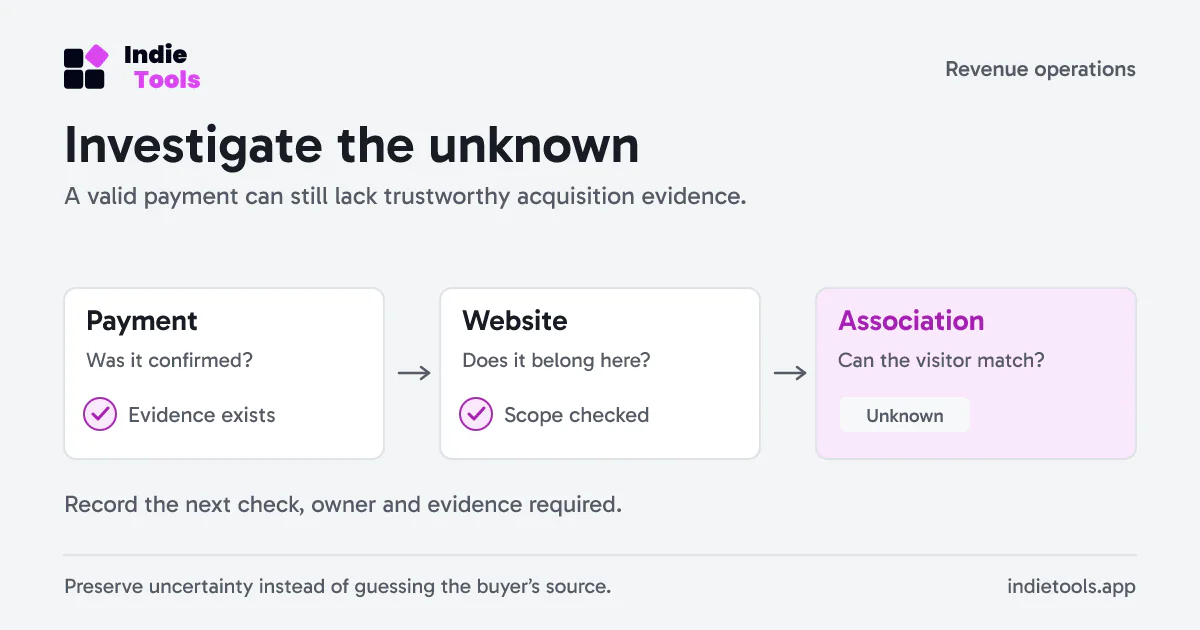
Treat a newly encountered recovery or checker website as a separate service to investigate. IndieTools Domain WHOIS can show available registry information about its domain. That information does not establish a connection to Instagram or Meta, and it cannot confirm a claimed breach.
How to Use an Instagram Breach Checker
A third-party exposure checker may report that an email or username appears in a dataset it holds. That result does not by itself prove that Instagram was breached or that the Instagram account is currently compromised.
What an Instagram Breach Checker Does
- Scans breach databases for exposed emails or usernames
- Provides context for reviewing password reuse; it does not necessarily know which passwords you currently use.
- May report previously recorded exposures; future alerts depend on the provider’s actual monitoring service.
What These Tools Can’t Detect
- Real-time hacking attempts
- Active session hijacking
- Incidents or datasets outside that provider’s coverage.
Signs Your Instagram Account Was Compromised
Common Indicators
- Password changed without your action
- Unrecognized login alerts
- Posts, messages, or follows you didn’t create
What to Do Immediately
- Reset your password
- Revoke access to third-party apps
- Enable two-factor authentication
How to Secure Your Instagram Account
Essential Security Settings
- Two-factor authentication (app-based)
- Login alerts for new devices
- Strong, unique password
Long-Term Protection
- Avoid suspicious links and giveaways
- Regularly review account activity
- Never reuse passwords across platforms
The padlock on a lookalike login page is not evidence that it belongs to Instagram. An IndieTools SSL certificate check reports properties of the certificate served by a hostname, not the operator's legitimacy. Open the Instagram app or your known account address for recovery.
Instagram Breach FAQs
Does a breach rumor prove my account was affected?
No. Check the date, source, affected service and data described in a notice. Review your own account activity separately. This guide does not assert the current status of a particular alleged incident.
How can I check if my Instagram was hacked?
Review login activity, recovery details, connected apps and unauthorized account changes. Use the official recovery flow if you lose access. Meta’s account-security guidance explains account review and two-factor authentication.
Does Instagram notify users after a breach?
Verify any security message through Instagram’s own app or official help flow. Do not trust a message solely because its sender name or design resembles Instagram, and do not assume the absence of an email rules out a problem.
Conclusion: Staying Safe After an Instagram Breach Scare
Separate a reported platform incident from evidence about your own account. Verify notices, use a unique password, enable multi-factor authentication and review active sessions. If you lose access, use the official recovery process rather than paying an unsolicited recovery contact.
 Revfaro