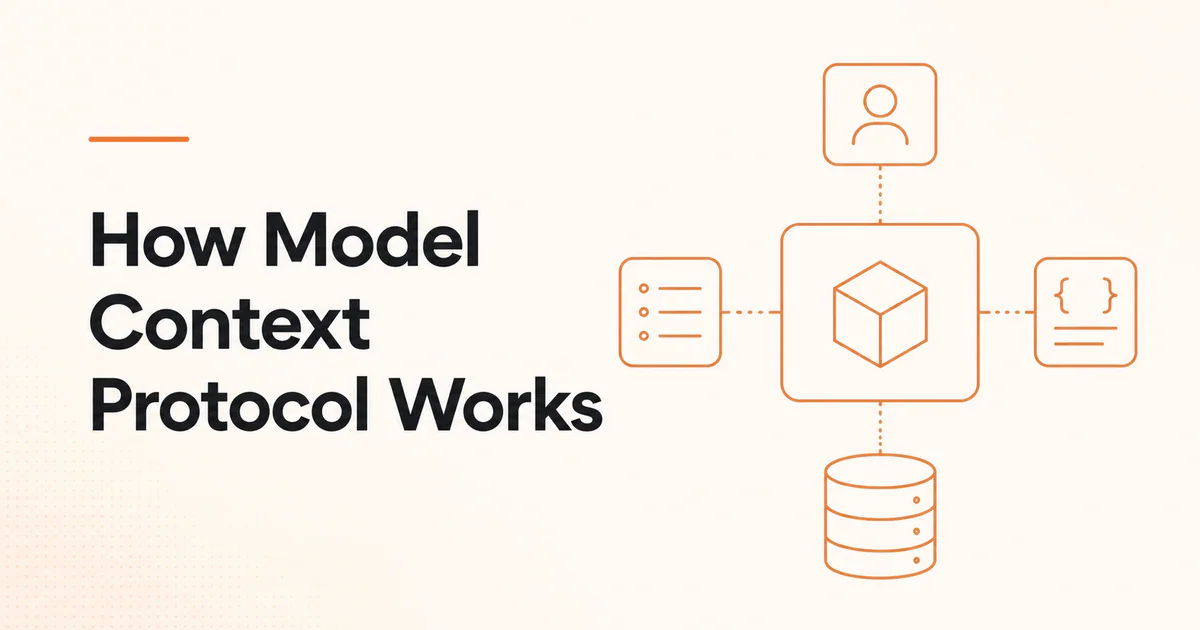
Quick answer: MCP works through a host, a client and a server. The host creates one client for each server, initializes the connection, negotiates capabilities and discovers tools, resources or prompts. When an AI workflow uses a capability, protocol messages travel over stdio or Streamable HTTP, the server performs authorized work and structured results return to the host.
MCP is a stateful protocol relationship, not merely an HTTP endpoint that accepts arbitrary prompts. Understanding ownership is essential: the host owns the user and model experience, the client owns one protocol connection, and the server owns the exposed integration.
The three roles
| Role | Responsibility | Example |
|---|---|---|
| Host | User experience, model context, trust and coordination | IDE, desktop assistant, agent service |
| Client | One connection, protocol messages and negotiated capability state | MCP component inside the host |
| Server | Tools, resources or prompts backed by a system | Git, database, files or SaaS integration |
A host connecting to five servers normally manages five client-server relationships. This isolates capability state and reduces one server's direct knowledge of other connections.
Data layer and JSON-RPC
MCP uses JSON-RPC-style messages for requests, responses and notifications. The data layer covers:
- lifecycle and initialization;
- capability negotiation;
- tool discovery and calls;
- resource listing and reading;
- prompt listing and retrieval;
- errors and notifications;
- optional features negotiated by the parties.
SDKs hide much of the message handling, but implementers still need to understand lifecycle, cancellation, timeouts and compatibility.
Step 1: Transport connection
The current specification identifies two standard transports:
stdio
The host launches a local server process. Client and server exchange newline-delimited messages through standard input and output.
Use for: local files, developer tools and desktop integration.
Operational concerns: executable trust, environment variables, inherited permissions, process lifetime and logs. Servers must not write ordinary diagnostic text to the protocol output stream.
Streamable HTTP
The server runs independently and accepts messages at an HTTP endpoint. Responses can be JSON or a request-scoped Server-Sent Events stream. Sessions and server-initiated communication are supported according to the negotiated behavior.
Use for: shared remote services, SaaS integrations and cloud agent platforms.
Operational concerns: TLS, origin validation, OAuth, session handling, load balancing, timeouts and data residency.
Step 2: Initialization
Client and server begin with an initialization exchange. They communicate protocol version, implementation information and supported capabilities. After initialization completes, both sides know which optional operations are valid.
Version negotiation matters because the MCP specification evolves. Clients should fail clearly when no compatible version exists rather than guessing.
Step 3: Capability discovery
The host can ask the server to list supported primitives.
Tool discovery
The server returns tool names, descriptions and input schemas. The host may filter or present them to the model. OpenAI's MCP integration, for example, supports restricting imported tools with allowed_tools to reduce cost and unnecessary capability exposure.
Resource discovery
The server can expose resources and templates identified by URIs. A host or user can select and read the relevant data.
Prompt discovery
The server can provide reusable prompt templates with typed arguments for supported workflows.
Discovery is not authorization. Seeing a tool definition does not mean every user may call it on every resource.
Step 4: Model or user selects a capability
The host decides how the capability enters the experience. It may:
- let a user choose a resource;
- present a prompt template;
- expose selected tools to a model;
- require confirmation before any call;
- permit read-only tools automatically and gate writes.
The model produces a proposed tool name and arguments. The host should validate the request and determine whether approval is required.
Step 5: Server performs the work
The server authenticates and authorizes the request, then calls local code, an API, database or another service. It returns structured content or an error.
The server must not trust the host to enforce its business authorization. Both sides have responsibilities:
- host controls user intent and model exposure;
- server controls access to protected resources;
- downstream API controls its own permissions.
Step 6: Result enters agent context
The host may give the tool result to the model as an observation. The model can answer, request another tool or stop. This loop belongs to the AI application or agent framework, not to MCP itself.
Read how AI agents work and how to connect an AI agent to MCP.
Approval flow
Sensitive actions should pause before data or side effects leave the trusted boundary. An approval should include:
- server identity;
- tool name and description;
- exact arguments;
- data that will be shared;
- target account or resource;
- expected effect;
- whether the action is reversible.
OpenAI's Responses API defaults to requesting approval before data is shared with a remote MCP server unless configured otherwise. This is a host behavior, not a universal guarantee across all clients.
Authentication and authorization
For remote HTTP-based servers, the MCP authorization specification defines an OAuth-based framework. Implementers need to distinguish:
- MCP client;
- protected MCP resource server;
- authorization server;
- resource owner;
- downstream third-party API.
Avoid token passthrough that lets one token be replayed to an unintended service. Validate audience, scopes, resource and redirect behavior. The MCP security guide covers protocol attacks and controls.
Example lifecycle
A host connects to a documentation server:
- Open Streamable HTTP connection.
- Send initialization request with supported version and capabilities.
- Receive server capabilities.
- Complete initialization.
- List
search_docsandfetch_doctools. - Expose the two tools to the research agent.
- Agent calls
search_docswith a query. - Host approves or executes according to policy.
- Server checks authorization and queries the index.
- Structured result returns with IDs and canonical URLs.
- Agent fetches selected content.
- Host renders a cited answer and records the trace.
OpenAI's MCP server guide recommends search and fetch read-only tools with structured outputs for company knowledge and research compatibility.
Error handling
Design for:
- incompatible protocol version;
- server startup failure;
- list operation timeout;
- changed tool schema;
- invalid arguments;
- expired authorization;
- partial downstream failure;
- lost Streamable HTTP session;
- server restart;
- duplicated request after retry;
- oversized result.
Return explicit machine-readable errors. Agents should not infer success from an empty or ambiguous result.
Performance and tool discovery
Large tool catalogs consume context and may reduce selection quality. Use:
- allowed subsets;
- clear server and tool descriptions;
- dynamic or deferred loading where the host supports it;
- concise schemas;
- result pagination;
- server-side filtering;
- cached tool lists tied to server/version state.
The official MCP client best-practices guide warns that naïvely loading hundreds of tools wastes tokens and increases latency.
Where IndieTools products fit
dullnote describes MCP-based access to project files and versioned conversation work. SEOReport describes an MCP endpoint for agent-initiated audits. These illustrate different server surfaces: one around workspace context, another around a callable service.
Use what is MCP and MCP vs API to decide whether the protocol fits your integration.
Frequently asked questions
Does MCP use HTTP?
Remote MCP commonly uses Streamable HTTP. Local servers commonly use stdio. Custom transports are possible, but the standard transports improve interoperability.
Does MCP require an AI model?
The protocol can be implemented and tested without a model. Its main purpose is to connect AI applications to capabilities.
Who calls MCP tools?
The host sends protocol requests through its client. A model may propose the tool call, but the host controls execution and approval.
Can one MCP server call another?
A server can act as software that calls other systems, including another MCP client implementation, but this creates layered identity, trust and failure concerns. Keep boundaries explicit.
 APINEED
 Stardew Valley Tracker
 IcyZip