What It Means When Your Data Is Hacked (And What to Do Next)
If you’ve discovered your data was hacked, you’re not alone. Data hacks are becoming more common, affecting individuals, businesses, and even governments.
The real danger isn’t just the breach itself — it’s what happens after your information is exposed. This guide explains what a data hack really means, how it happens, and exactly what steps to take to protect yourself.
What Does “Data Hacked” Mean?
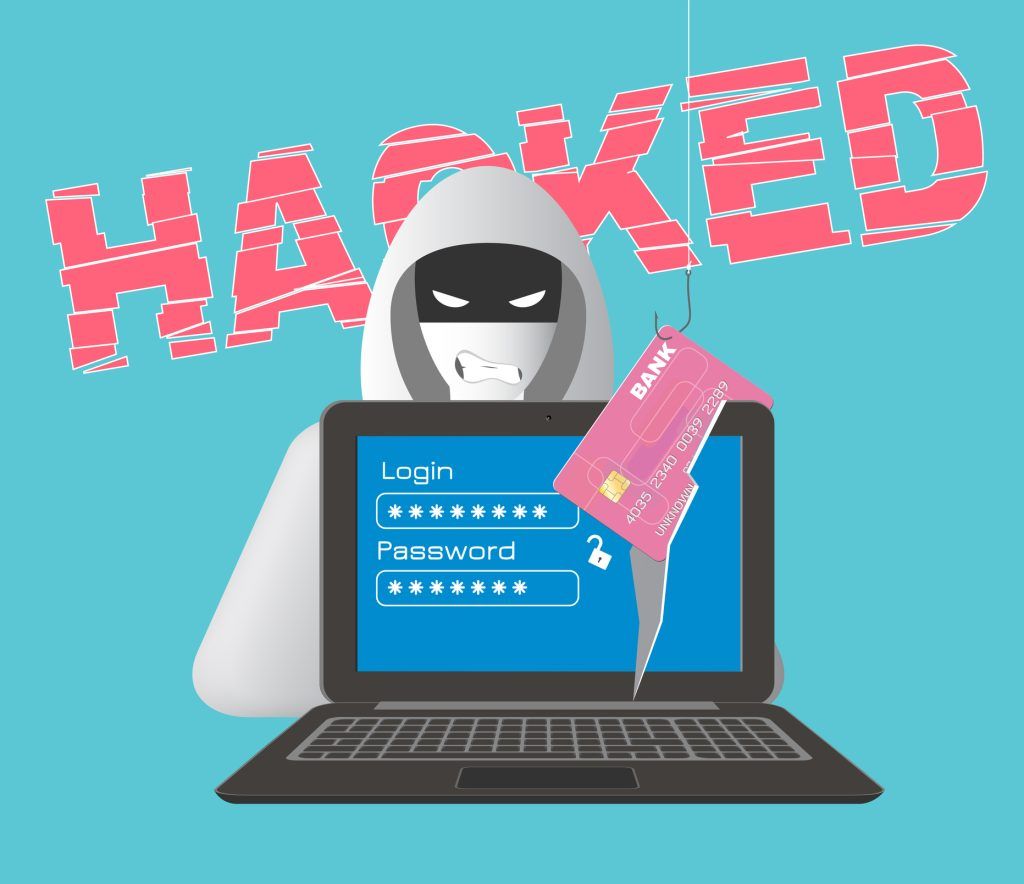
When data is hacked, it means unauthorised individuals accessed, stole, or exposed digital information without permission.
This data may include:
- Email addresses and passwords
- Financial details
- Personal identification
- Business or customer records
A data hack often leads to a data breach, but not all breaches are caused by sophisticated hackers. Some happen due to human error or poor security.
How Does Data Get Hacked?
Common Data Hack Methods
Hackers use multiple techniques to gain access, including:
- Phishing attacks – fake emails or messages tricking users into sharing login details
- Malware – malicious software that steals data silently
- Weak passwords – reused or simple passwords are easy targets
- Public Wi-Fi attacks – unsecured networks expose sensitive data
Who Is Most at Risk?
- Users who reuse passwords
- Small businesses with limited security
- Anyone using outdated software
- Accounts without two-factor authentication
What Happens When Data Is Hacked?
Once data is compromised, it can be:
- Sold on the dark web
- Used for identity theft
- Exploited for financial fraud
- Leveraged for future cyber attacks
The impact may last months or even years, especially if sensitive information is involved.
Signs Your Data Has Been Hacked
Watch for these warning signs:
- Unexpected password reset emails
- Logins from unknown locations
- Unauthorised bank transactions
- Accounts locked due to suspicious activity
If you notice even one of these, assume your data may be hacked.
What To Do If Your Data Is Hacked (Step-by-Step)
Acting quickly can reduce damage.
Immediately:
- Change passwords on affected accounts
- Enable two-factor authentication
- Log out of all devices
Next steps:
- Monitor affected financial accounts and report suspicious transactions through your institution’s official channels.
- Follow the affected service’s recovery instructions and verify security notices independently.
- Use the email exposure checking guide to understand exposure results without assuming that a clean search proves safety.
Ongoing protection:
- Use a password manager
- Avoid clicking unknown links
- Keep software updated
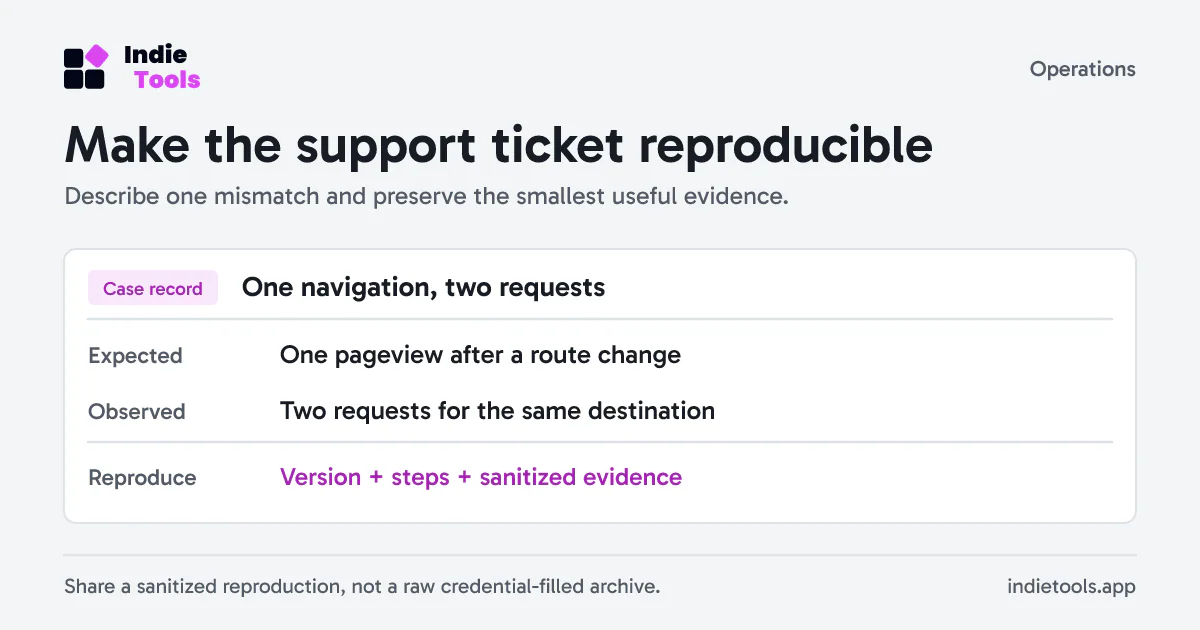
When asking for help, describe the incident without attaching a complete account export. The Safe Privacy Mask listing on IndieTools explains a tool for masking matching text in browser fields. Check what remains before sending, and never include a password, recovery code or session token.
Can Hacked Data Be Recovered?
In most cases, stolen data cannot be fully recovered once exposed. However, you can:
- Secure compromised accounts
- Prevent further misuse
- Minimise long-term damage
Early action is critical.
How to Protect Your Data From Future Hacks
Strong digital hygiene reduces risk significantly:
- Use unique passwords for every account
- Enable security alerts
- Avoid public Wi-Fi for sensitive actions
- Back up important data regularly
Prevention is always easier than recovery.
If you also run a website or business email domain, add a separate mail-configuration review. The IndieTools email DNS checker reads publicly published mail records. That review can reveal configuration issues, but it does not search breached data or secure an already compromised account.
Frequently Asked Questions About Data Hacks
Is hacked data always misused?
No, but there’s no guarantee it won’t be.
How long does hacked data stay online?
Sometimes indefinitely, especially if sold or leaked publicly.
Can hackers access my data without me knowing?
Yes. Many breaches go unnoticed for months.
Conclusion: Take Control After a Data Hack
Use the credential exposure response playbook to prioritize account recovery, password changes and session revocation. the email exposure checking guide explains what an exposure lookup can and cannot tell you.
The key is awareness, action, and prevention — before the next attack happens.
 Revfaro