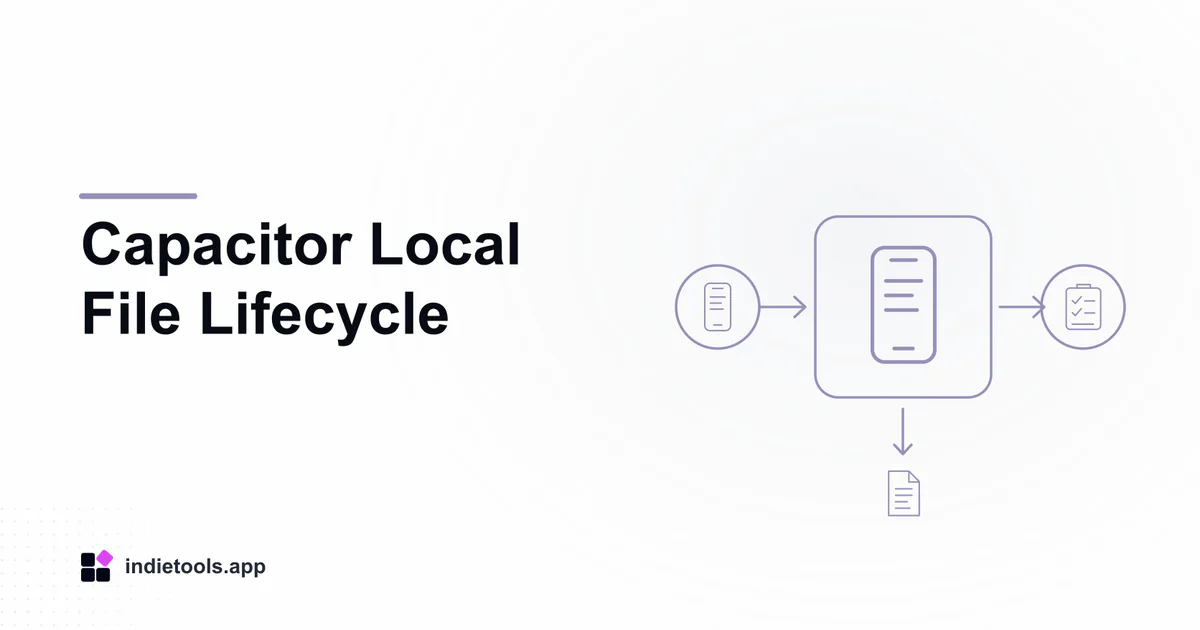
A local photo path is a reference to one copy of a file, not a complete retention policy. In a Capacitor application, decide which copy supports a draft, which belongs to a saved record, and which may be removed after a transfer. Otherwise, a harmless cleanup can break a record the user expected to keep.
The Capacitor Filesystem API provides operations for reading, writing, copying and deleting device files. The application still owns the decisions about lifetime, user expectations and recovery across those operations.
Draw the copies, not only the screens
Start with the original image selected or captured by the user. Then list every derivative your application creates: a preview, a resized upload, a saved local copy and an exported file may all be separate objects.
Connect each copy to the feature that needs it. A small preview may remain useful after the original upload is removed, while an export workflow may require higher-quality bytes.
Snapkin is a photo-oriented product declared in the Capacitor collection. Its listing offers a concrete discovery example, but it does not establish its storage locations or deletion behavior. Those facts require the product's own documentation or an authorized test.
Give temporary and saved data different promises
Tell users when an image is merely selected and when it has become part of a saved record. If the application can restore an unfinished draft, specify what is preserved.
Choose device directories using the current platform documentation and your actual lifetime requirements. Do not rely on a convenient path name as proof that a file will survive cleanup, application removal or a device change.
Keep a durable record from pointing only to a transient location unless the interface clearly represents that limitation. A database row with an unavailable image is not a successfully preserved photo.
Make upload recovery explicit
After an interrupted upload, the application needs to know whether it still has the source bytes and whether the server has a complete copy. Those are separate questions.
Record the transfer state beside the file reference. On retry, verify that the source exists before promising another attempt. If the server may already hold the upload, reconcile using the operation's identity.
Avoid deleting the last usable local copy simply because a network request was sent. The relevant event is the confirmation your design requires, not the start of transmission.
Define deletion by location
A “delete photo” action should explain its practical scope. Removing an entry from the current device, removing the account's stored copy and deleting an exported file are different operations.
Map each user action to the copies it affects. If an exported file is outside the app's control, do not claim to erase it. If account deletion includes remote cleanup, retain enough operational evidence to complete that work without retaining unnecessary image content.
Review the same lifecycle after signing out and signing in with another account on the device. Local convenience must not expose a previous account's private image.
Test the lifecycle with recognizable fixtures
Use distinct synthetic images and trace them through save, upload, retry, export and deletion. Restart the app between selected steps. Inspect both the visible record and the storage state available in your development tools.
The Capacitor camera workflow review covers how the file first enters the application. A complete review follows it all the way to the point where the product can honestly say it has been retained or removed.

 Snapkin

 Stardew Valley Tracker