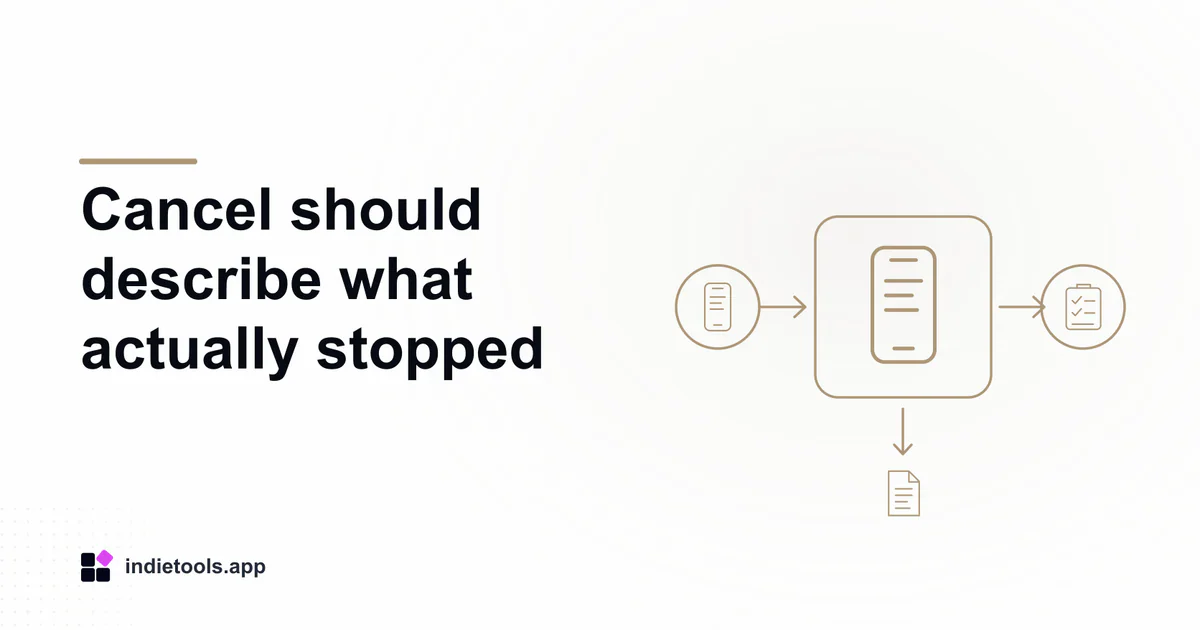
Cancelling an AI operation should tell the user which work stopped and what remains uncertain. A native screen can disappear while a server request continues. Review the local task, remote job and eventual result separately so a late response cannot overwrite newer work.
The Swift technology catalogue, observed on October 3, 2026, includes Hairstyle AI, which describes photo transformations, and Make Resume, which describes writing assistance. These listed capabilities suggest useful test scenarios without proving how either app implements concurrency or cancellation.
Define the cancellation promise
Before testing, decide what the control means: stop uploading, stop waiting for a result, request cancellation of remote processing or discard a completed output. Those actions have different consequences and should not share an unexplained promise.
For an authorized evaluation, use a disposable image you have permission to process or a fictional resume paragraph. Record the original input so that you can recognize whether an old result later replaces a newer selection.
Ask how usage is handled when work has already reached the remote service. Do not assume that cancelling a local task reverses any consumed processing allowance; the product needs to explain its own policy.
Understand cooperative cancellation
The Swift language guide describes cancellation as cooperative: a task must check and respond appropriately. A cancellation request is therefore not equivalent to forcibly undoing everything the task or an external service has already done.
In an implementation review, identify the points where cancellation is observed and where local resources are released. Preserve useful input and report the resulting state clearly. A cancelled operation should not be presented as a processing error that requires the user to recreate their work.
Keep server-side cancellation explicit. If the remote API offers no confirmed cancellation state, the interface should avoid claiming that processing definitely stopped there.
Test a late result against a newer edit
Start one operation, cancel through the supported control and then change the input. In a controlled environment, allow the earlier response to arrive after the newer interaction. Verify that it remains associated with its original request.
For writing assistance, the important case is an old suggestion arriving after the user has edited the paragraph manually. The app should not silently replace that newer text. For a photo workflow, the result should not become attached to a different selected image.
Record whether the old result is discarded, retained in history or offered separately. Any of those can be a deliberate design when the user can understand it and the underlying privacy policy permits retention.
Preserve a useful recovery path
Retry should make clear whether it resumes existing work or starts a new request. Include failure before upload, failure after acceptance and cancellation during waiting in the test plan. Keep outcomes distinct rather than summarizing them all as network errors.
The Swift reminder lifecycle review examines another case where an accepted request and a completed user outcome differ. Across both patterns, clear state names help users trust what the application reports.
Report only the sequences actually exercised, including device and app version. This guide proposes acceptance tests; it does not claim measured cancellation behaviour for the listed products.
 Make Resume

 IcyZip