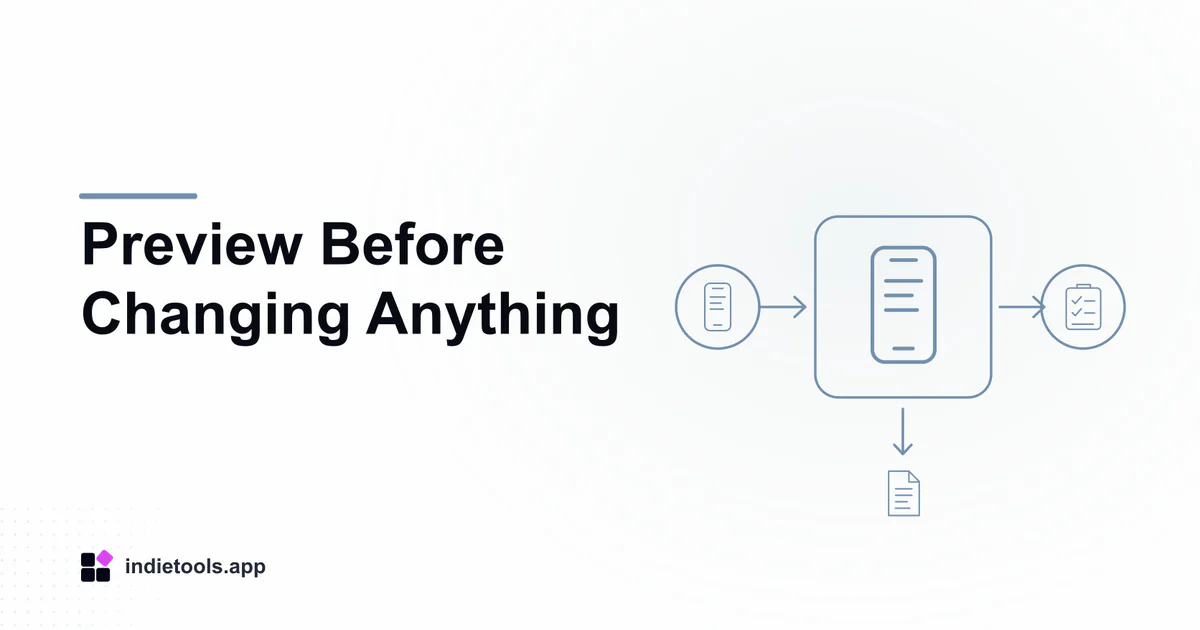
A recovery preview should help answer a narrow question before any device changes: is the missing item present in an accessible source, and what evidence shows that it can be exported? Keep that review separate from restoring a whole phone. This proposed workflow uses Gbyte Recovery as a product example; no recovery operation was performed for this article.
The Hong Kong catalogue can help locate the listing, but a country field cannot verify the availability or safety of a particular recovery operation.
Start with a written recovery objective
Describe the missing item type and approximate date. “A photograph from a particular event” is more useful than “recover everything.” Record whether the item may already exist on another authorized device or in an ordinary export you control.
Do not put sensitive content into a public support thread. A private note containing only enough detail to identify the target will often be sufficient for the initial review. Keep current device content intact while gathering this evidence.
Record exactly which source is inspected
Note the account or backup label, its date and the service operation selected. Avoid assuming that all available sources have been searched when the interface has inspected only one.
If a backup predates the item's creation, that mismatch belongs in the record immediately. If the backup date is unclear, mark it unknown. Do not fill the gap with a guess based on the order in which files appear.
Inspect a preview for identifying details
For an image, compare the visible subject, date and available dimensions. For another supported item type, identify the equivalent distinguishing details. Record whether the preview contains complete content or only a thumbnail or listing entry.
Similar names are not enough to establish identity. If two entries look alike, retain their source labels until you can determine whether they are duplicates or different versions. A large item count is less informative than one clearly identified target.
Define export acceptance before purchase
Check the current paid terms and supported output format. Decide what would count as a usable result: a file that opens in the expected application, contains the required material and is complete enough for your purpose.
After an authorized export, compare the output with the preview rather than assuming success because a download completed. Save the original exported file separately from any edited copy. Record unreadable, incomplete or unexpected results without labeling them successful recoveries.
Treat a restore as a separate decision
Apple's backup restore documentation explains that restoring an already configured device from iCloud involves erasing its current content. That is not an incidental troubleshooting step for a failed preview.
If you consider that route, first understand the official prerequisites and preserve current material appropriately. Do not merge an export trial and a full-device restoration into one undocumented experiment.
Close access and retain the evidence
Review the service's current account-access controls, deletion terms and any permitted way to disconnect the session. Keep a record of what was exported and which questions remained unanswered, without retaining unnecessary copies of sensitive content.
The recovery-tool evaluation guide covers the purchase questions behind this workflow. Feature context comes from Gbyte; the workflow is an editorial review method, not a recovery guarantee.

 IcyZip
 Acres
Acres Plainrow
 code.live
 Xeramail Temp Mail