Internal links should help a reader move from a question to the evidence or product detail needed next. For a software directory, the strongest structure connects guides, collections, benchmark methods and canonical product records without forcing every page to link to everything else.
This is more useful than adding a fixed number of links to each article. The right link depends on the sentence, the destination's purpose and whether that destination is already published and accurate.
Give each destination a role
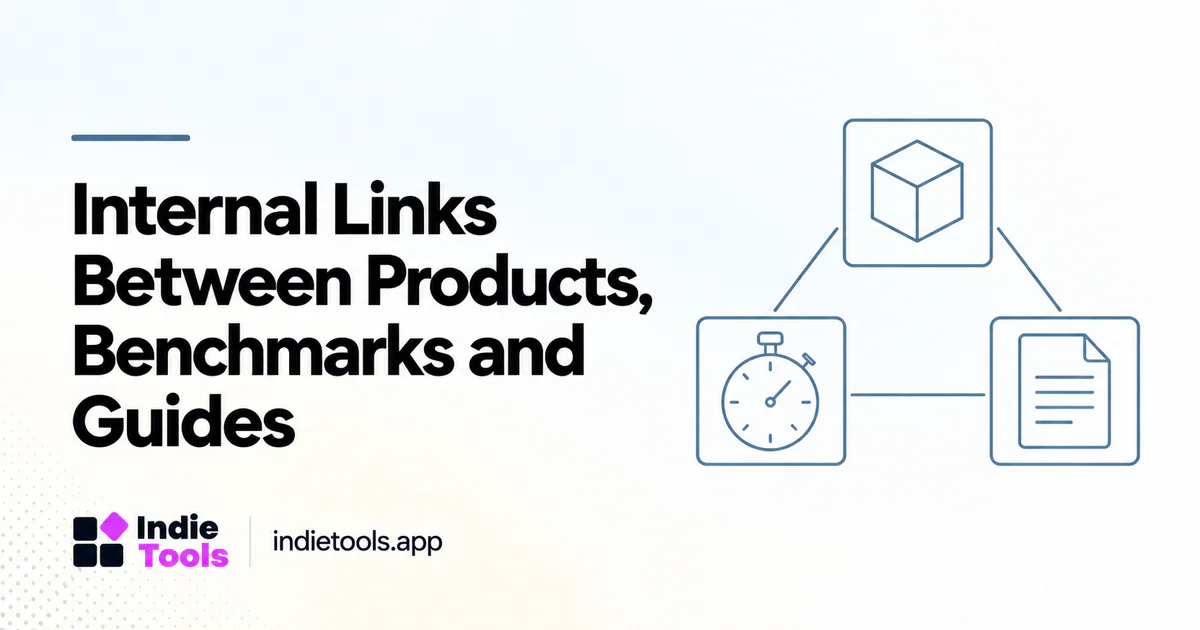
A product page holds the current public facts about one offering. A collection helps readers explore a relevant set. A guide explains a task, and a benchmark page presents a defined measurement result. Link to the page that performs the reader's next job.
For example, an article explaining how to interpret a speed leaderboard should link to the current leaderboard when readers are ready to inspect results. A product card can link to the benchmark methodology when the metric needs explanation. These are different contexts and should use different anchors.
Map entities before writing anchors
Maintain stable identifiers for products and content pages. Store proposed related articles by identifier while they are drafts, then resolve the actual URL when the target is published. This prevents broken links caused by guessing future slugs.
Keep proposed relationships separate from active links. A content plan can include an unpublished supporting guide without inserting a public URL that currently returns an error. The publishing workflow should validate the destination before activating the link.
Use descriptive, natural anchor text
Google recommends crawlable links and descriptive anchor text that helps users and search engines understand the destination. [1] In practice, write the sentence first and link the phrase that accurately describes the next resource.
Avoid repeating an exact keyword anchor mechanically across dozens of pages. “Compare current mobile speed results” may fit one paragraph, while “measurement methodology” fits another. The wording should follow the reader's question rather than a target density.
Add links where the evidence is needed
Place a methodology link near the metric being interpreted, a product link near the first substantive example and a related guide where a new task begins. Do not bury all useful navigation in a large block of loosely related articles at the bottom.
A short contextual link can be enough. The article should still explain its own main point rather than making the reader open several pages to understand a basic answer. Internal links extend the explanation; they should not replace it.
Keep broad and narrow pages complementary
A category can introduce several supporting guides without reproducing their entire contents. A guide can return readers to the category when they need current options. Product pages can show related editorial coverage that genuinely discusses the product.
Avoid creating circular navigation with no information gain. If every page simply sends the reader to another page for the promised answer, the structure is not useful. Test a complete path from an entry article to a relevant product and official destination.
Audit links as the catalog changes
Review links after product renames, acquisitions, category moves and article consolidations. Resolve them to the actual canonical route rather than assuming every product follows a guessed URL pattern. A directory can use category-based product routes or other structures.
Check broken links, redirect chains and orphaned pages. Also inspect semantic accuracy: a working link can still be wrong when the destination no longer answers the anchor's promise. Technical success and editorial relevance are separate checks.
Questions before a linking pass
How many internal links should an article contain? Enough to support the reader's task, without a universal quota. The count is less important than relevance and accuracy.
Should unpublished articles be linked immediately? No. Keep them in the planned relationship map until the target URL is live and verified.
What is the best first step for a large content package? Assign page roles and build a staged link map. Then activate contextual links during publication, validating both the URL and the reason for the connection.
Explore related IndieTools resources: product categories and reported technology collections.
Continue your research
- Category vs Blog vs Product Page SEO
- Turn Product Discovery Data into a Content Plan
- Content QA for 100 Programmatic Articles
Sources and verification
Sources consulted for this article on October 1, 2026. Product capabilities are documented claims unless an actual test is explicitly described.