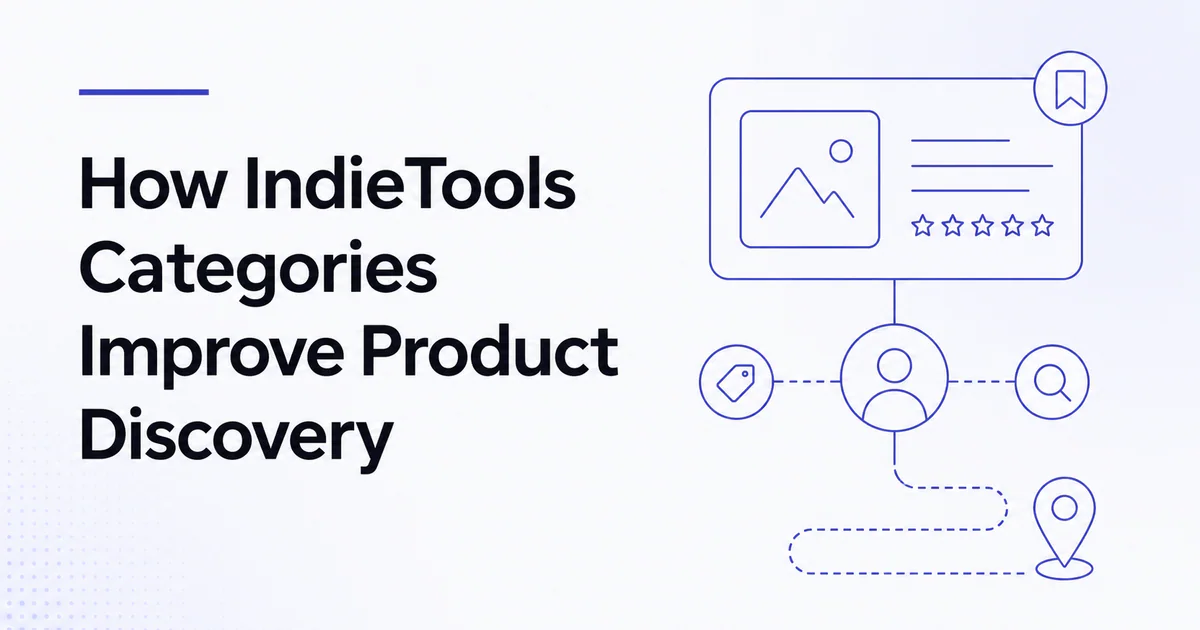
Quick answer: IndieTools categories group products by their main use case so visitors can browse with intent instead of scanning an unstructured catalog. Categories provide a stable discovery page, while tags add narrower context and related-product sections create comparison paths. For founders, accurate classification brings fewer irrelevant impressions and more useful discovery opportunities.
Browse all IndieTools categories or view the complete product directory.
Why product discovery needs structure
A directory becomes less useful as it grows unless visitors can narrow choices. Search works when the visitor knows what to type. Categories work when the visitor knows the problem area but not the product name.
Common discovery journeys include:
- “I need a developer tool, but I do not know which type yet.”
- “I want an analytics product built for a small team.”
- “What alternatives exist in social media scheduling?”
- “Which tools are adjacent to the product I already use?”
Categories, tags and related products address different parts of these journeys.
Category, tag, and related product differences
| Element | Primary role | Example |
|---|---|---|
| Category | Broad, durable product job | Developer tools |
| Tag | Narrow feature, audience or technology | Open source, API, AI |
| Related products | Contextual comparison path | Other tools solving an adjacent job |
| Search | Direct query matching | “local-first changelog” |
A category should not be so broad that it describes nearly every product or so narrow that it contains one temporary variation.
How categories help visitors
Faster orientation
A category page sets expectations before the visitor opens a product. Titles, summaries and product cards create a quick map of the market.
Better comparison
Products in the same category can be compared on audience, workflow and positioning. The directory does not need to declare one universal winner; it can help visitors identify the best fit for their situation.
Discovery beyond known brands
Search queries often favor products the user already knows. Category browsing gives smaller indie products an opportunity to appear alongside established options based on relevance.
New use cases
A visitor may enter through one product and discover a related category they had not considered. This is especially useful for founder tool stacks where development, analytics, support and marketing needs overlap.
How categories help founders
Reach a more relevant audience
Correct classification can reduce low-intent exposure. A visitor browsing the right category is more likely to understand why the product matters.
Clarify positioning
Choosing one primary category forces a useful question: what job does the product primarily perform? If that is difficult to answer, the product's positioning may be too broad.
Create internal discovery links
Category pages connect the listing to a larger information architecture. Those paths help users and crawlable navigation understand how pages relate.
Google recommends logical site structure and concise, relevant internal anchor text. Categories support that principle when they reflect real user needs rather than keyword stuffing.
Support editorial content
Well-defined categories can power comparisons, trend reports and “best tools” guides. A product with accurate metadata is easier to evaluate for relevant editorial inclusion.
How to choose your primary category
Ask:
- What is the product's main paid or repeated job?
- What would a user search for before knowing the brand?
- Which products would a buyer reasonably compare it with?
- Which category describes the outcome rather than the technology?
- Does the homepage use the same positioning?
If the product generates social posts with AI, “social media” may be more useful than a generic “AI” category because it describes the actual job.
Use tags as secondary context
Tags can describe:
- technology: AI, API, browser extension;
- audience: founders, developers, agencies;
- deployment: self-hosted, local-first, cloud;
- business model: open source, free tier;
- feature: collaboration, automation, analytics.
Only use tags supported by the product. Adding popular but irrelevant tags weakens trust and makes discovery noisier.
Related products create a discovery graph
Related-product sections help visitors continue after a listing. They can surface:
- direct alternatives;
- complementary tools;
- products from the same category;
- tools with overlapping tags;
- other products relevant to the current workflow.
For example, a founder reading about dullnote may also be interested in OpenWeave or AICode, but the products should remain distinct in their descriptions.
The goal is not to maximize the number of related cards. It is to make the next click useful.
Category pages as evergreen landing pages
A strong category page can answer:
- what the category includes;
- who typically needs these products;
- how to compare them;
- which subtypes exist;
- which products are newly listed or featured;
- where to learn more.
This creates value beyond a list of logos. It also gives IndieTools a durable page for search and AI-answer visibility around a defined topic.
Avoid category spam
Poor classification patterns include:
- selecting every category;
- treating “AI” as a substitute for product purpose;
- using competitor names as tags;
- creating duplicate listings for separate categories;
- changing categories only to chase traffic;
- inserting keywords unrelated to the product.
IndieTools editorial review should preserve category quality. Paid visibility should affect placement only where disclosed; it should not rewrite the product's actual classification.
Optimize your category presence
- Browse the category as a visitor.
- Compare the first sentence of adjacent listings.
- Make your product's audience and difference explicit.
- Select focused, accurate tags.
- Use a logo readable at card size.
- Keep the destination and availability current.
- Publish releases or founder updates that add context.
- Track category referral quality.
Use how to optimize your IndieTools listing for page-level improvements.
Directory architecture and canonical URLs
IndieTools uses consistent product and category routes such as /products/{slug} and /categories/{slug}. Stable, descriptive routes help users recognize the page and let internal links point to one canonical destination.
Founders should share the current canonical listing URL rather than old category-first routes or temporary tracking links. If an older route redirects, update important profiles when practical.
Measuring category discovery
Useful metrics include:
- category-page impressions;
- product-card click-through rate;
- engaged product-page sessions;
- visit-site clicks;
- related-product continuation rate;
- search-to-category transitions;
- founder profile visits;
- conversion quality by category.
Do not judge category success only by views. A smaller category can deliver higher-fit visitors.
Frequently asked questions
Can one product appear in more than one category?
The exact interface may support related metadata, but every product should have one clear primary job. Use focused tags for secondary context.
Are tags the same as categories?
No. Categories organize broad product use cases; tags add narrower feature, audience or technology signals.
Can I change my category later?
Product information should be updated when positioning genuinely changes. Avoid frequent changes made only to gain exposure.
Do categories guarantee search rankings?
No. They improve information architecture and discovery paths, but indexing and ranking depend on many factors.

 Stardew Valley Tracker
 IcyZip
 Xeramail Temp Mail