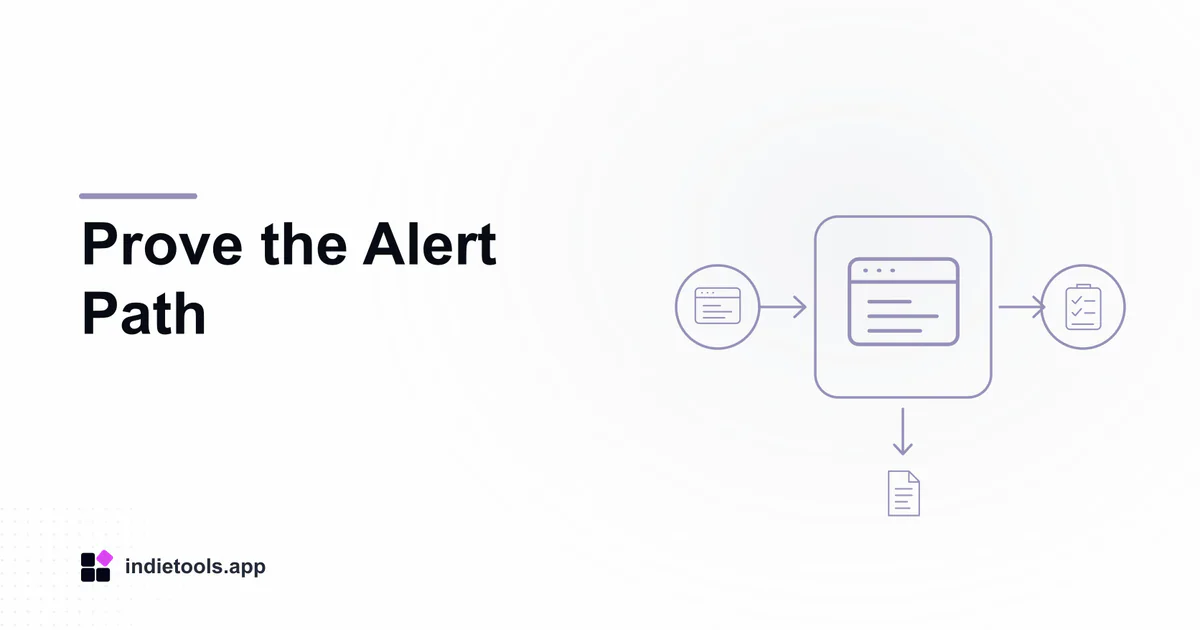
A scheduled-job monitor is useful only if a missed run leads to an understandable alert and a verifiable recovery. Test that chain with a disposable workload before depending on a production dashboard. Crontinel, listed in the Bangladesh catalogue, describes monitoring for schedules, queues and workers. Its product preview provides the context for this acceptance exercise.
The steps below are proposed tests, not measured Crontinel results. Confirm current access and supported integrations first. The official site marks paid signup terms as still under preparation, so do not assume that every illustrated capability is available under your account.
Create a harmless job with an observable output
Use a separate test application. Have a scheduled task write a timestamped marker to a disposable location. Give it a recognizable name and a documented schedule. The marker lets you distinguish “the monitor received a signal” from “the job actually produced its expected output.”
Avoid sending email to customers, charging accounts or altering shared business records. A monitoring exercise should not create an incident while attempting to prepare for one.
Record the expected schedule and the allowed delay in ordinary language. Include the relevant time zone. A monitor cannot decide whether a late run matters unless the team has defined what “late” means for that task.
Observe normal execution first
Let the task complete several ordinary runs. Compare application logs, output timestamps and the monitor's displayed state. Investigate any disagreement before introducing a fault.
Check whether the interface distinguishes a started run from a completed one. For a task that can take longer than usual, a recent start is not proof that its output is current. Keep the acceptance criteria tied to the actual job contract.
Introduce one controlled interruption
Pause the test schedule or stop its isolated worker using the normal administration path. Change only one condition so the resulting alert is interpretable. Do not attempt to overload the service or disrupt shared infrastructure.
Record when the expected run was missed, when the monitor showed the condition and when the notification arrived. These observations support a narrow statement about this exercise. They are not a universal detection-time guarantee.
Read the alert as the recipient
The message should identify the application and task, explain the observed condition and point to a useful next action. Give the recipient only the context they would have during an actual incident. If they need to ask which environment is affected, improve the naming or routing.
Verify that notifications reach a channel somebody owns. A successfully delivered webhook or email can still be operationally useless if nobody watches it. Avoid sending every low-priority condition to an urgent channel; test the route appropriate to this job.
Restore work and confirm its effects
Resume the schedule and check the new marker. Observe whether the monitoring state and recovery notification agree with the real output. If queued work accumulated, check that it drains rather than assuming a restarted process has caught up.
Deployment services such as CloudPloy address a separate control path. A deployment success should not substitute for this job-level confirmation. The deployment-versus-monitoring guide explains that boundary.
Keep a short exercise record
Save the job definition, interruption, timestamps, alert destination and observed recovery. Note any unavailable evidence instead of inventing it. Remove the disposable workload and its credentials after review.
Repeat the drill when a meaningful part of the schedule, monitoring integration or alert route changes. The outcome should be a practiced response supported by observations, not merely another green tile.
Sources
See Crontinel and CloudPloy for current product descriptions.
 CloudPloy
 Crontinel
 Graded Prompts
 Stardew Valley Tracker