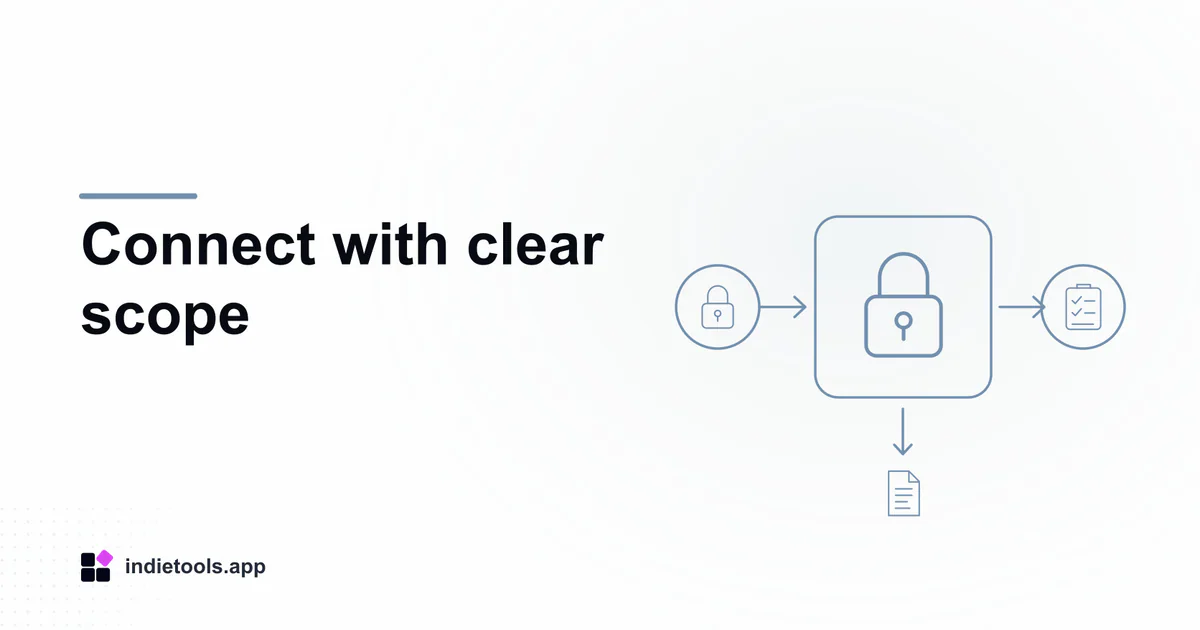
An SEO MCP connector should receive only the access needed for a defined reporting task. Separate public page inspection, private account analytics and tools that can change external systems before letting an assistant select operations from the catalogue.
The Netherlands software collection lists seo-console-mcp. Its repository documentation describes public audit tools, authenticated reporting integrations and local snapshot output. The country listing is a discovery attribute, not evidence of data residency or a security certification.
Define one first task
Start with a question that can be answered without making changes, such as summarizing search performance for one owned property during a named period. Write down the required provider, property and output before installing or enabling a broad integration.
A useful acceptance criterion is that the result includes enough context to reproduce the request. The Search Analytics API describes property-specific queries and their parameters. An assistant's fluent summary should remain traceable to those inputs rather than becoming a replacement for them.
Inventory the actual tools
Read the current discovered tool names, descriptions and argument schemas. Classify each as public read, authenticated read or consequential action. Do not treat an entire package as read-only because the immediate goal is reporting.
For each required capability, note which credential it uses and which account owns that credential. The project's documentation discusses sensitive owner-level Search Console access in its security model. Review the permissions of the actual credential, not just the apparent harmlessness of the prompt sent to the assistant.
Keep configuration separate from model context
Store credentials in the supported secret configuration and prevent them from appearing in prompts, screenshots or exported reports. Review what the host can read when starting a local process and what information a remote service receives.
Use a controlled test account or property where available. Record the installation source and version so a later tool-catalogue change can be recognized. A package update that adds a write operation should trigger a new capability review even if the familiar reporting command still works.
Test access boundaries deliberately
Ask for a permitted report and confirm that its property identifier matches the intended destination. Then test a property for which the account has no access. The denied operation should remain a visible failure, not an empty report that an assistant interprets as no search activity.
Also test an unavailable upstream service and an oversized result. Decide whether large reports should be saved to a file, summarized from a bounded subset or rejected. Include the chosen boundary in the output so downstream readers know what was actually examined.
Separate analysis from publication
A useful assistant can identify an issue and draft a proposed correction without receiving permission to apply it. Keep consequential changes in a distinct, reviewed workflow with a precise target and an observable result.
Save a small evaluation record: selected tools, granted permissions, test cases, raw report location and revocation procedure. Repeat the review when the integration or provider account changes. This is more actionable than collecting a long list of supported tools that nobody has mapped to the team's work.
For the reporting side of the evaluation, use the companion search-report reconciliation guide. It explains how to preserve grouping, date scope and missing-data distinctions once the connection is correctly bounded.

 Stardew Valley Tracker
 IcyZip
 Xeramail Temp Mail