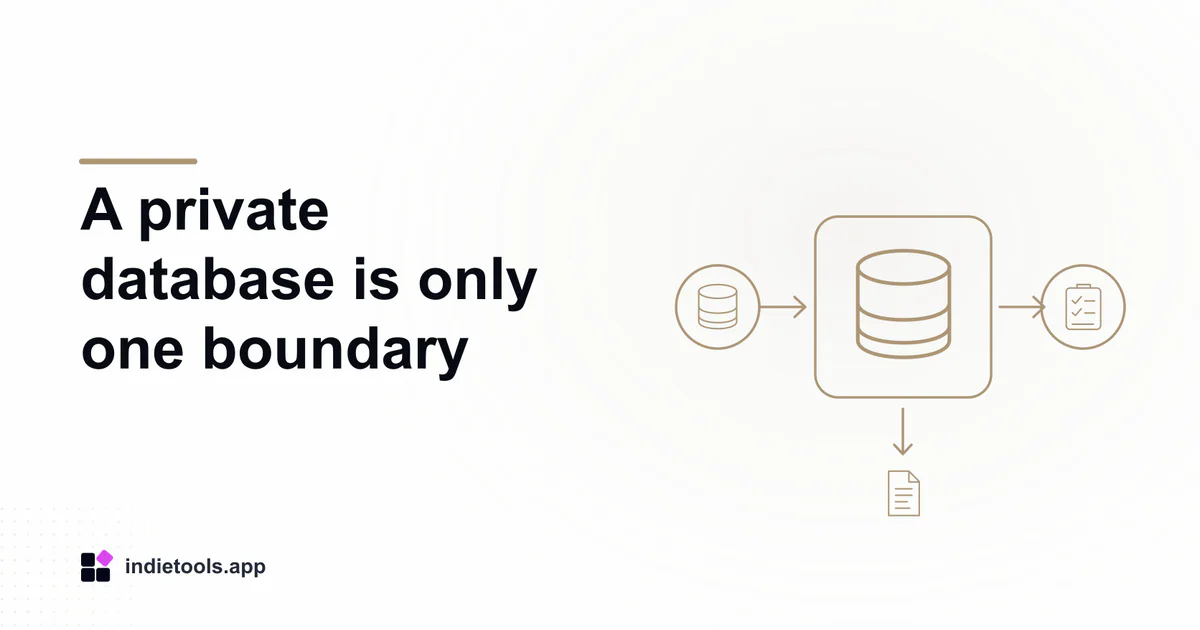
A Neon preview branch isolates database changes from its parent, but it does not automatically isolate email recipients, payment accounts or webhook destinations. Review those external connections before using a preview to exercise a complete SaaS workflow.
This is a practical consideration for products discovered in the Neon catalogue. Orbit, in the October 3, 2026 inventory, describes workspaces, invitations and billing in a SaaS boilerplate. Its listing supplies a relevant workflow example, not proof of how its preview deployments are configured.
Draw the preview's connection map
Start with the deployed application and list every system it can write to. Include the database, object storage, outgoing email, payment provider, analytics and incoming webhook handlers. Record the environment for each connection separately.
The dangerous configuration is often mixed: a preview database paired with live email credentials, or a test checkout whose webhook reaches a production endpoint. A single environment label in the deployment dashboard cannot prove that all these destinations agree.
Use a harmless startup check that reports environment names and the presence of required configuration without exposing secret values. The operator should be able to verify the map before opening a form that creates records or starts a background job.
Choose what data the preview needs
Neon's branching guidance describes independent database environments and pull-request workflows. Decide whether your test needs realistic relationships, realistic volume or actual customer content. Those are different requirements, and synthetic records may satisfy the first two.
For an invitation flow, two invented workspaces and a captured-email destination are usually more useful than copying an entire customer account. For a migration, preserve the shapes that matter, such as missing optional values and older records, while avoiding unnecessary personal information.
Record where the preview data came from and who may access it. A branch name containing a pull-request number is an identifier, not an access policy or a data minimization plan.
Exercise the boundaries deliberately
Propose four checks: an invitation reaches only the test mailbox, an uploaded asset lands in the test location, a checkout uses the provider's supported safe environment, and a webhook updates only the preview record. Do not create a real charge to prove a configuration label.
Then retry an event after refreshing the page. The database may correctly prevent a duplicate record while an external message is still sent twice. Record both outcomes rather than reducing the exercise to “the preview worked.”
Include the reverse direction: a production event should not be accepted by a preview merely because its payload looks familiar. Verification and routing need to agree with the selected environment.
Close the preview cleanly
Define who removes temporary branches, assets and provider test fixtures when the work ends. Preserve only the evidence necessary to review the change. Cleanup should be scoped to explicit test identifiers and should not rely on guessing from a product name.
The release decision should reference the tested deployment and environment map, since a later secret change can invalidate earlier results. For teams still choosing a starter, the Neon boilerplate ownership review explains the handover questions that make this operating discipline possible.

 Stardew Valley Tracker
 IcyZip
 Xeramail Temp Mail